
AI Construction Completion: See an Unfinished Home Finished
Selling off-plan or showing a client a site that is still bare block and cables? Upload a photo of the unfinished room or house and AI completes it with plastered walls, finished floors, frames, light fittings and a clean facade, keeping the structure and every opening where it is.
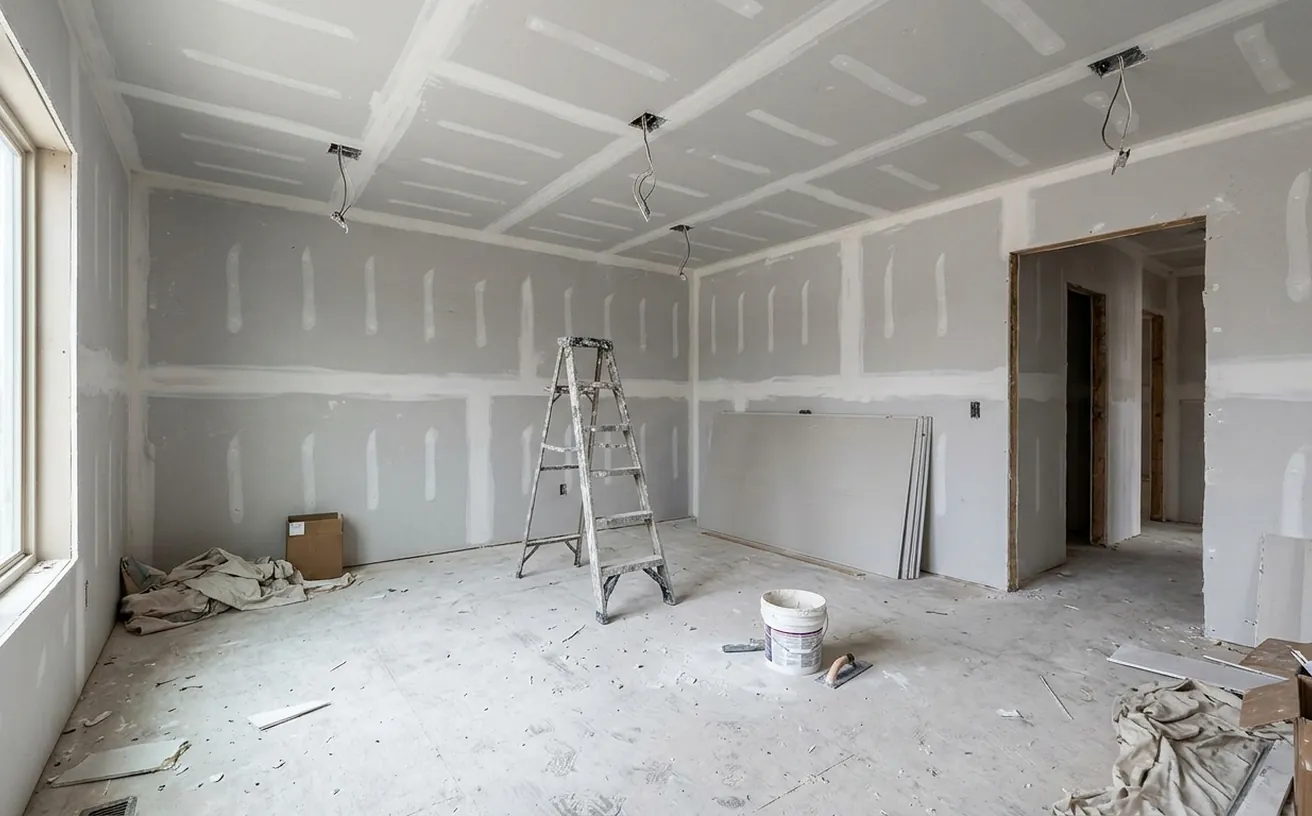
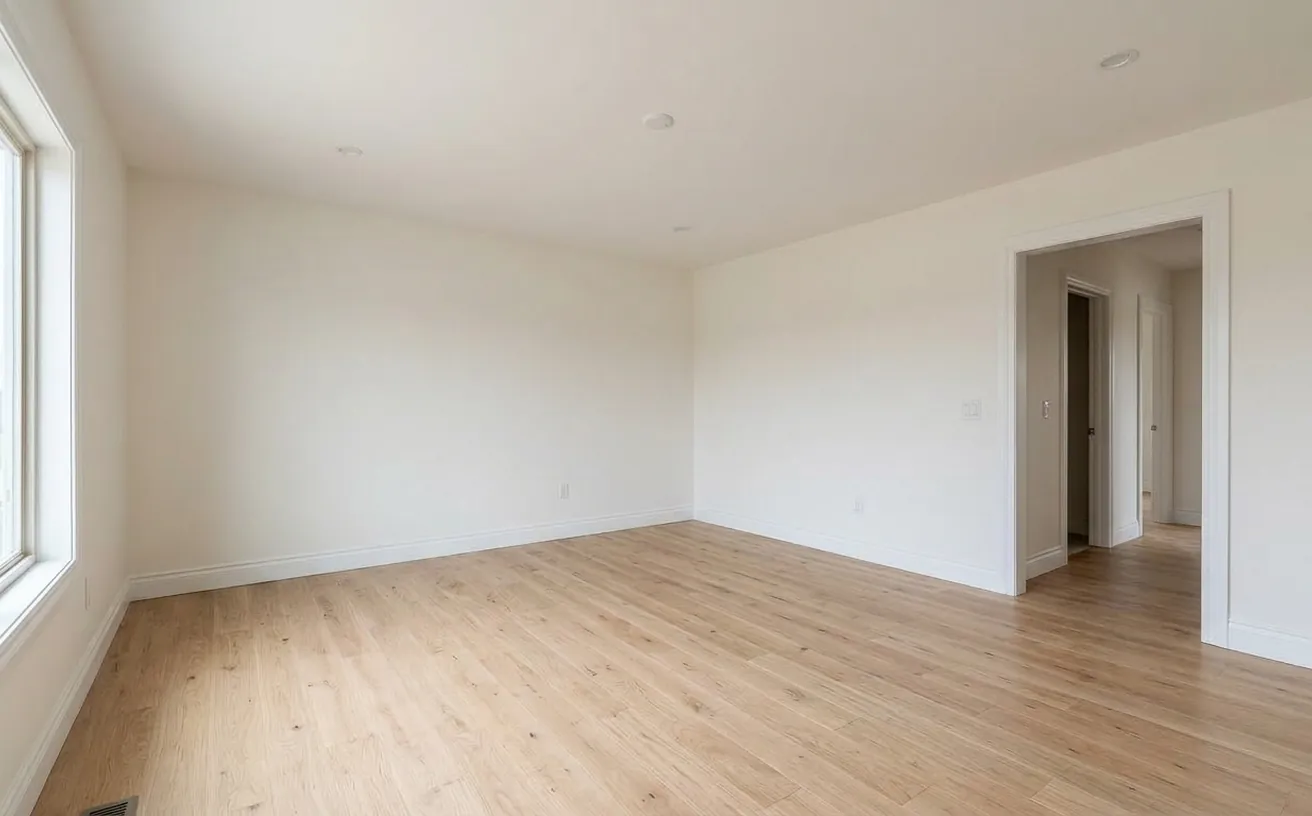 BeforeAfter
How it works
- 1
Upload a photo of your space.
- 2
Tap Photo fixes and choose Finish construction.
- 3
Download the edited photo in about 20 seconds.
Tips for the best results
- Shoot from a corner at standing height so the AI sees the floor, walls and ceiling.
- Clear what you can on site first; the AI removes tools and debris, but less is cleaner.
- Stage the finished room next with the AI decorator to show it furnished.
- Label the image as a visualization when you use it in sales material.
Frequently Asked Questions
Can AI show what an unfinished house will look like finished?
Yes. Upload the site photo and choose Finish construction in Photo fixes. The AI adds finished walls, flooring, frames and fixtures and removes the building mess, keeping the structure, room shape and openings.
Does it work for exteriors?
Yes. For a building exterior it finishes the facade, glazing, roof edge and entrance and tidies the lot.
Can I choose the finishes?
The fix uses neutral finishes. Afterwards, redesign the finished room in any style, or change a single surface with the floor or cabinet tools.
How much does it cost?
Your first edit is free with no credit card. Unlimited edits are $14.99/month, or $4.99 for a 24-hour Day Pass.


Unlock the Full Power of Decor Copilot
Upload a photo and see your room redesigned in seconds. Start for free today.
No credit card required