
AI Mood Board Generator From a Room Photo
Upload a room you love, or a redesign you made, and get a flat-lay mood board of its wall colors, fabrics, flooring, wood and metal finishes with a color palette. Use it to shop, brief a contractor or present to a client.
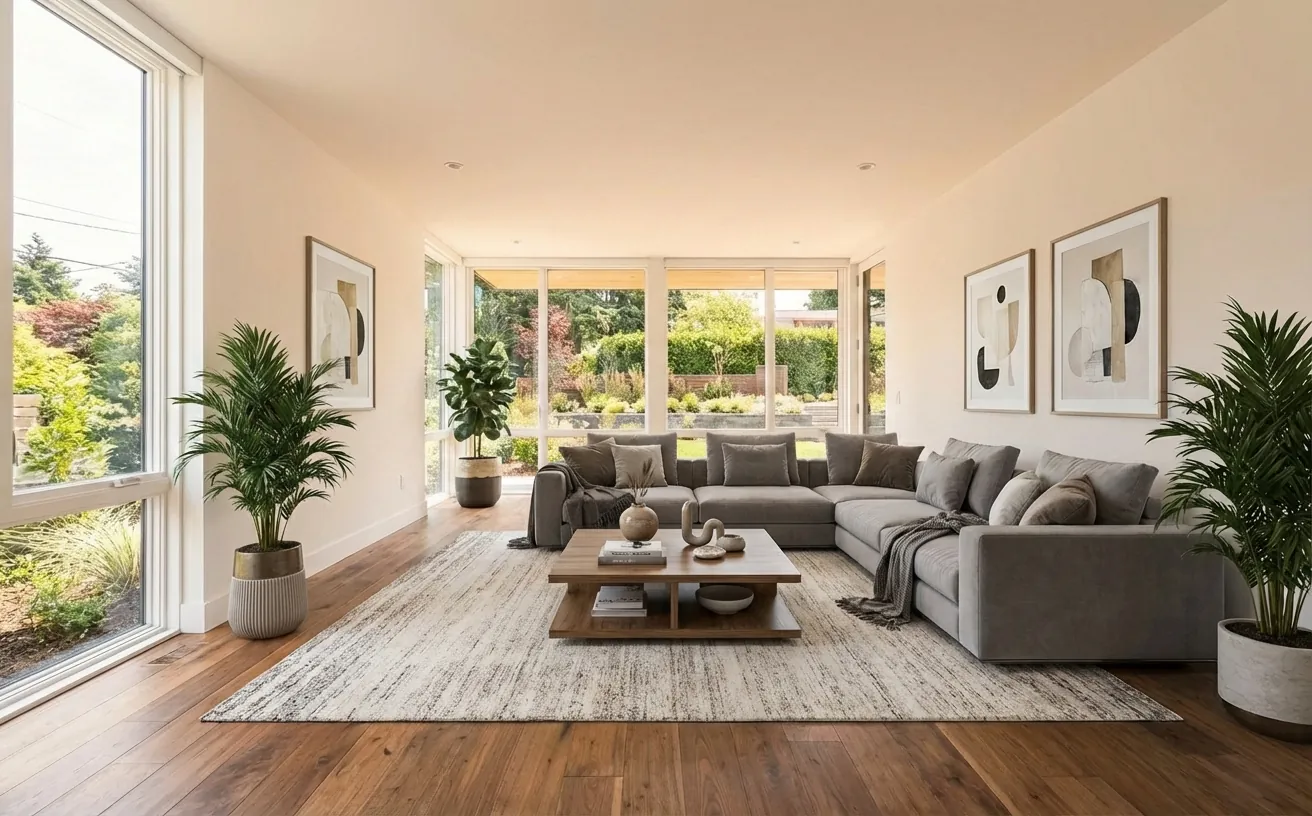
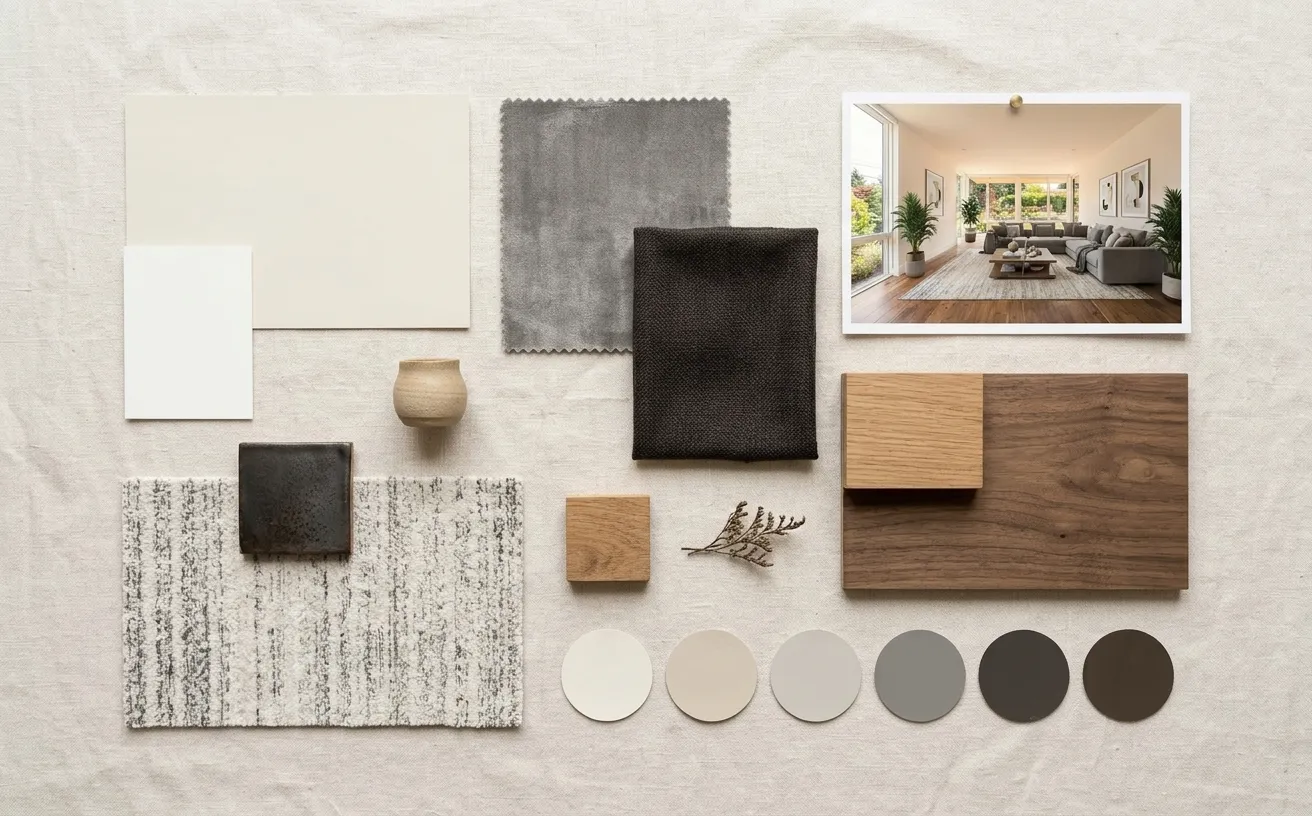 BeforeAfter
How it works
- 1
Upload a photo of your space.
- 2
Tap Photo fixes and choose Mood board.
- 3
Download the edited photo in about 15 seconds.
Tips for the best room redesign
- Make the board from your favorite redesign, not the original photo, to capture the new look.
- Take the board to the paint store or fabric shop to match samples by eye.
- Make boards for two styles and compare them side by side before you buy anything.
- Designers: send the board with the before and after photos as a client concept pack.
Frequently Asked Questions
How do I make a mood board from a photo?
Upload the room photo, open Photo fixes and choose Mood board. The AI pulls the wall colors, fabrics, flooring and finishes from the photo and lays them out as a flat-lay board with a color palette.
Can I make a mood board from an AI redesign?
Yes. Redesign your room in any style first, then make the mood board from the result to get the materials and colors of the new design.
Does the mood board show exact paint brands?
No. It shows the colors and materials visually. Match them with physical samples, or use the color palette extractor for hex codes.
How much does it cost?
Your first edit is free with no credit card. Unlimited edits are $14.99/month, or $4.99 for a 24-hour Day Pass.


Unlock the Full Power of Decor Copilot
Upload a photo and see your room redesigned in seconds. Start for free today.
No credit card required