
AI Season Changer: Make Listing Photos Any Season
Listing photos taken in the wrong season make a house look stale. Upload an exterior photo and switch it to summer, autumn, spring or a clean winter scene while the house stays exactly the same.
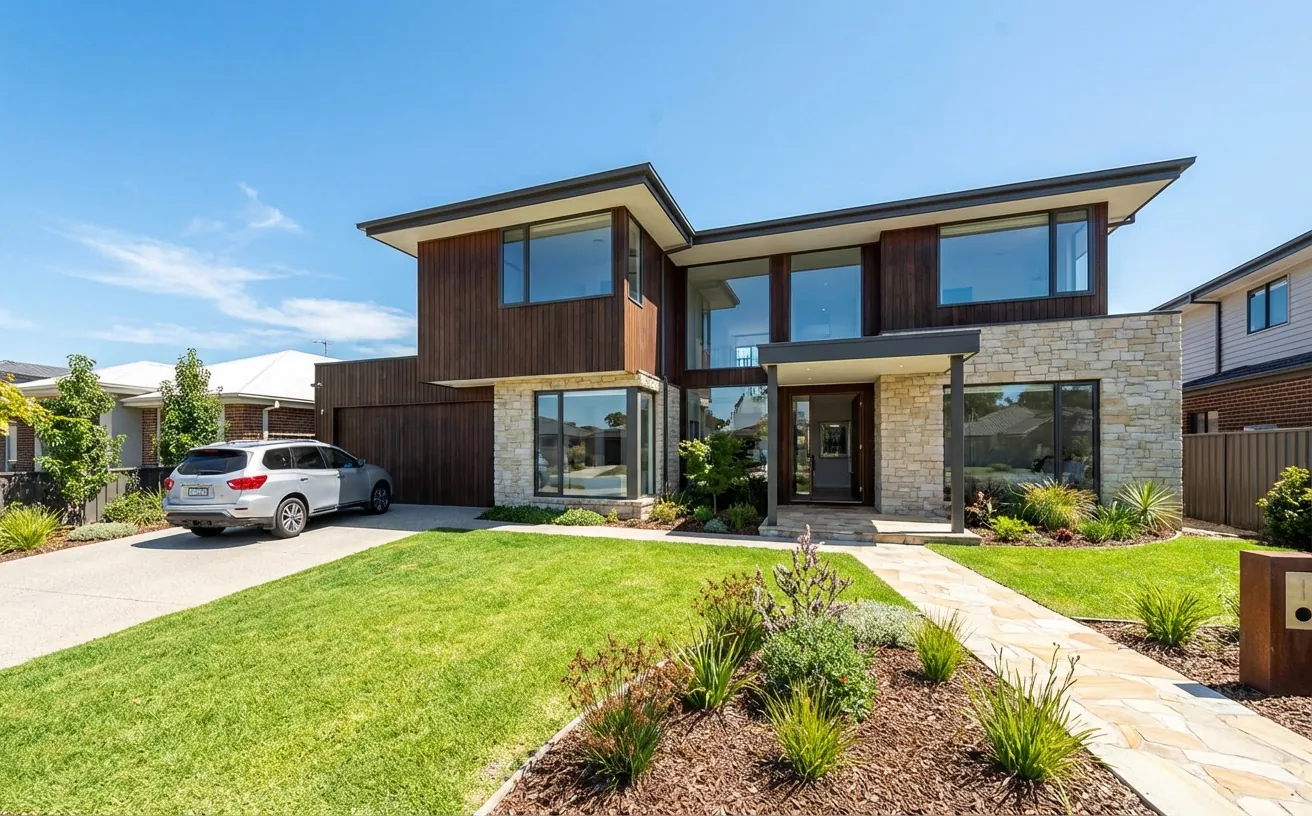
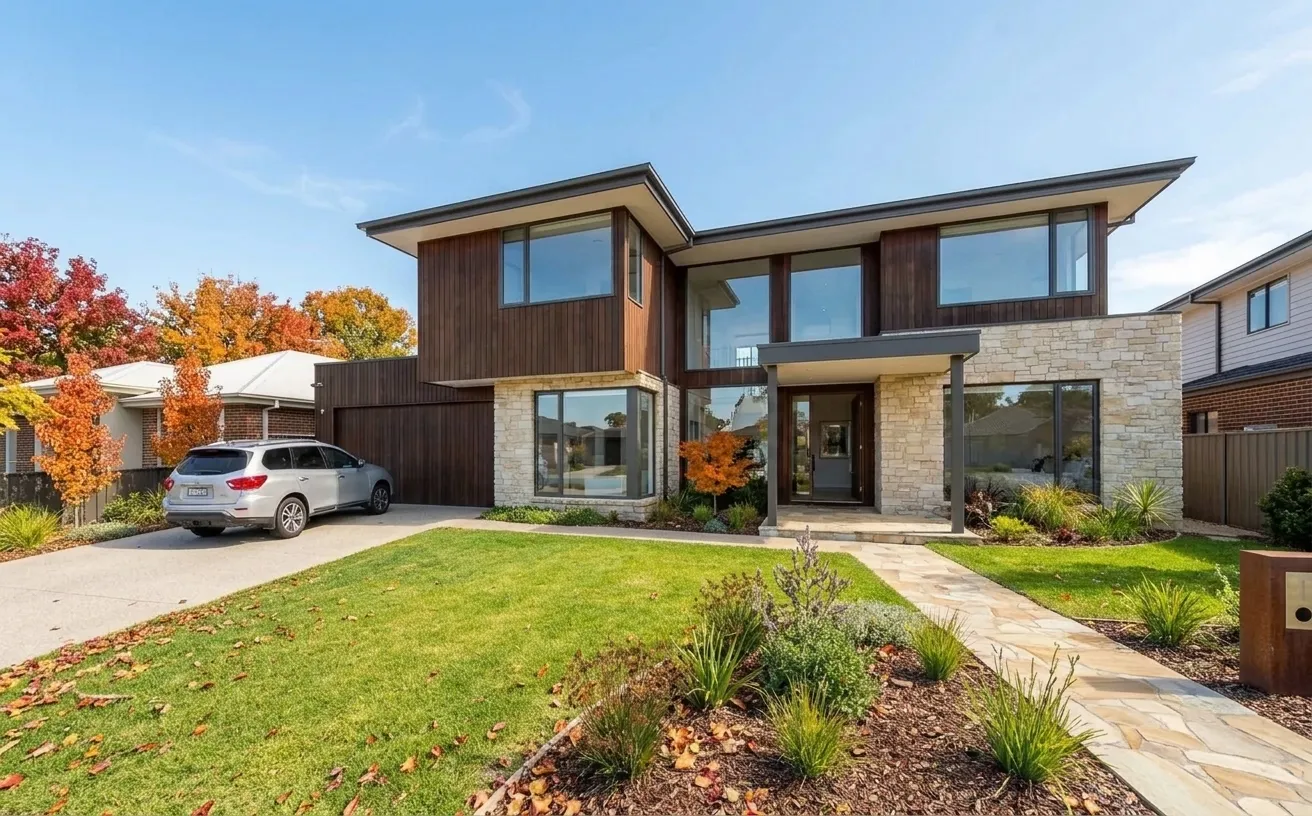 BeforeAfter
How it works
- 1
Upload a photo of your space.
- 2
Tap Photo fixes and choose Autumn colors.
- 3
Download the edited photo in about 15 seconds.
Tips for the best room redesign
- Use Summer refresh for listings that went live in winter.
- Keep the real season in at least one photo and label edited ones.
- Combine with Blue sky or Day to dusk for a stronger hero photo.
- Process the whole listing at once with batch photo fixes.
Frequently Asked Questions
Can AI change the season in a photo?
Yes. Upload an outdoor photo and choose Summer refresh, Autumn colors, Spring bloom or Winter snow. The AI changes the plants, lawn, sky and light and keeps the building unchanged.
Is it allowed to change the season in real estate photos?
Most MLS rules allow seasonal and sky edits if they do not hide defects and the photo is marked as edited. Check your local MLS rules.
Can I edit a whole listing at once?
Yes. The batch photo fixes page applies the same fix to up to 20 photos.
How much does it cost?
Your first edit is free with no credit card. Unlimited edits are $14.99/month, or $4.99 for a 24-hour Day Pass.


Unlock the Full Power of Decor Copilot
Upload a photo and see your room redesigned in seconds. Start for free today.
No credit card required