
AI Style Transfer: Copy a Room Style From Any Photo
Save a room you love from Pinterest, Instagram or a hotel, then upload it next to a photo of your own room. The AI copies its colors, materials and furniture style onto your space and keeps your walls, windows and floor plan.
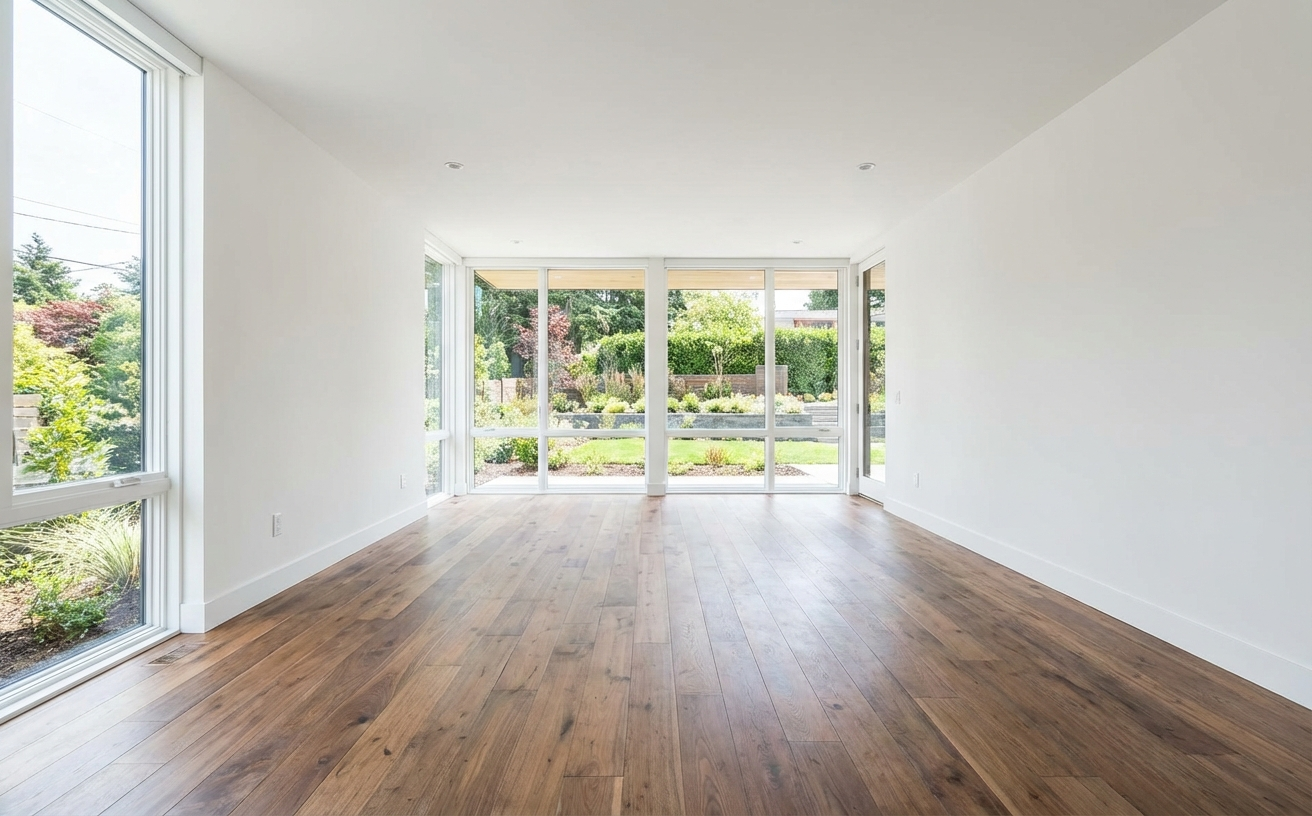
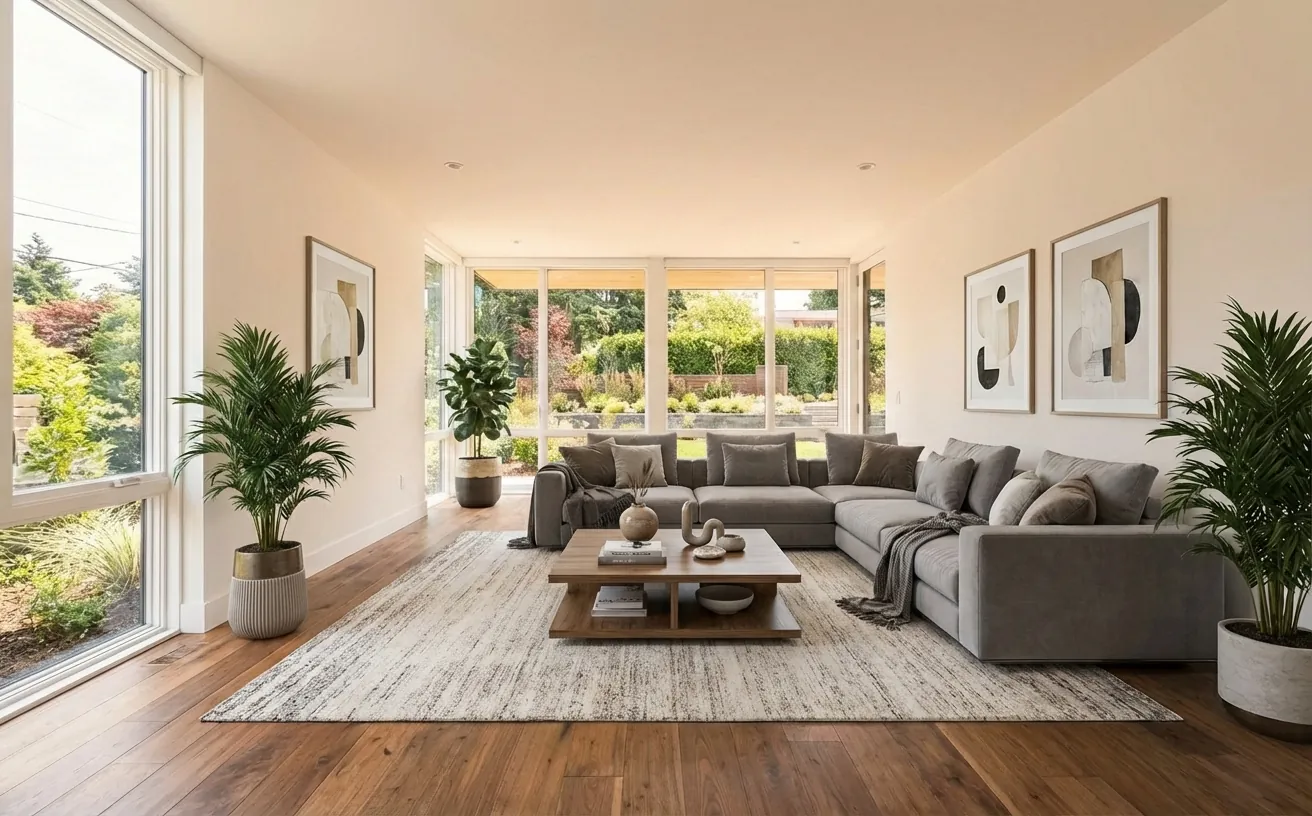 BeforeAfter
How it works
- 1
Upload a photo of your own room.
- 2
Add an inspiration photo from Pinterest, Instagram or a showroom.
- 3
Get your room redesigned in that look, with your walls and windows kept.
Tips for the best room redesign
- Pick an inspiration photo with a clear, consistent look rather than a collage.
- Add a note on what to copy: "the colors and the rattan furniture, not the layout".
- Use a subtle intensity to keep your own furniture and change the styling.
- Add a second reference for a single item, such as a sofa or lamp you want to buy.
Frequently Asked Questions
Can AI copy the style of a room from a photo?
Yes. Upload your room, then add the inspiration photo as a style reference. The AI applies its palette, materials and furniture style to your room while keeping your architecture.
Can I use a Pinterest photo as a reference?
Yes. Save the image from Pinterest or take a screenshot and upload it as a reference. It is used only to guide your redesign.
Will it copy the furniture exactly?
It copies the look: colors, materials and furniture types. To place one exact product, add its photo as an item reference or use Magic Edit with a reference image.
How much does it cost?
Your first edit is free with no credit card. Unlimited edits are $14.99/month, or $4.99 for a 24-hour Day Pass.


Unlock the Full Power of Decor Copilot
Upload a photo and see your room redesigned in seconds. Start for free today.
No credit card required