
Floor Visualizer: See New Flooring in Your Room
Upload a photo and see oak planks, herringbone parquet or large porcelain tiles on your real floor. The AI changes only the flooring and keeps your furniture, rugs and light.
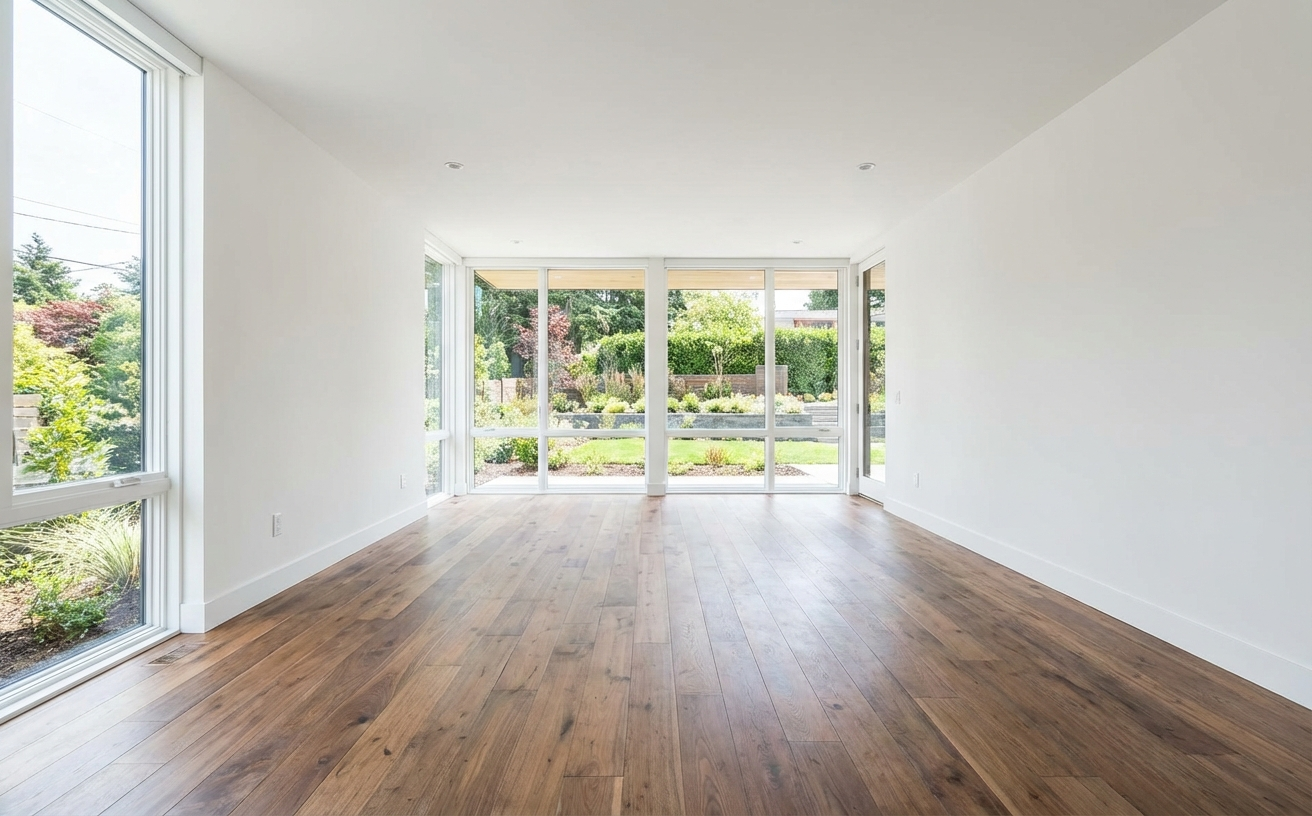
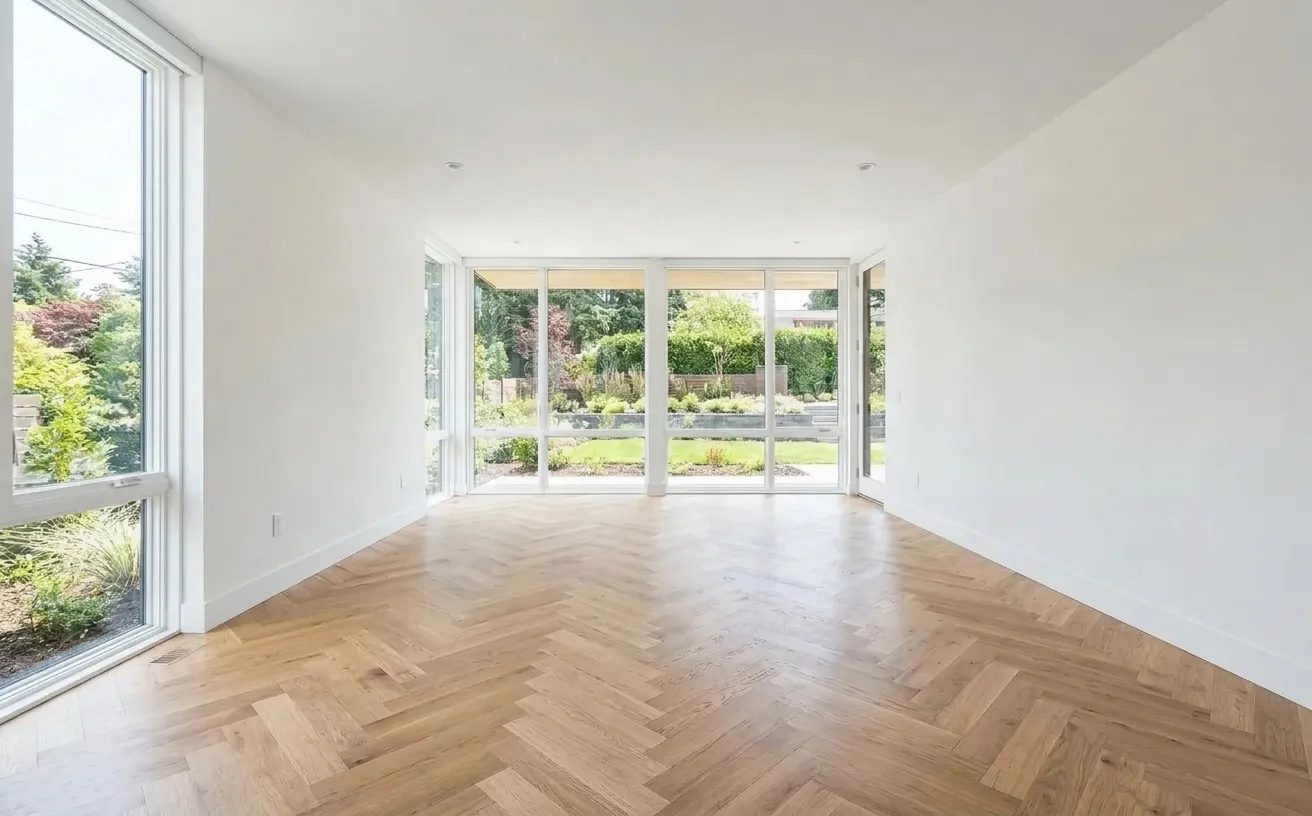 BeforeAfter
How it works
- 1
Upload a photo of your space.
- 2
Tap Photo fixes and choose Herringbone floors.
- 3
Download the edited photo in about 15 seconds.
Tips for the best room redesign
- Take the photo at standing height with the whole floor in view.
- Compare light and mid-tone wood against your wall color before ordering samples.
- Run planks along the longest wall to make a room look longer.
- Use Magic Edit with a photo of your exact flooring sample for a closer match.
Frequently Asked Questions
How can I see new flooring in my room before buying?
Upload a photo of the room and choose Wood floors, Herringbone floors or Tile floors. The AI replaces only the floor, following its perspective, and leaves furniture and rugs in place.
Can I use a photo of my own flooring sample?
Yes. In Magic Edit, brush over the floor, choose Replace and add a photo of your tile or plank as the material reference.
How much flooring do I need?
Measure the room area and add 10% for cuts, or 15% for herringbone and diagonal layouts. The free flooring calculator works it out for you.
Is the floor visualizer free?
Your first edit is free with no credit card. Unlimited edits are $14.99/month, or $4.99 for a 24-hour Day Pass.


Unlock the Full Power of Decor Copilot
Upload a photo and see your room redesigned in seconds. Start for free today.
No credit card required