
Roof Visualizer: See a New Roof on Your House
Upload a photo of your house and see a new roof in seconds. The AI keeps the roof shape, pitch, chimneys and skylights and replaces only the covering and gutters.
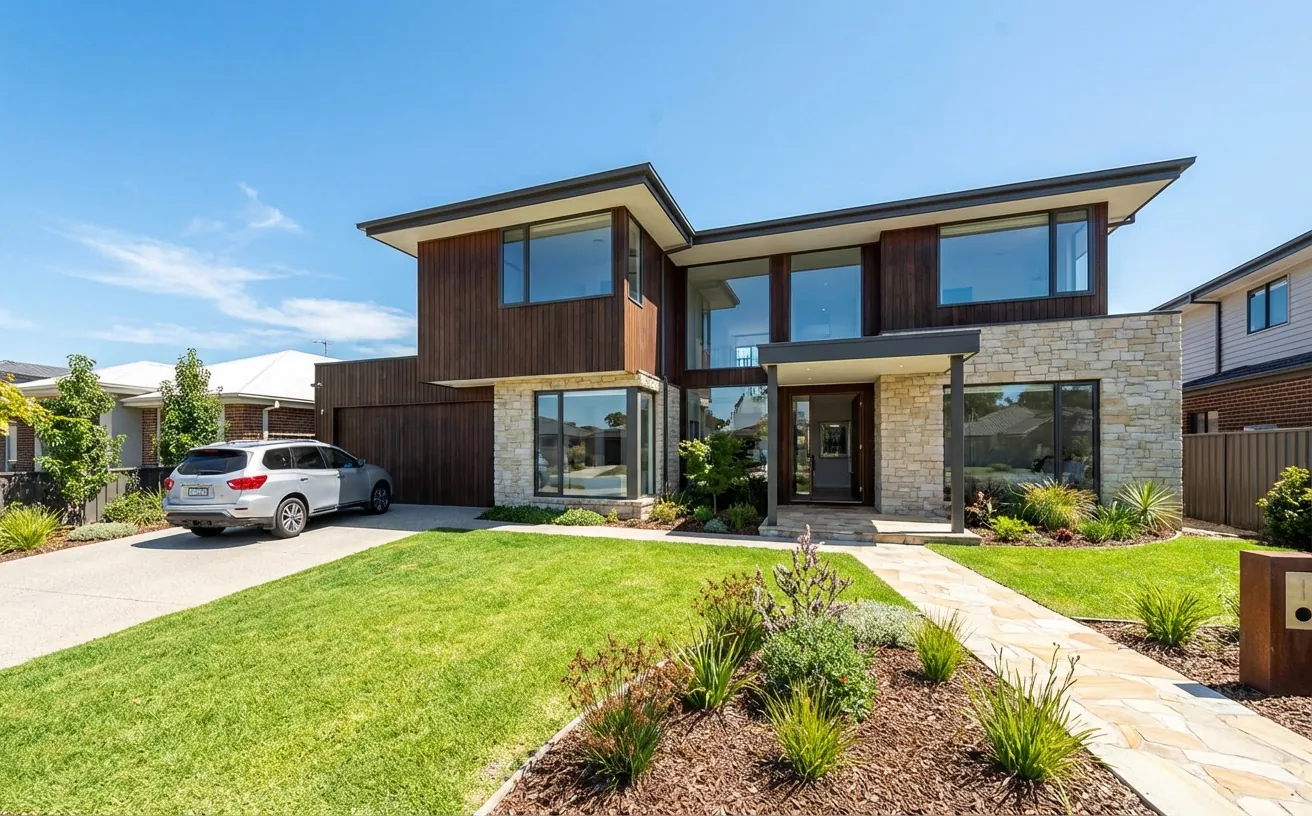
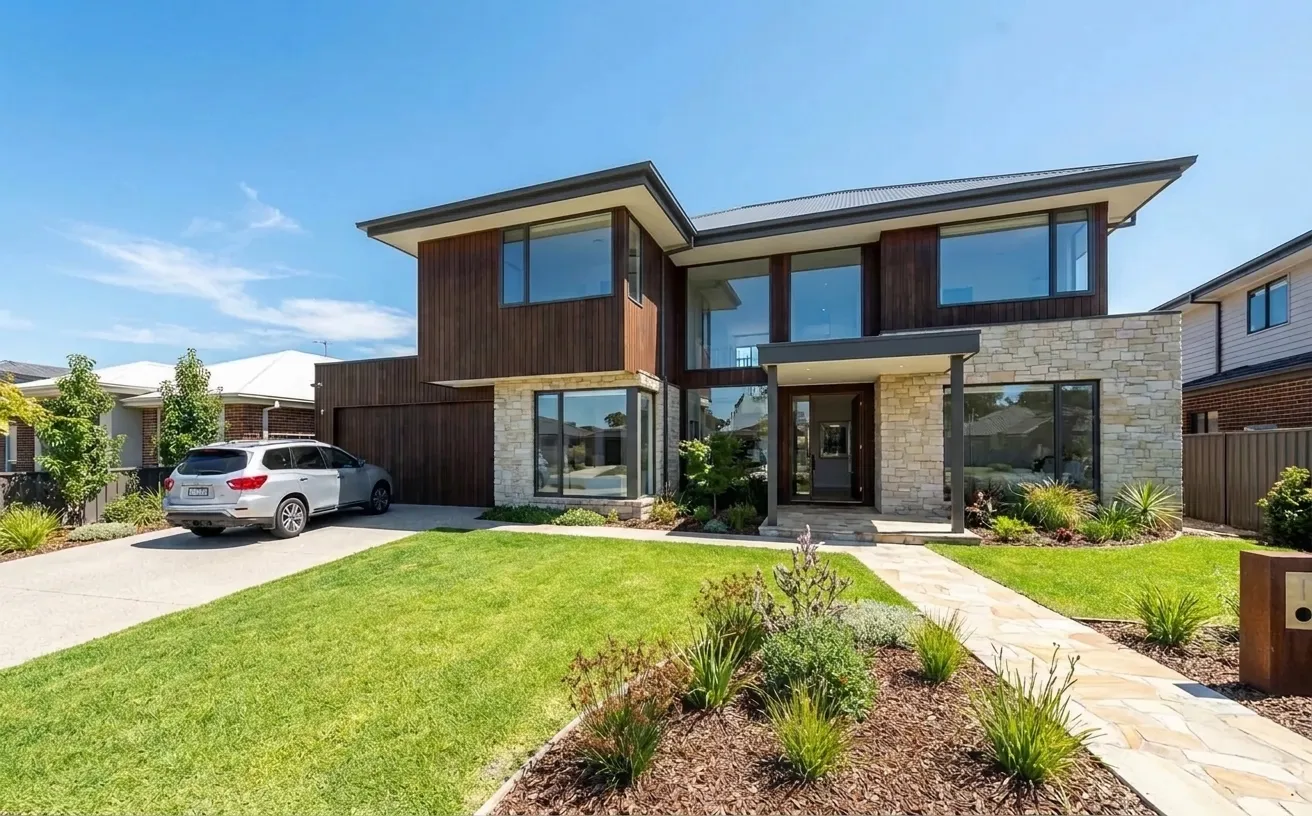 BeforeAfter
How it works
- 1
Upload a photo of your space.
- 2
Tap Photo fixes and choose New roof.
- 3
Download the edited photo in about 15 seconds.
Tips for the best room redesign
- Shoot from across the street so the whole roof is in view.
- Describe the material in Magic Edit: "standing-seam metal in dark bronze".
- Compare the roof against your wall color; dark roofs suit light walls.
- Use the result to brief roofers on the exact look you want.
Frequently Asked Questions
Can I see what a new roof will look like on my house?
Yes. Upload a photo of your house and choose New roof, or describe a material and color in Magic Edit. Only the roof covering and gutters change.
Which roof color goes with a white house?
Charcoal, black and dark bronze are the safest choices for a white house. They frame the walls and hide dirt better than light roofs.
Does it work for metal and tile roofs?
Yes. Name the material you want, such as standing-seam metal, clay tile or architectural shingles, and the AI keeps the roof shape the same.
How much does it cost?
Your first edit is free with no credit card. Unlimited edits are $14.99/month, or $4.99 for a 24-hour Day Pass.


Unlock the Full Power of Decor Copilot
Upload a photo and see your room redesigned in seconds. Start for free today.
No credit card required