
Virtual Furniture Removal: Empty a Room From a Photo
Upload a photo of a furnished room and AI removes the furniture, rugs and clutter, then rebuilds the floor and walls behind them. Use the empty room for a listing, or as a clean start for virtual staging.
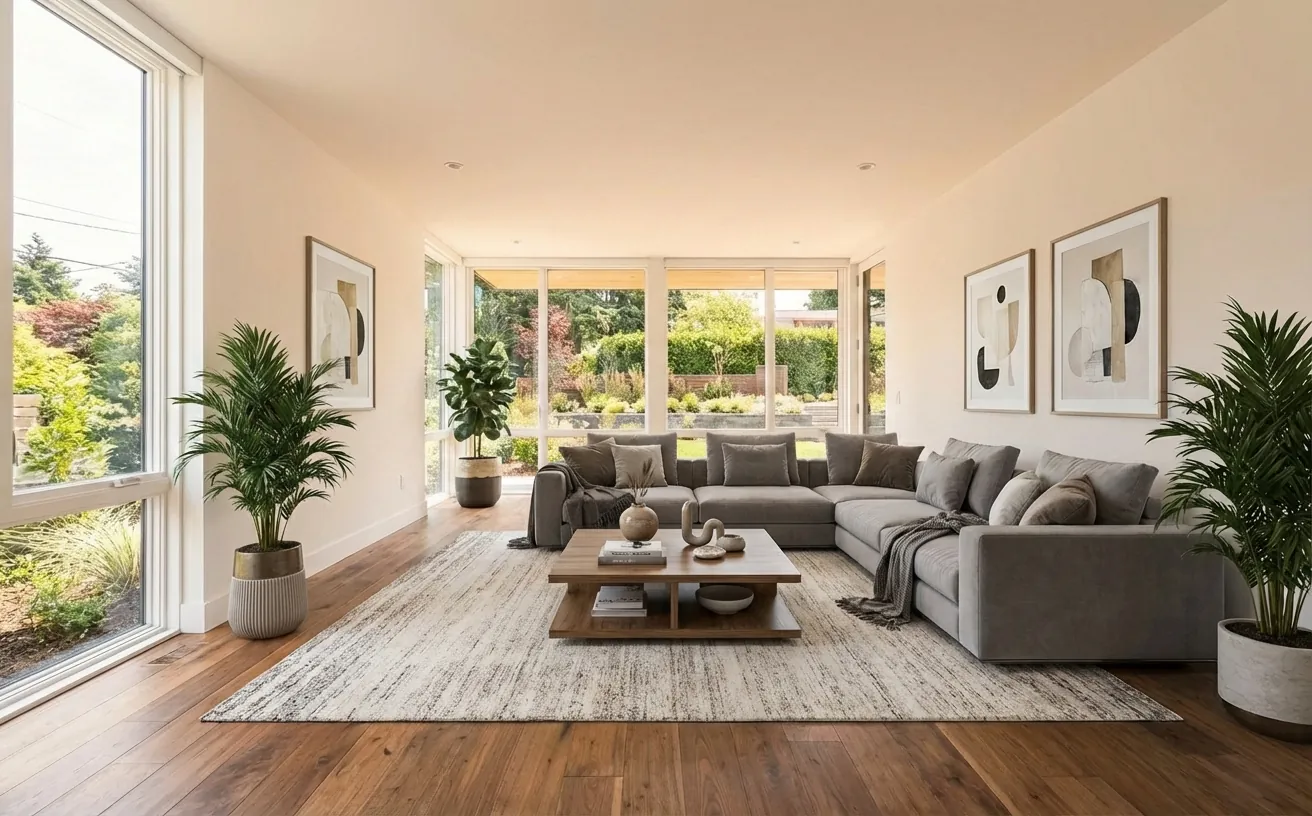
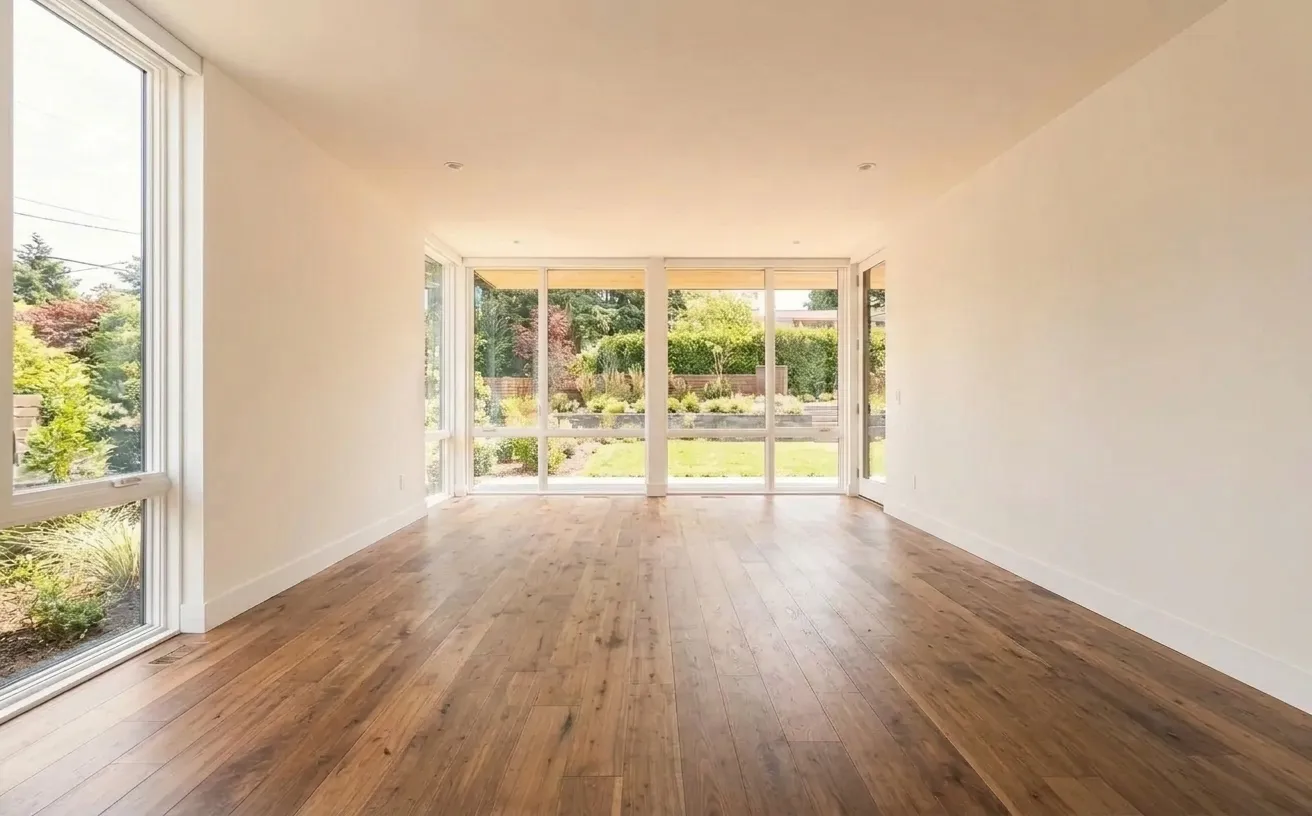 BeforeAfter
How it works
- 1
Upload a photo of your space.
- 2
Tap Photo fixes and choose Empty room.
- 3
Download the edited photo in about 15 seconds.
Tips for the best room redesign
- Shoot from a corner so the AI sees as much floor and wall as possible.
- Built-ins such as kitchen cabinets, radiators and light fittings stay in place.
- Stage the empty room next with the AI decorator in any style.
- Disclose virtually emptied or staged photos in real estate listings.
Frequently Asked Questions
Can AI remove furniture from a photo?
Yes. Upload the photo and choose Empty room. The AI removes movable furniture, rugs and decor and fills in the floor and walls behind them with matching materials, usually in about 15 seconds.
Is virtual furniture removal good for real estate listings?
Yes, an empty room shows the real size of the space and is the starting point for virtual staging. Most MLS rules require you to say that a photo was digitally altered.
Can I remove only one piece of furniture?
Yes. Use Magic Edit, brush over the item and choose Erase. Only the selected area changes.
How much does it cost?
Your first edit is free with no credit card. Unlimited edits are $14.99/month, or $4.99 for a 24-hour Day Pass.


Unlock the Full Power of Decor Copilot
Upload a photo and see your room redesigned in seconds. Start for free today.
No credit card required