Virtual Staging Disclosure Rules: What Agents Must Label (and What Crosses the Line)
Virtual furniture is fine when it's labeled. Changing paint, floors, views or hiding defects is a different story. Here's how disclosure works and a checklist for staying on the right side.
Hoceine
7 min read16 views
In this article
A thread on r/zillowgonewild titled "When does virtual staging go too far?" pulled in more than 200 upvotes and a lot of frustrated buyers. Over on r/realtors, a post called "AI edited listing photos are becoming a trust problem" made the same point from the agent side: buyers who walk into a home that doesn't match the photos stop trusting the listing, and sometimes the agent. And on r/AskRealEstateAgents someone asked a simple question: "Is it common practice now to digitally stage listing photos without including some sort of disclaimer?"
The answer is that labeling is expected nearly everywhere, and some edits aren't acceptable even with a label.
Short answer: label every virtually staged image clearly as "virtually staged," and include the unstaged original when your MLS requires it (many do). Adding furniture and decor is generally fine with disclosure. Changing permanent features, like paint, flooring, fixtures, views or damage, misrepresents the property. Rules vary by MLS and state, so check your local MLS rules and your broker's policy.
This article is general information, not legal advice.
Where do the rules come from?
There isn't one national virtual staging law in the US. The expectations come from a few overlapping places:
- The NAR Code of Ethics. Article 12 requires REALTORS to be honest and truthful in their real estate communications and to present a true picture in their advertising and marketing. Altered photos that mislead buyers about the property fall under that.
- Your MLS. Each MLS sets its own photo rules. Many require virtually staged photos to be labeled, some require the original unstaged photo to appear alongside, and some limit how many altered photos can be used or where they appear in the listing order.
- State license law and advertising rules. State real estate commissions generally prohibit misleading advertising, which covers manipulated photos.
- Brokerage policy. Many brokerages have their own written rules that are stricter than the MLS.
Since the details differ by market, the practical approach is to follow the strictest rule that applies to you.
What's acceptable with a label, and what isn't
The line most rules draw is between things that leave with the seller and things that come with the house.
| Edit | Generally acceptable with disclosure? | Why |
|---|---|---|
| Adding furniture, rugs, art and decor to an empty room | Yes | Buyers understand furniture isn't included |
| Removing the seller's furniture and clutter | Usually, with disclosure | Personal items don't convey, but check what's being hidden behind them |
| Changing wall paint color | No (unless labeled as a rendering of a proposed change) | Paint is part of the property |
| Replacing flooring or carpet | No | Flooring conveys with the home |
| Changing countertops, cabinets or fixtures | No | These are permanent features |
| Removing cracks, stains, water damage | No | That hides defects |
| Replacing the view out the window | No | Location and view are material facts |
| Sky replacement on exteriors | Varies, many markets allow it with disclosure | Check your MLS; it's weather, not the property |
| Greening a dead lawn | Gray area, disclosure strongly advised | Lawn condition is visible on a showing |
The test to apply to every edit: if a buyer walks in and sees something different from the photo, would they reasonably feel misled about the property itself? If yes, don't make the edit, or present it clearly as a "possible renovation" rendering, separate from the listing photos and labeled as such.
How should you label virtually staged photos?
Clear, consistent labeling is what most MLS rules ask for. Good practice:
- Put "Virtually Staged" on the image itself, in a corner where it can't be cropped out easily, readable at thumbnail size.
- Mention it in the listing remarks too, for example "Some photos have been virtually staged."
- Use the photo caption field if your MLS has one.
- Keep the same label on syndicated listings, social posts and flyers.
Should you include the original photo?
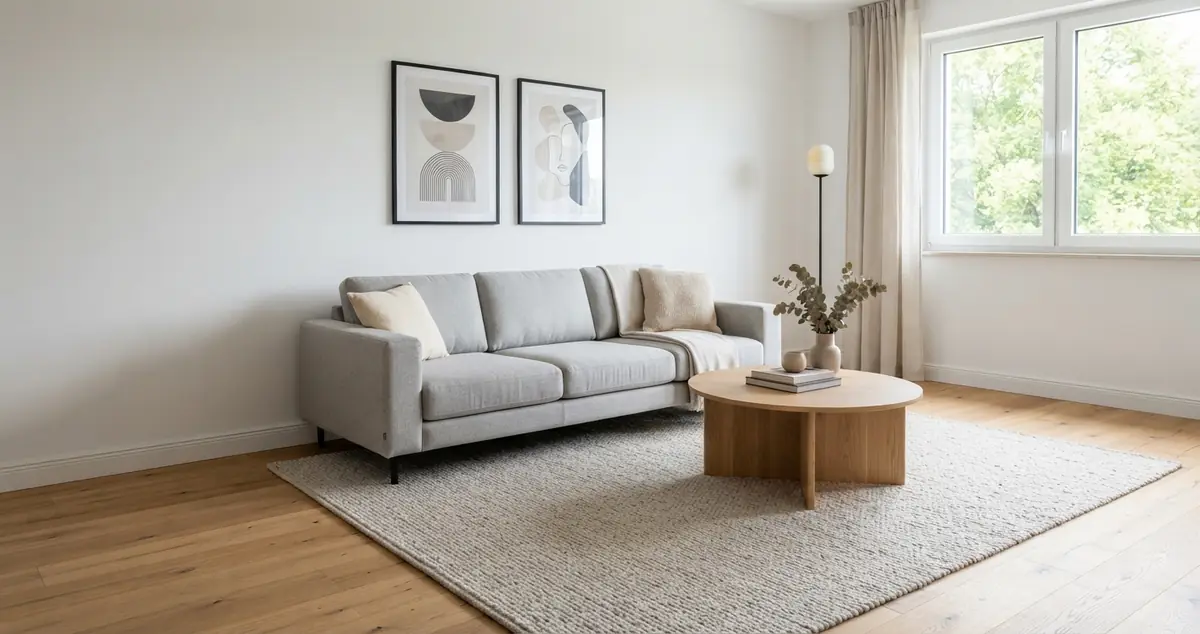
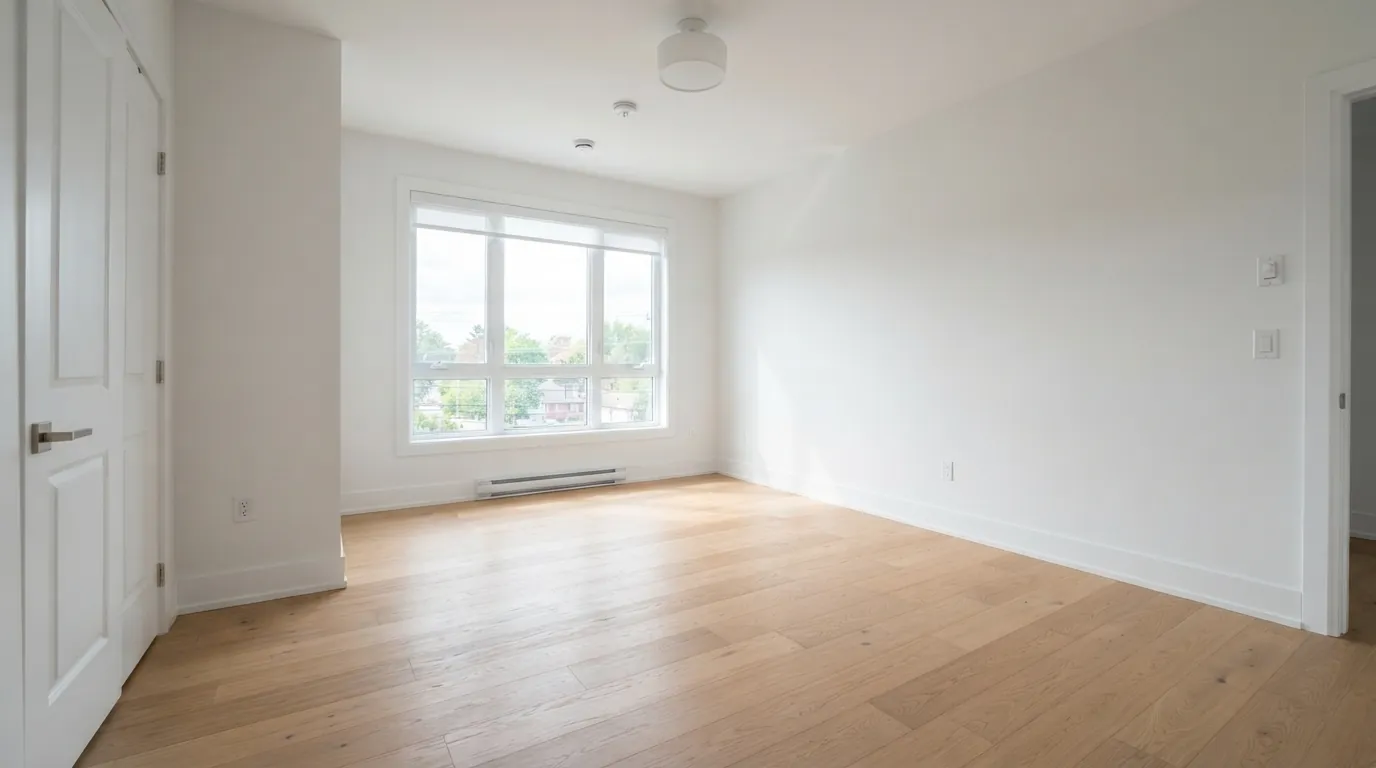
Many MLSs require it, and it's a good idea even where they don't. Show the empty or original photo next to the staged version, taken from the same angle. Buyers get to see both the possibility and the reality, and it removes any suggestion that you're hiding something.
Some agents worry the empty photo will look worse in comparison. In practice, buyers tour with the empty version in their heads anyway. Showing both up front prevents the "this doesn't look like the photos" reaction at the showing.
Best practices that keep you out of trouble
- Shoot the original and stage from the exact same frame, so the comparison is honest.
- Don't remove defects. If there's a water stain on the ceiling, it stays in the staged photo.
- Don't change architecture: keep windows, doors, outlets, vents, radiators and ceiling height as they are.
- Keep scale realistic. A king bed in a room that only fits a full misleads buyers about room size.
- Stage for the room's real use. Don't stage a windowless room as a bedroom if it doesn't meet local bedroom requirements.
- Keep files. Save the original, the staged version and a note of what was changed.
- Get the seller's sign-off on the staged images before they go live.
Is AI staging treated differently?
The disclosure expectations are about the result, not the tool. A photo staged in AI software and one staged by a human editor need the same label. AI does bring one specific risk: some tools quietly change things you didn't ask them to, such as floors, wall color, window shapes or light fixtures. Check every AI-staged image against the original before using it. If a tool changed a permanent feature, regenerate or fix it.
That's also why tools that start from your real photo and keep the room's structure are a better fit for listings than tools that generate a new room from a description.
How DecorCopilot handles disclosure
DecorCopilot is built around staging a real photo while keeping walls, floors, windows and architecture in place. When you download results for a listing, the MLS package download bundles the original photo, the staged version and a comparison image, with a "Virtually Staged" disclosure label on the staged image. That covers the label-plus-original approach many MLSs ask for in one step.
You can stage an empty room from the AI room designer, or use the "Empty Room" quick action first if the home is still furnished. Our virtual staging page and vacant home staging guide cover the workflow, and the comparison of virtual staging software looks at how different tools handle it. New accounts get free credits to try it on a listing photo.
For the broader process of staging a listing, see our virtual staging guide for real estate.
Frequently asked questions
Do you have to disclose virtual staging?
In most markets, yes. Many MLSs require a "virtually staged" label, and the NAR Code of Ethics and state advertising rules prohibit misleading photos. Even where it isn't spelled out, labeling is the accepted standard. Check your local MLS rules.
Can you change paint color in virtual staging?
Not in listing photos presented as the actual home, because paint is a permanent feature. You can show a paint change as a separate, clearly labeled "renovation idea" rendering.
Is it illegal to virtually stage without disclosure?
It depends on your state, MLS and what was altered. Undisclosed staging can violate MLS rules and the Code of Ethics, and misrepresenting the property can create legal exposure. Talk to your broker or a real estate attorney about your specific situation.
Where should the "virtually staged" label go?
On the image itself where it's readable but doesn't cover the room, usually a bottom corner, plus a note in the listing remarks or photo caption.