
AI Exterior Design: Preview Your House Facade From a Photo
Thinking about new siding, a black-trim farmhouse look or a brighter front door? Upload one photo of the front of your house and see it restyled in seconds, with the roofline, windows and doors kept exactly where they are.
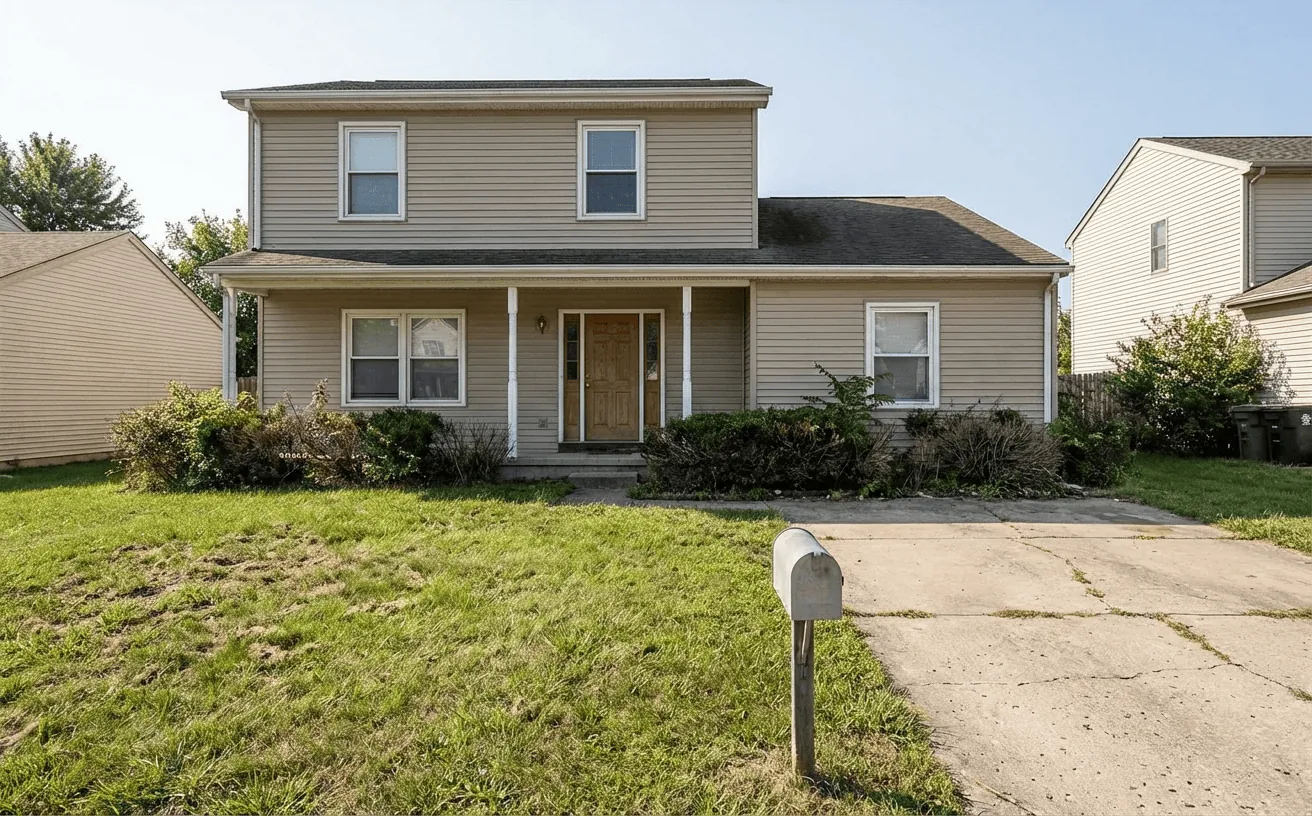
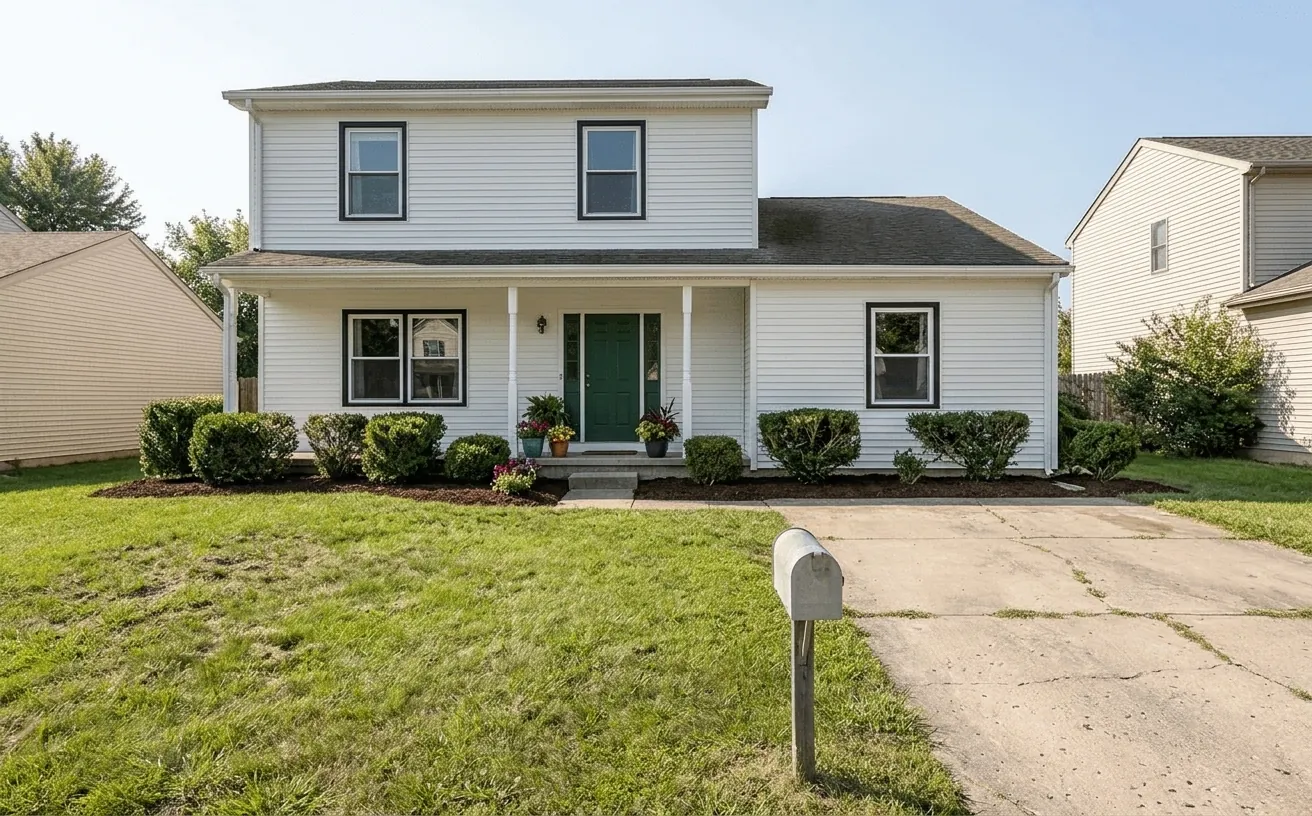 BeforeAfter
How it works
- 1
Upload a photo of your exterior.
- 2
Pick a style and add what to keep or change.
- 3
Get a realistic redesign in about 10 seconds, then refine it.
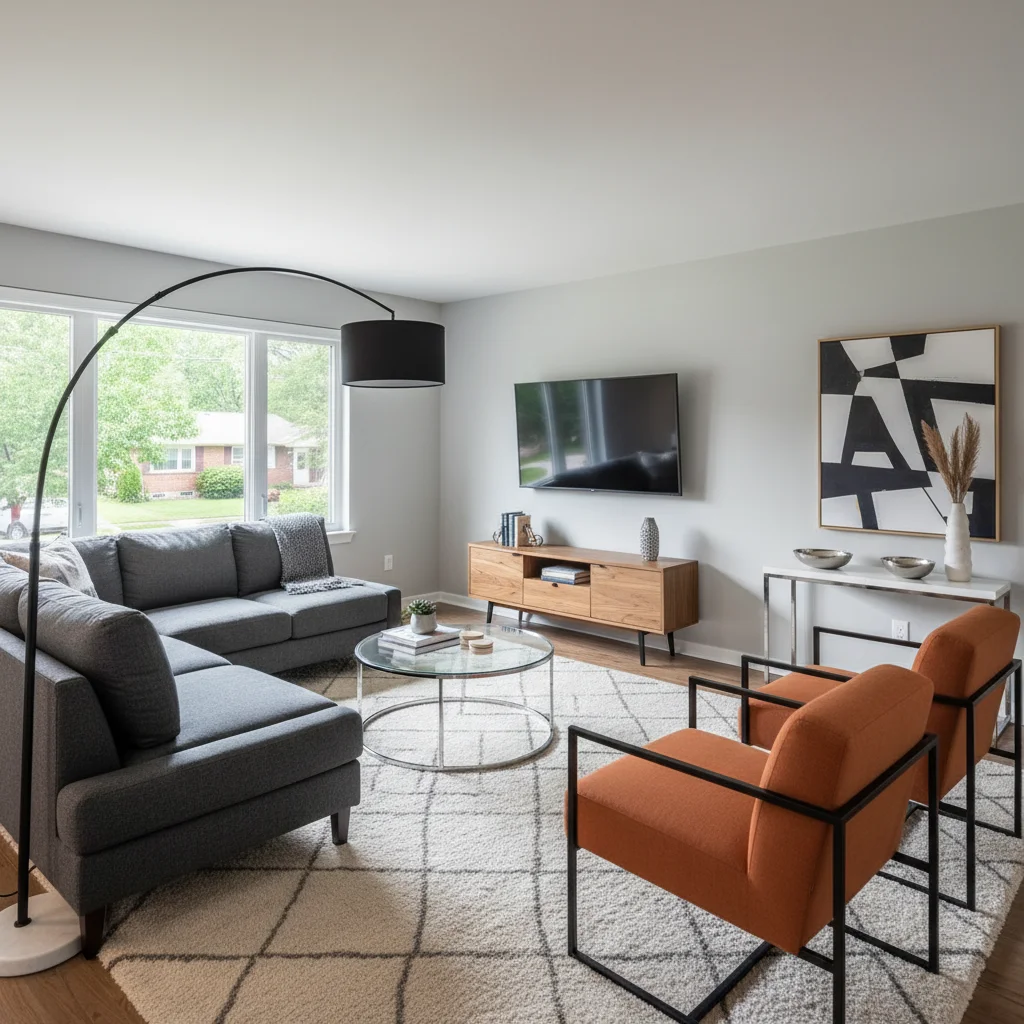
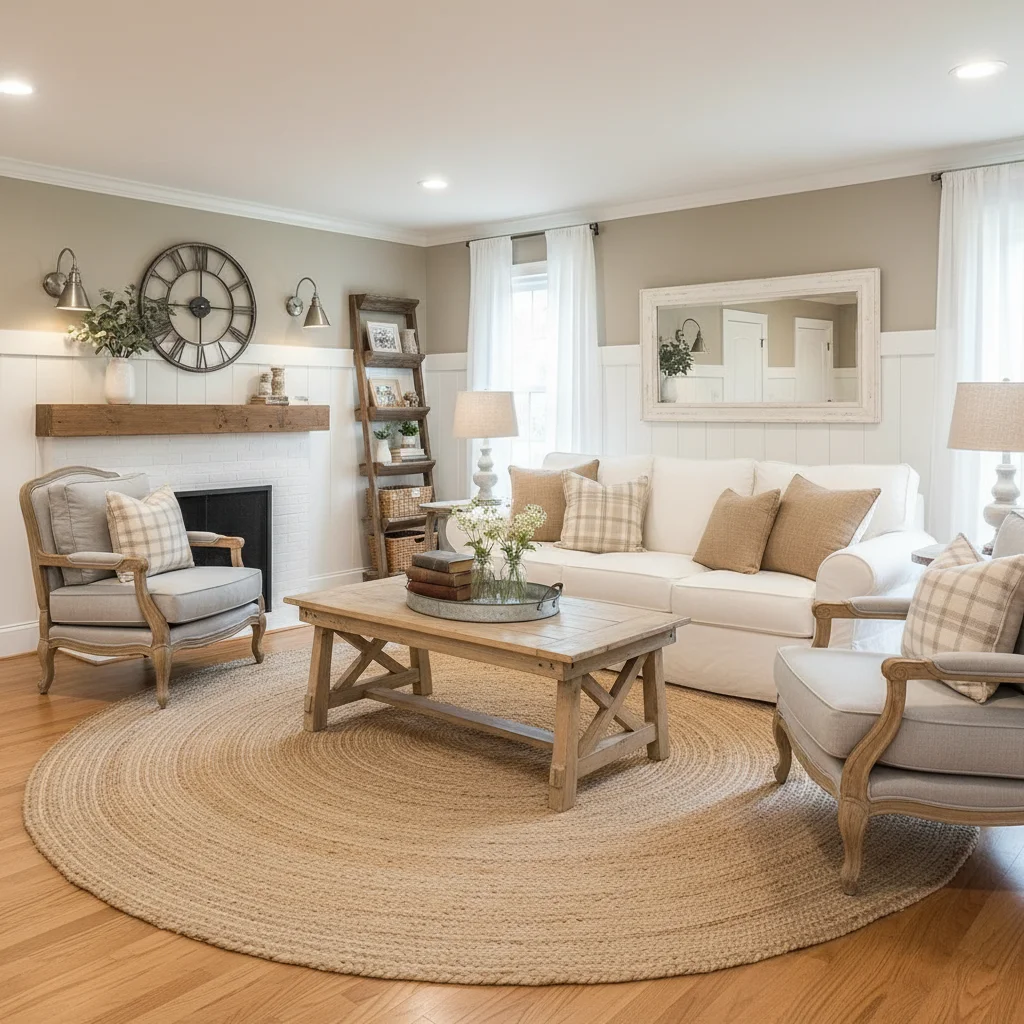
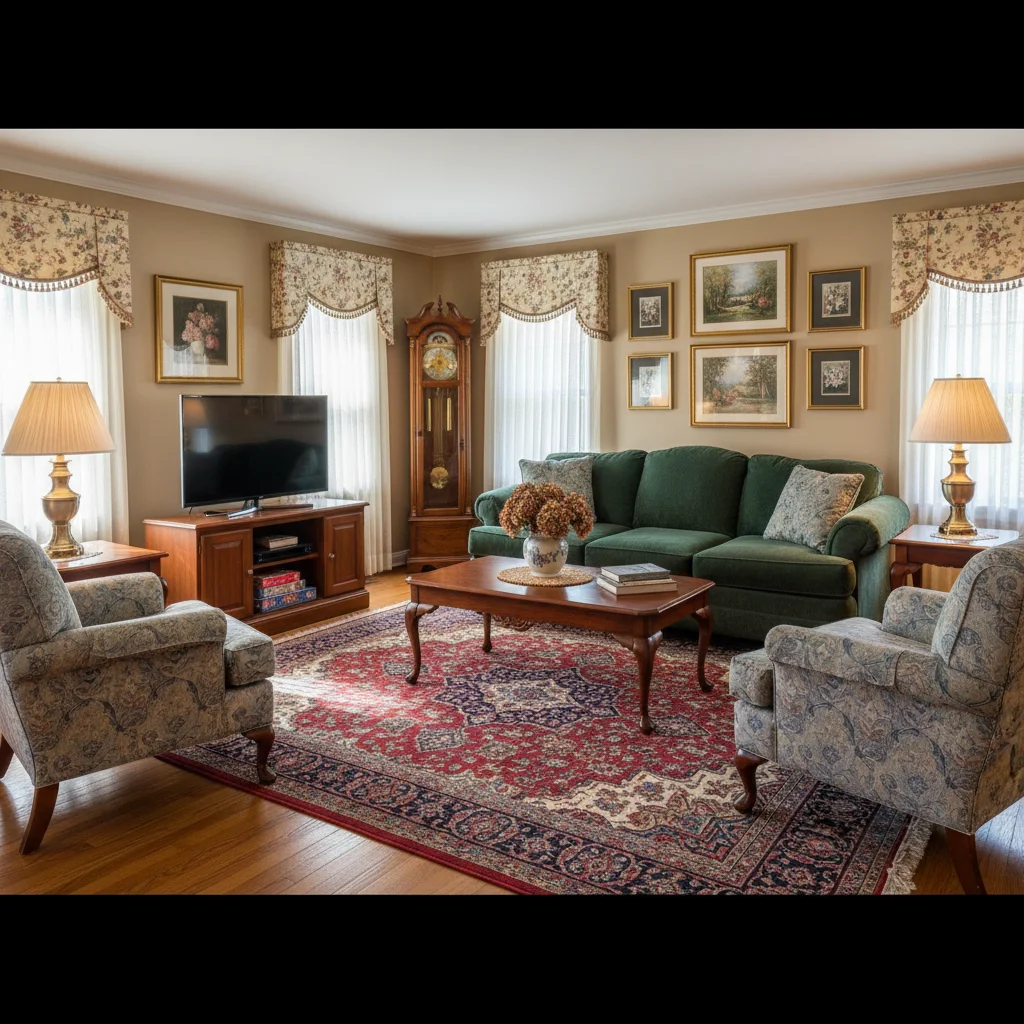
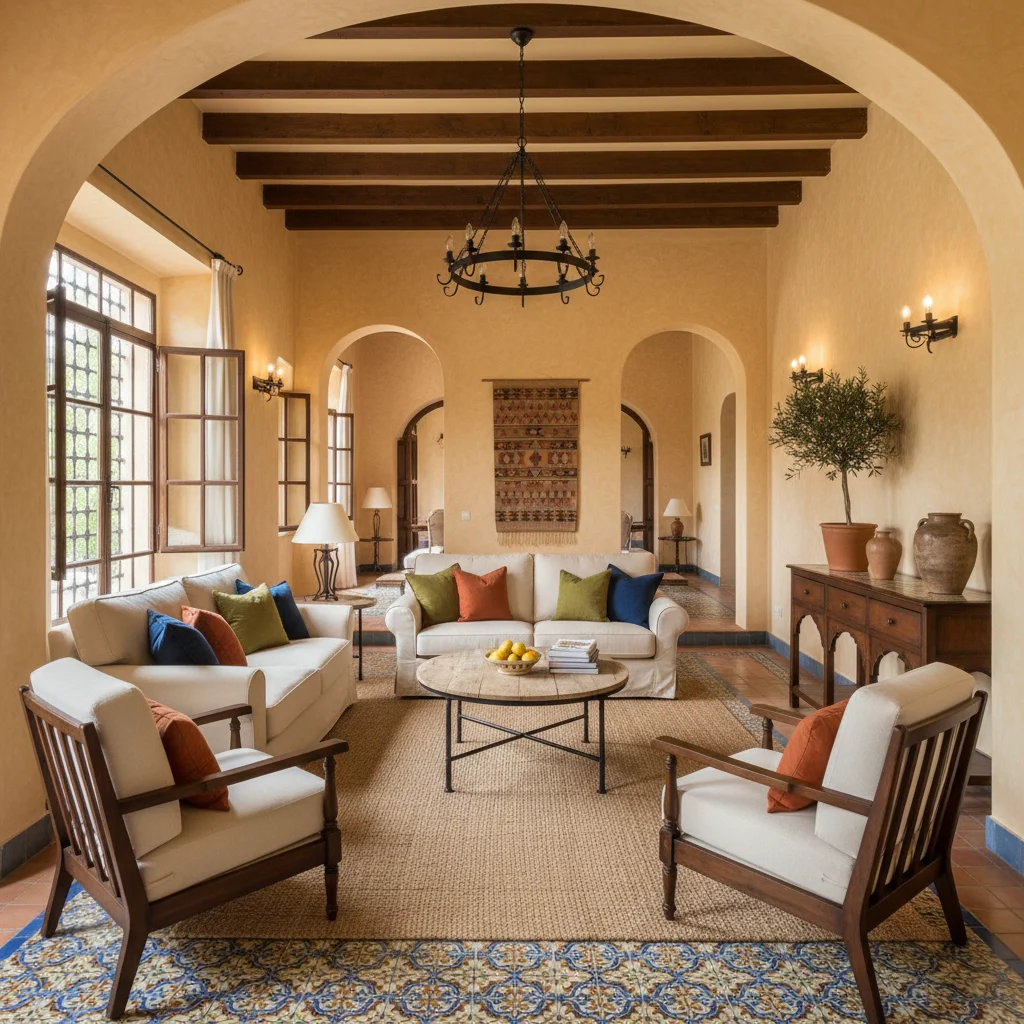
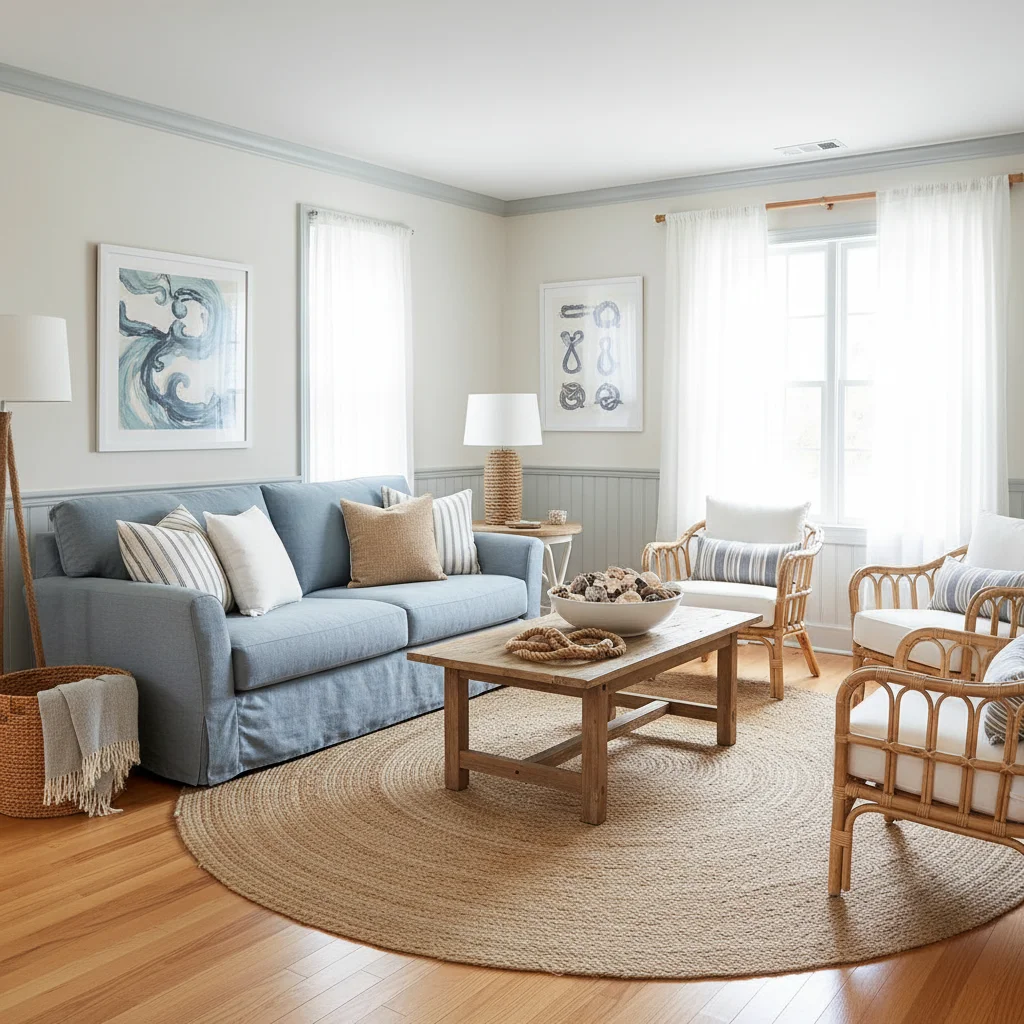
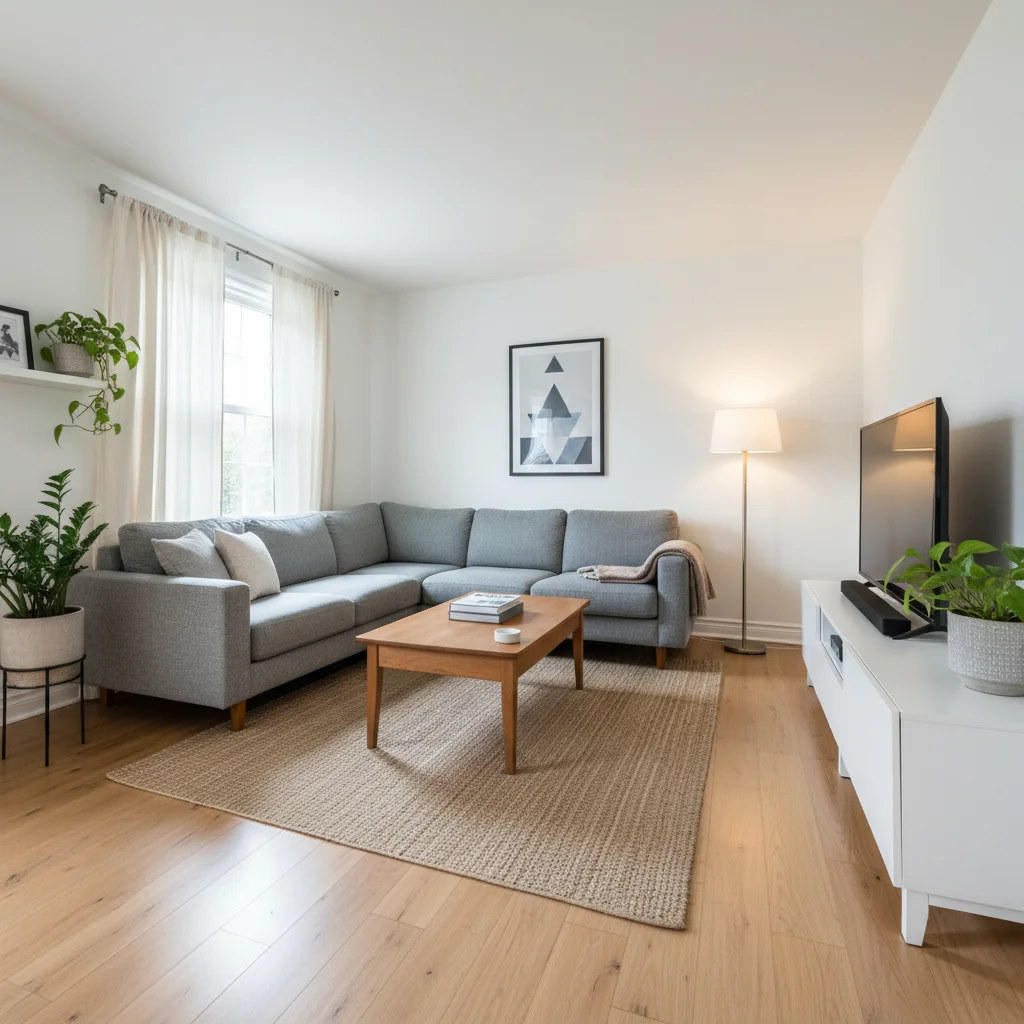
Popular exterior styles
Tips for the best exterior redesign
- Stand across the street and shoot the whole front of the house in daylight.
- Choose the House Exterior room type so the AI changes finishes, not the building.
- Name the change you want: "white siding, black window trim, green front door".
- After the redesign, use Photo fixes for a blue sky, a green lawn or a day to dusk shot.
Frequently Asked Questions
Can AI show my house with a new exterior color?
Yes. Upload a photo of your house, pick House Exterior and describe the siding, trim and door colors. The AI repaints the facade and keeps the roofline, windows and doors in place.
Will it change the shape of my house?
No. The exterior mode is told to keep the footprint, roofline, height and every window and door, and to change only finishes, colors, lighting and planting.
Can I fix the sky and lawn in listing photos too?
Yes. Photo fixes give you a blue sky, golden hour, day to dusk twilight, a green lawn, a clear pool and curb appeal in one tap each.
How much does it cost?
Your first design is free. Unlimited designs are $14.99/month, or $4.99 for a 24-hour Day Pass.


Unlock the Full Power of Decor Copilot
Upload a photo and see your room redesigned in seconds. Start for free today.
No credit card required