
Paint Color Visualizer: See Colors on Your Walls
Upload a photo of your room, tap a wall and try any paint color on your real walls in seconds. Compare shades before you buy a single sample pot.

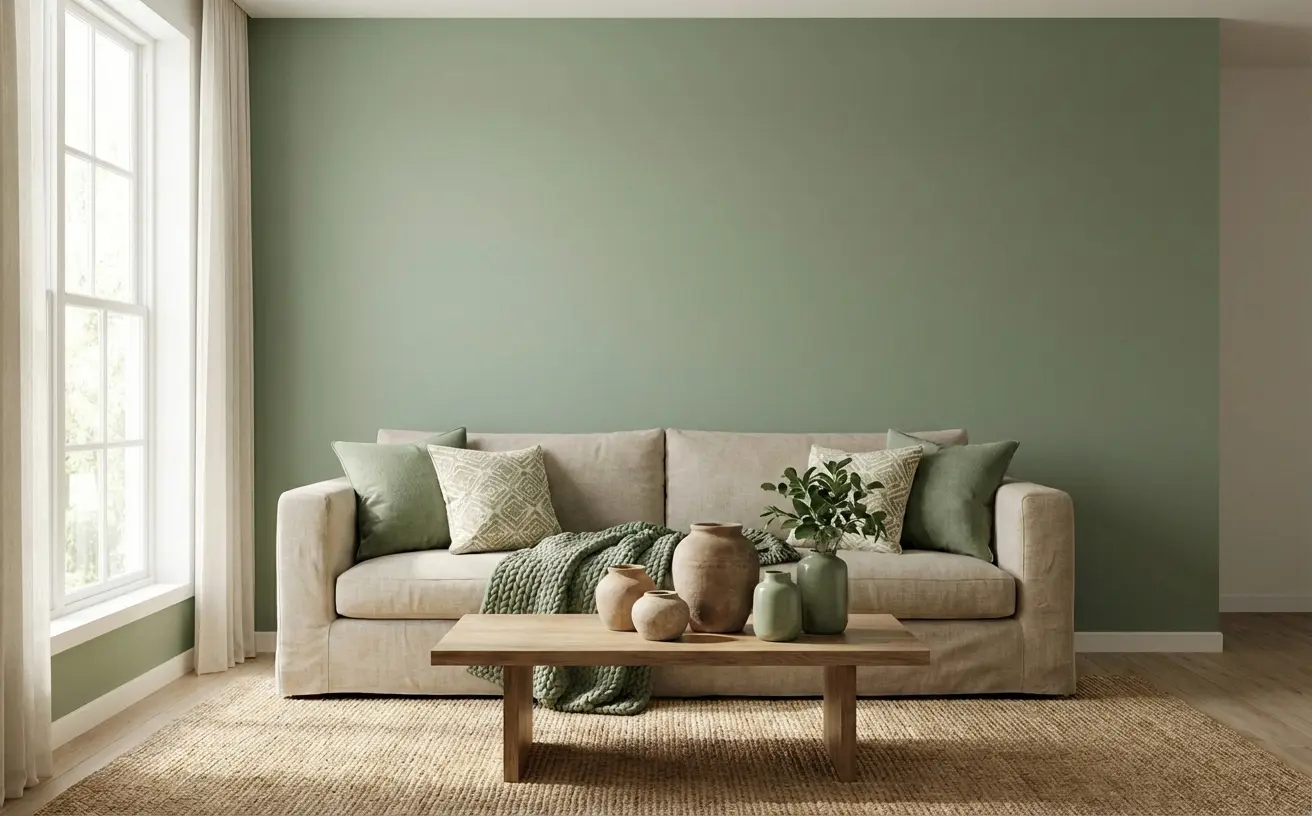 BeforeAfter
How it works
- 1
Upload a photo of your room.
- 2
Tap a wall and choose any paint color.
- 3
See the new color on your real walls in seconds.
Tips for the best results
- Shoot in daylight with the lights off for true-to-life color.
- Tap each wall separately to try an accent wall against neutral walls.
- Compare a warm and a cool version of the same color side by side.
- Check the shade in morning and evening photos — light changes everything.
- Use the paint calculator to see how many gallons you need once you pick a color.
Frequently Asked Questions
How can I see paint colors on my walls before buying?
Upload a photo of your room to the AI wall painter, tap a wall and choose a color. The AI repaints only that wall while keeping your furniture, light and shadows.
Is the paint color visualizer free?
Your first design is free. Unlimited designs are $14.99/month, or $4.99 for a 24-hour Day Pass.
Can I paint different walls different colors?
Yes. Select each wall and assign its own color to preview an accent wall or a two-tone room.
Does it work with Sherwin-Williams or Benjamin Moore colors?
Yes. Enter the color you have in mind, such as a specific brand color, and preview it on your walls. Always confirm with a physical sample before painting.
How much paint do I need?
One gallon covers about 350 square feet per coat. The free paint calculator works out gallons for your room.


Unlock the Full Power of Decor Copilot
Upload a photo and see your room redesigned in seconds. Start for free today.
No credit card required