
AI Kitchen Design: See Your Kitchen Remodel From a Photo
Preview cabinet colors, countertops, backsplash and lighting on your actual kitchen before you call a contractor. Upload a photo and compare styles in seconds.
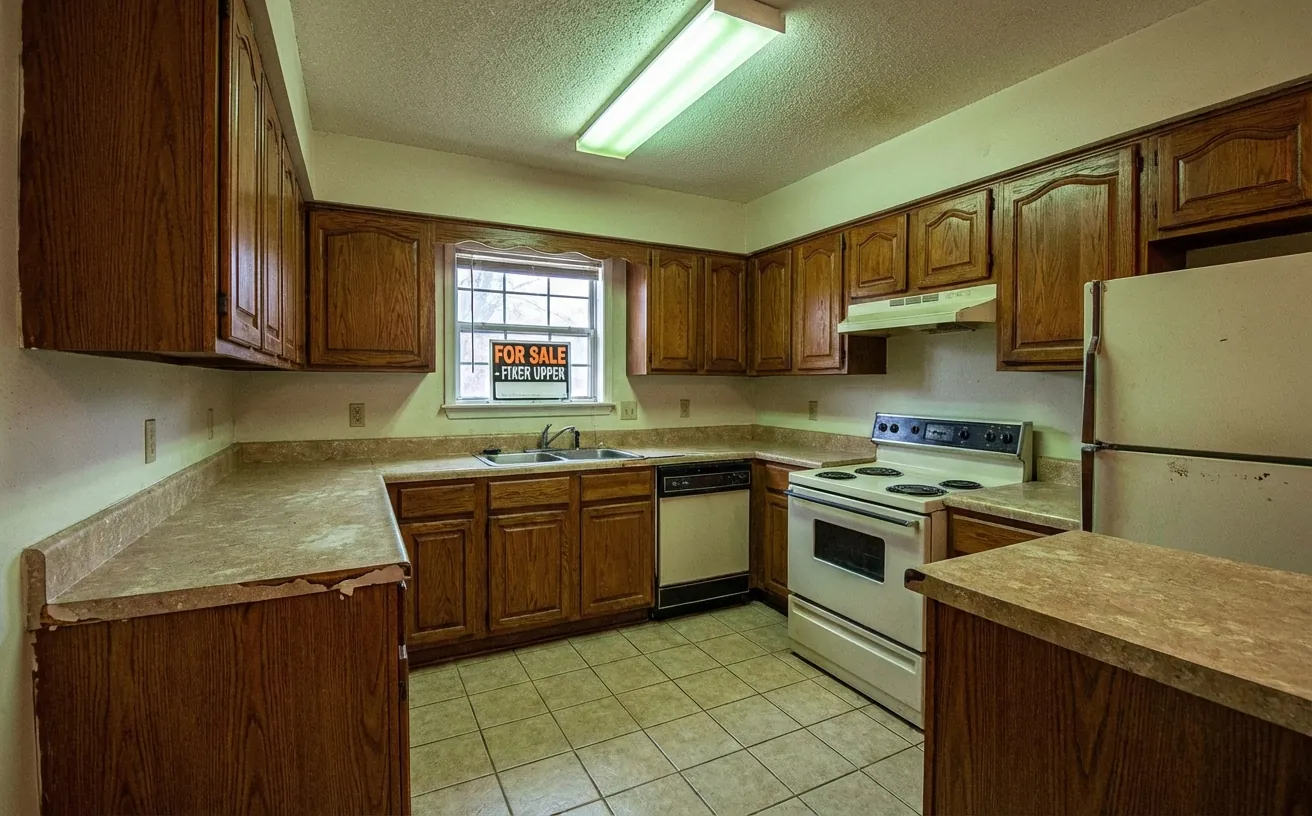
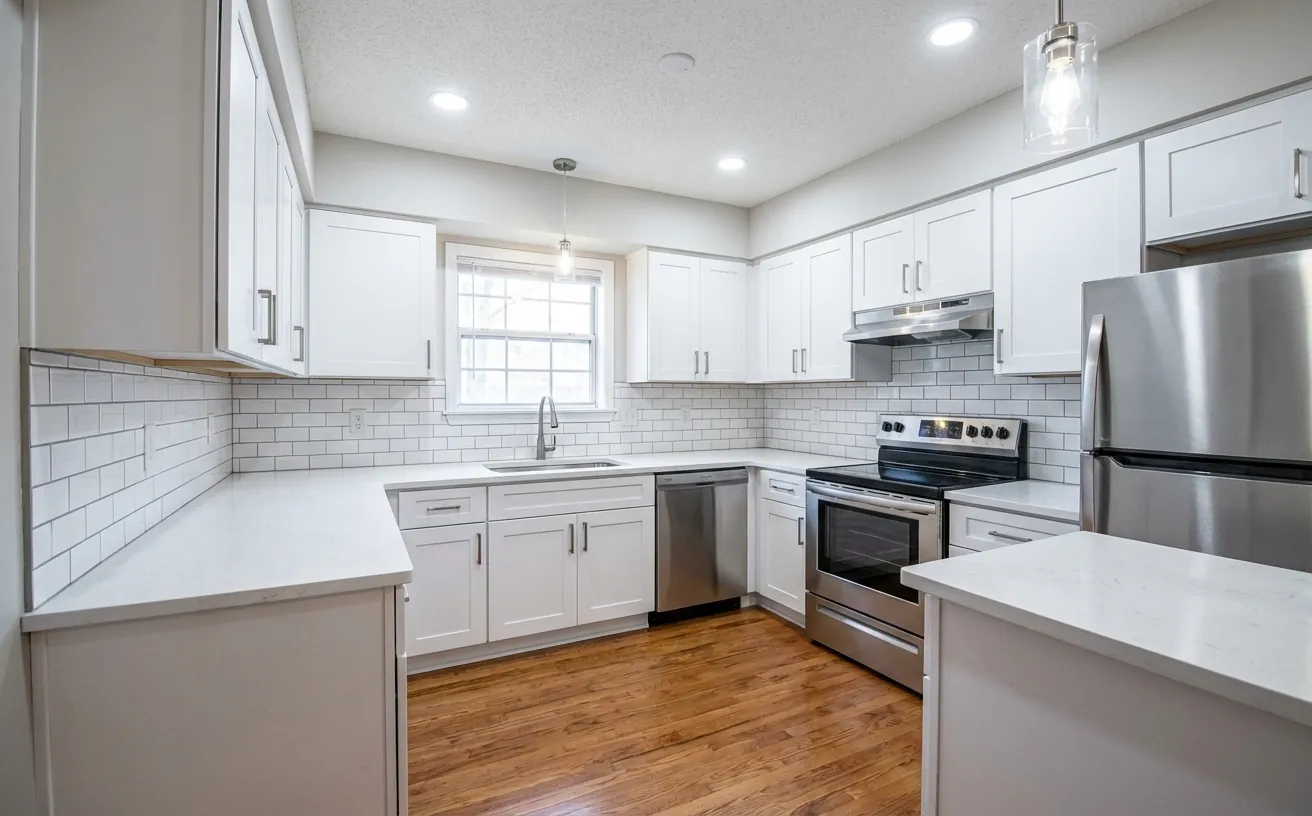 BeforeAfter
How it works
- 1
Upload a photo of your kitchen.
- 2
Pick a style and add what to keep or change.
- 3
Get a realistic redesign in about 20 seconds, then refine it.
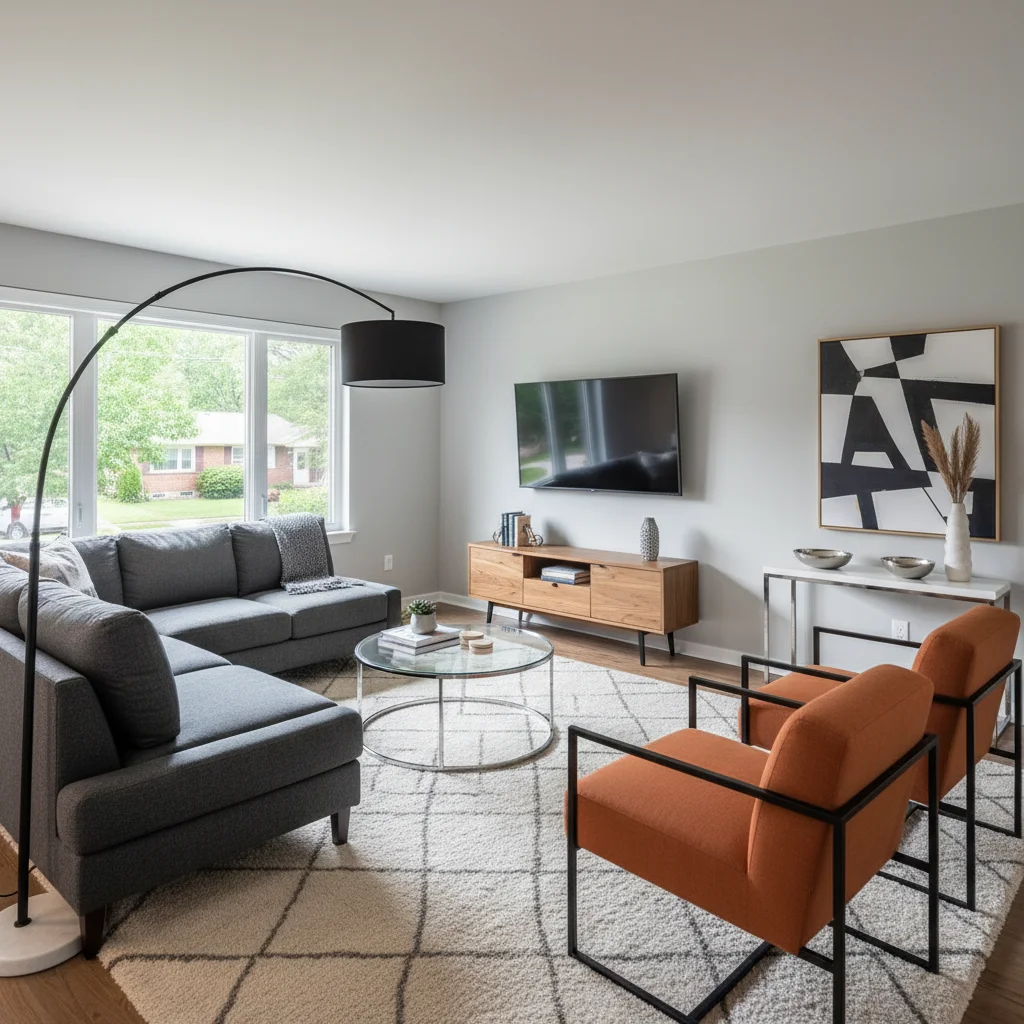
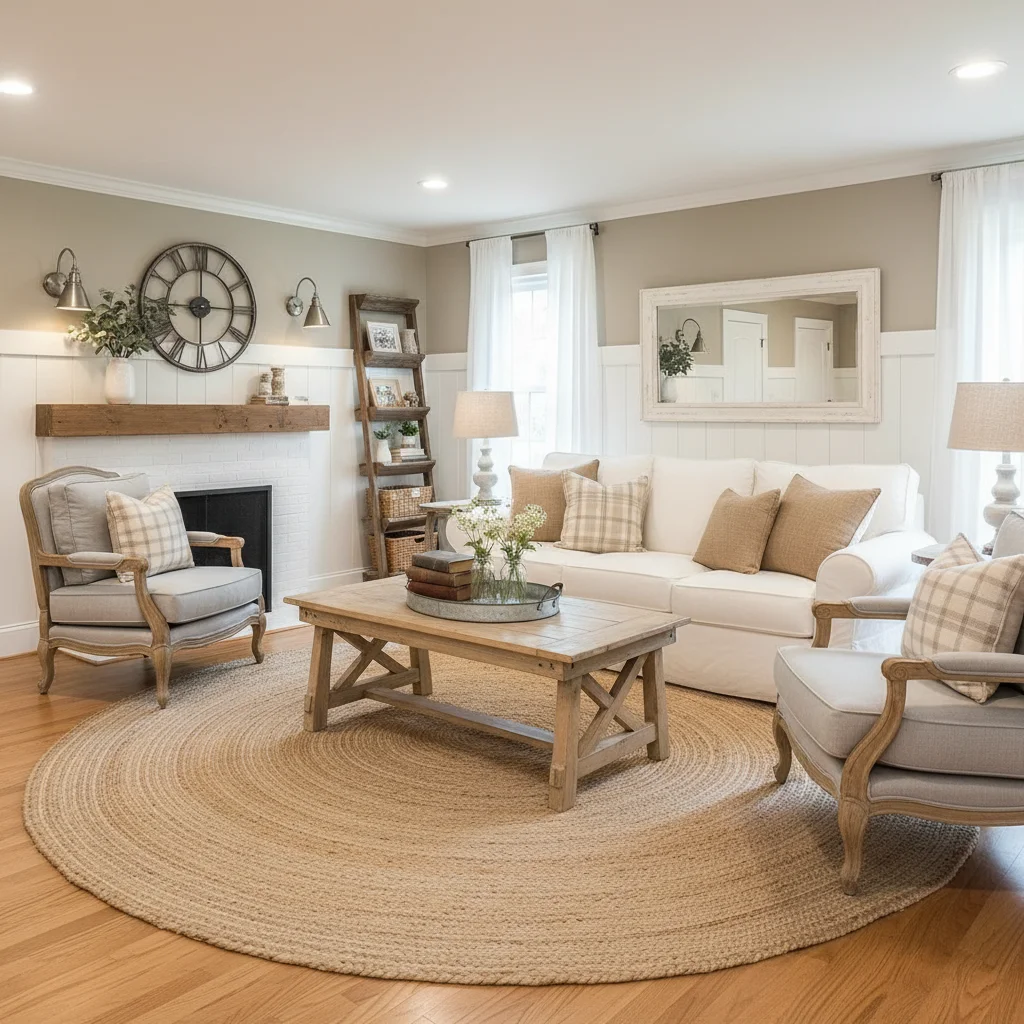
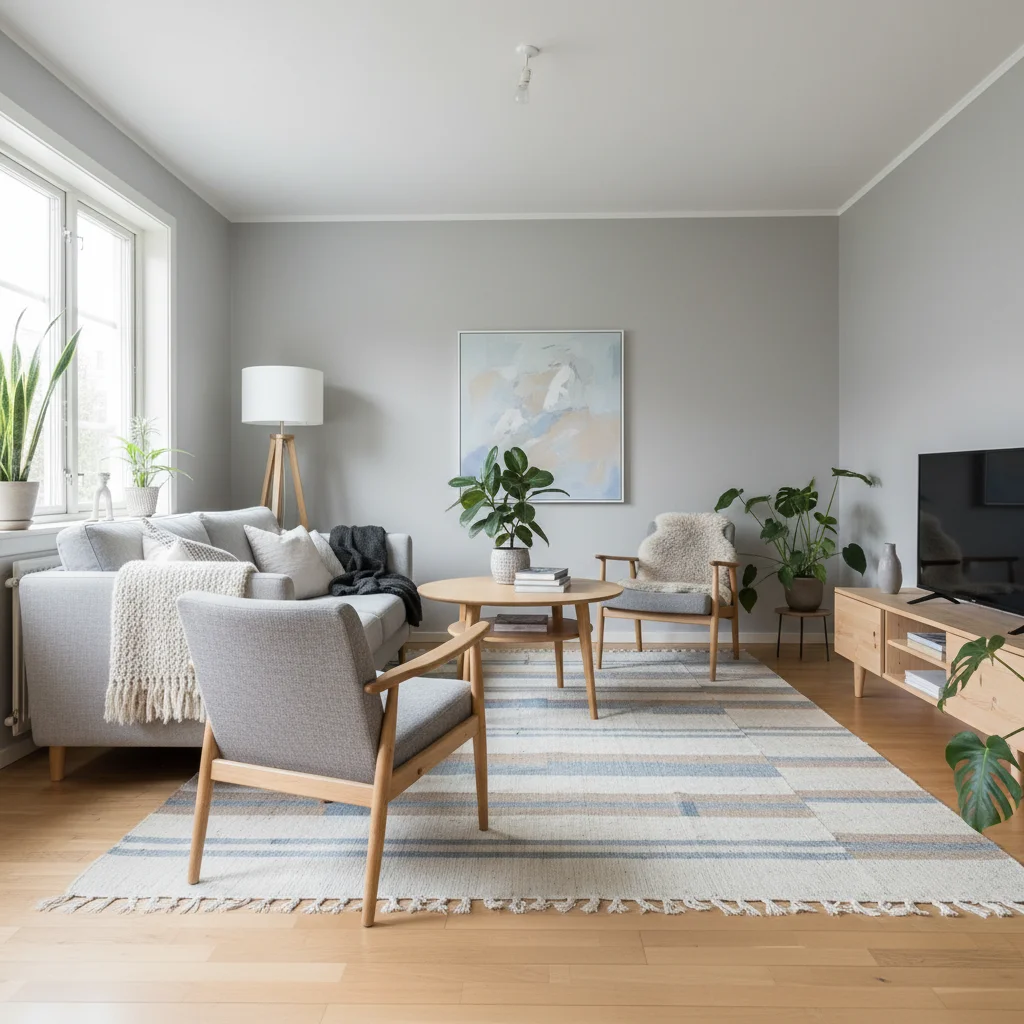
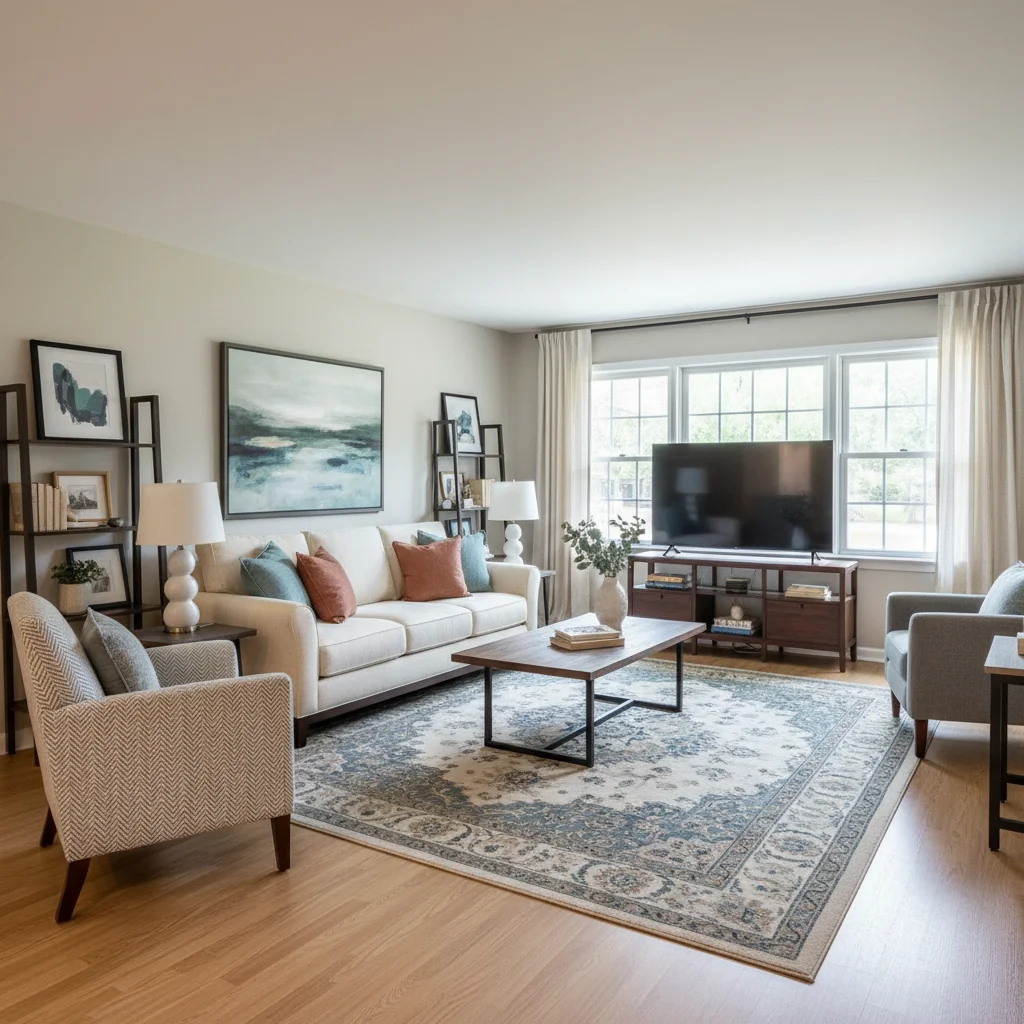
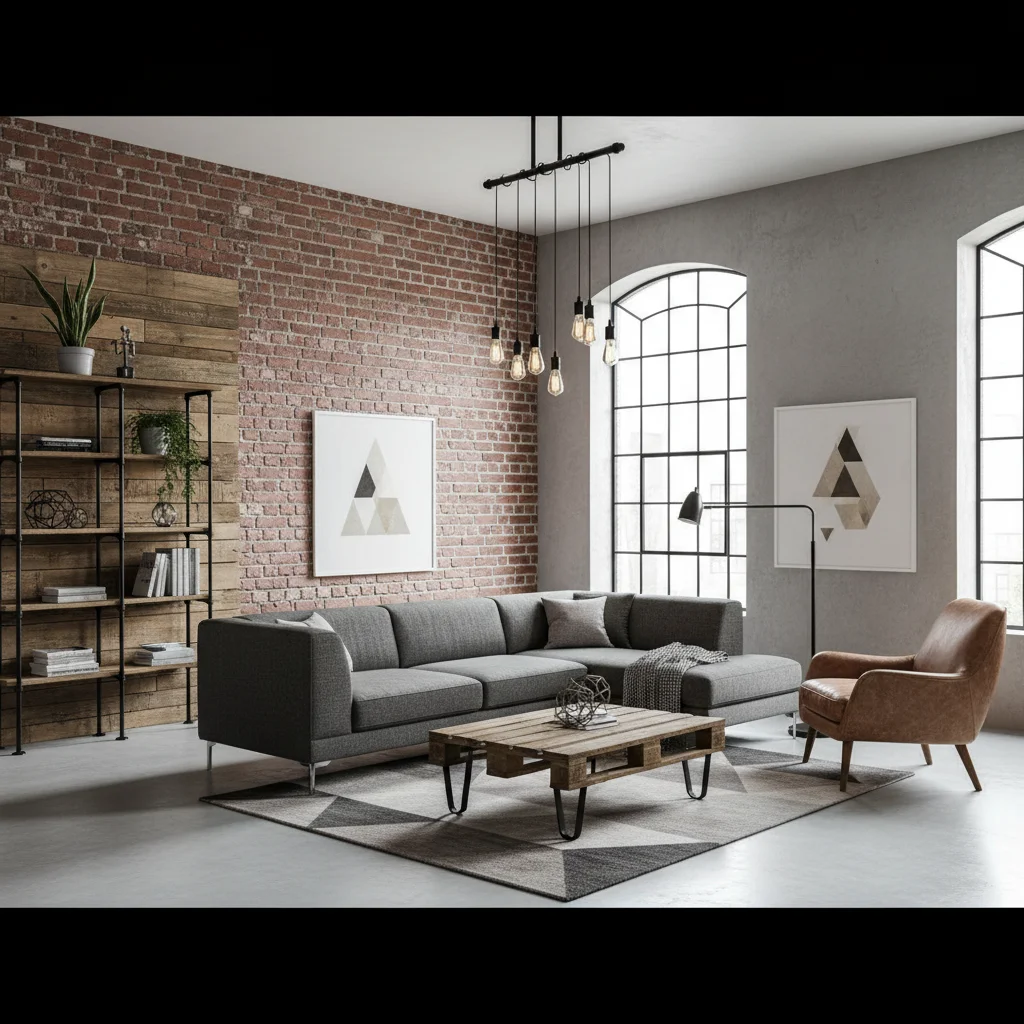
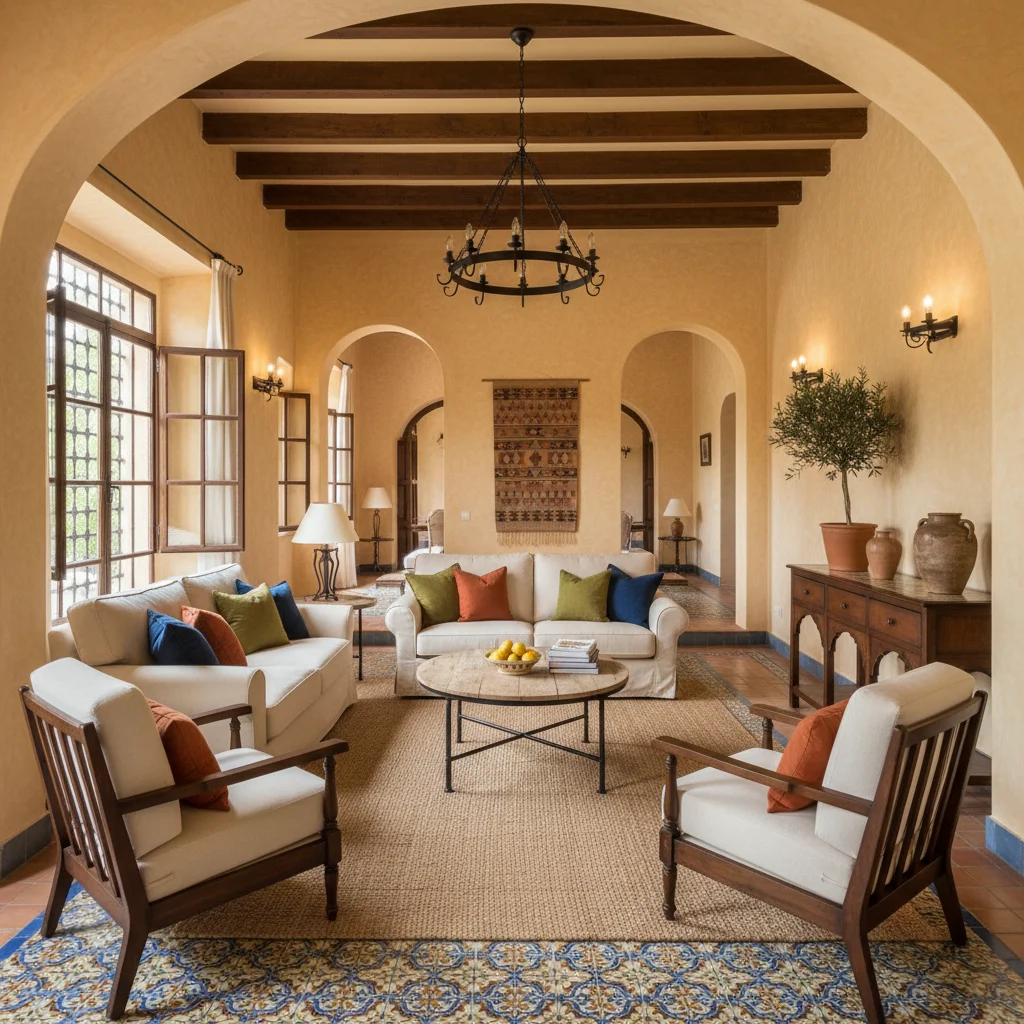
Popular kitchen styles
Tips for the best kitchen redesign
- Clear the counters and close cabinet doors for the cleanest result.
- Be specific: "white shaker cabinets, quartz counters, brass hardware".
- Keep the layout (sink, stove, fridge) in place for a realistic remodel preview.
- Use Magic Edit to swap just the backsplash or the island color.
Frequently Asked Questions
Can AI design my kitchen remodel?
Yes. Upload a kitchen photo and Decor Copilot visualizes new cabinets, counters, backsplash, flooring and lighting while keeping your layout.
Can I try different cabinet colors?
Yes. Describe the color in your instruction or use Magic Edit to repaint only the cabinets.
How much does a kitchen remodel cost?
Costs vary widely by size and finishes; the free kitchen remodel cost calculator gives a range for your kitchen.
Is it free?
Your first design is free. Unlimited designs are $14.99/month.


Unlock the Full Power of Decor Copilot
Upload a photo and see your room redesigned in seconds. Start for free today.
No credit card required