
AI Feng Shui: Redesign Your Room With Feng Shui
Upload a photo of your bedroom, living room or office and AI redesigns it with feng shui principles — command position, balanced elements, calm colors and clear walkways — in about 20 seconds.
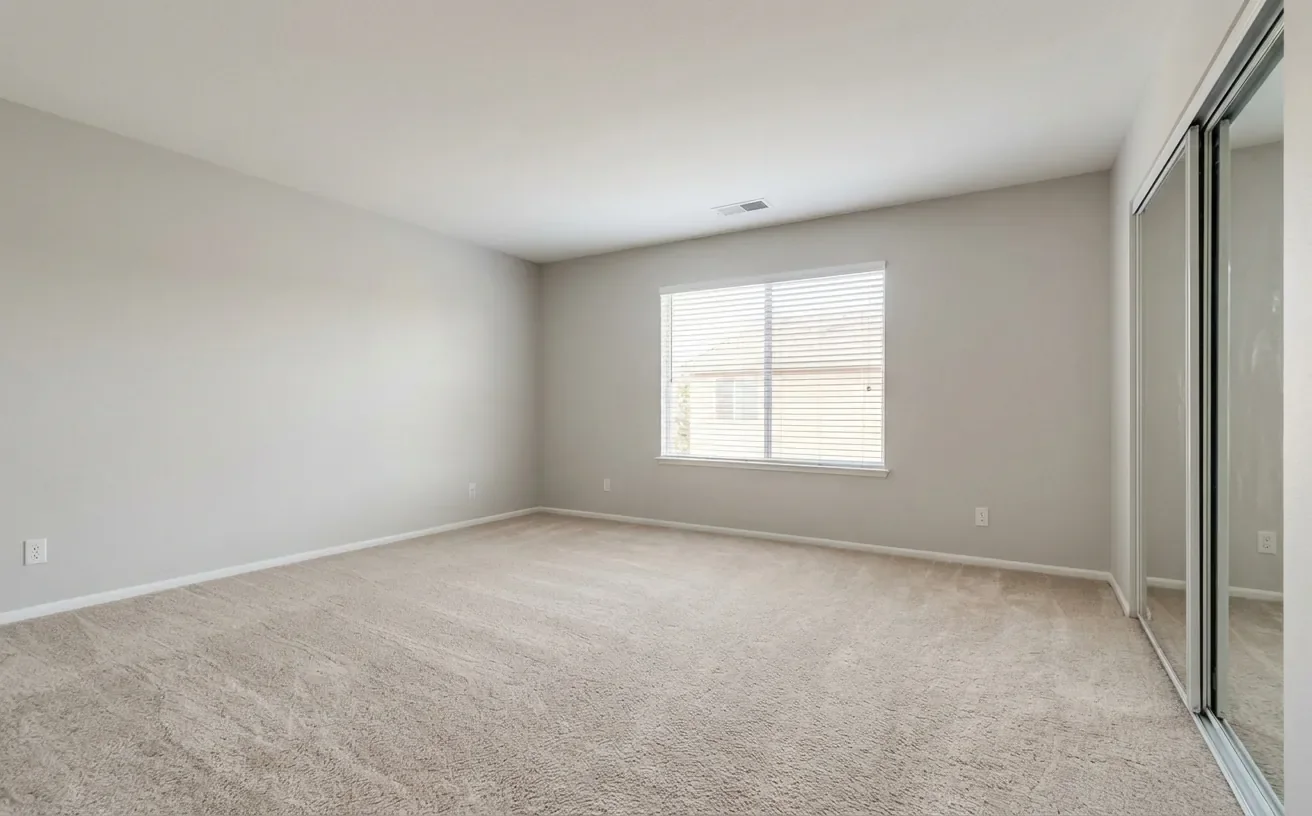
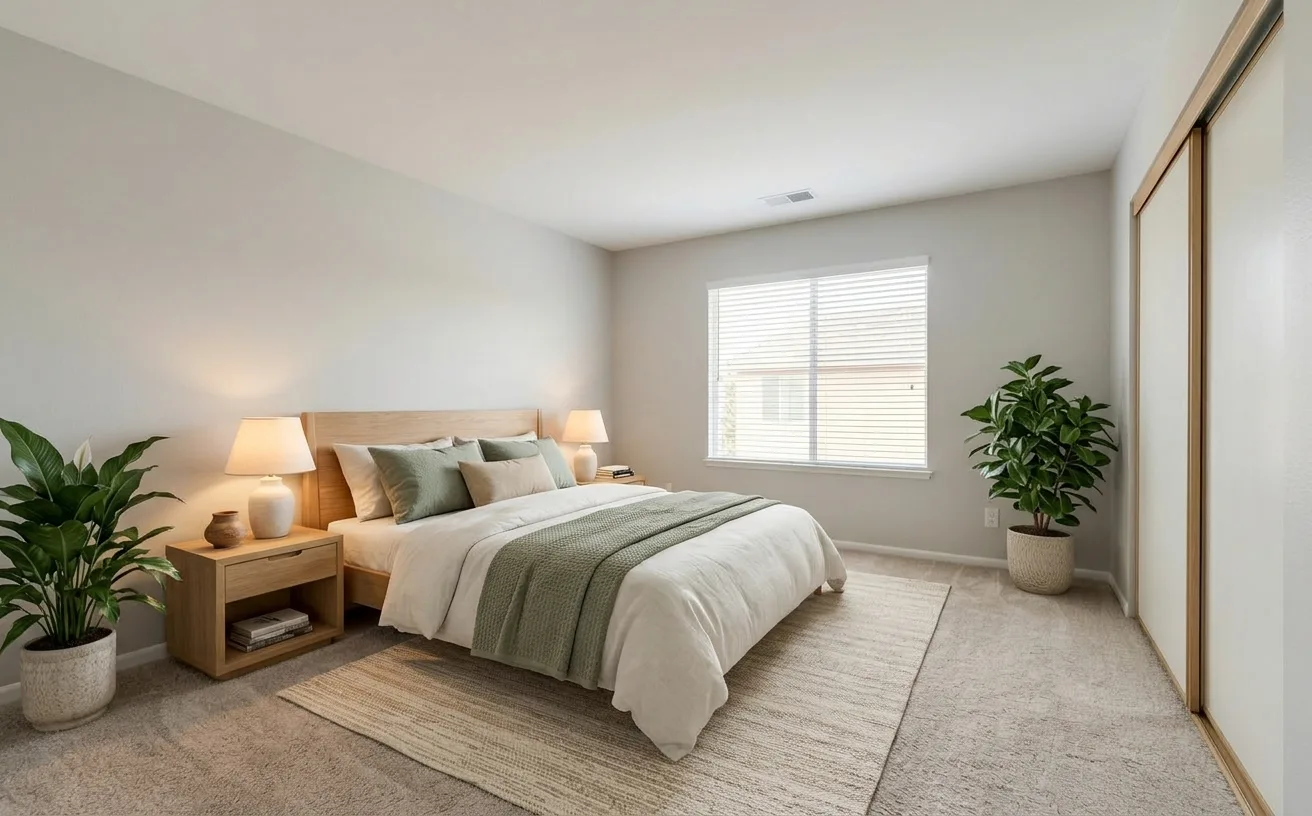 BeforeAfter
How it works
- 1
Upload a photo of your feng shui.
- 2
Pick a style and add what to keep or change.
- 3
Get a realistic redesign in about 20 seconds, then refine it.
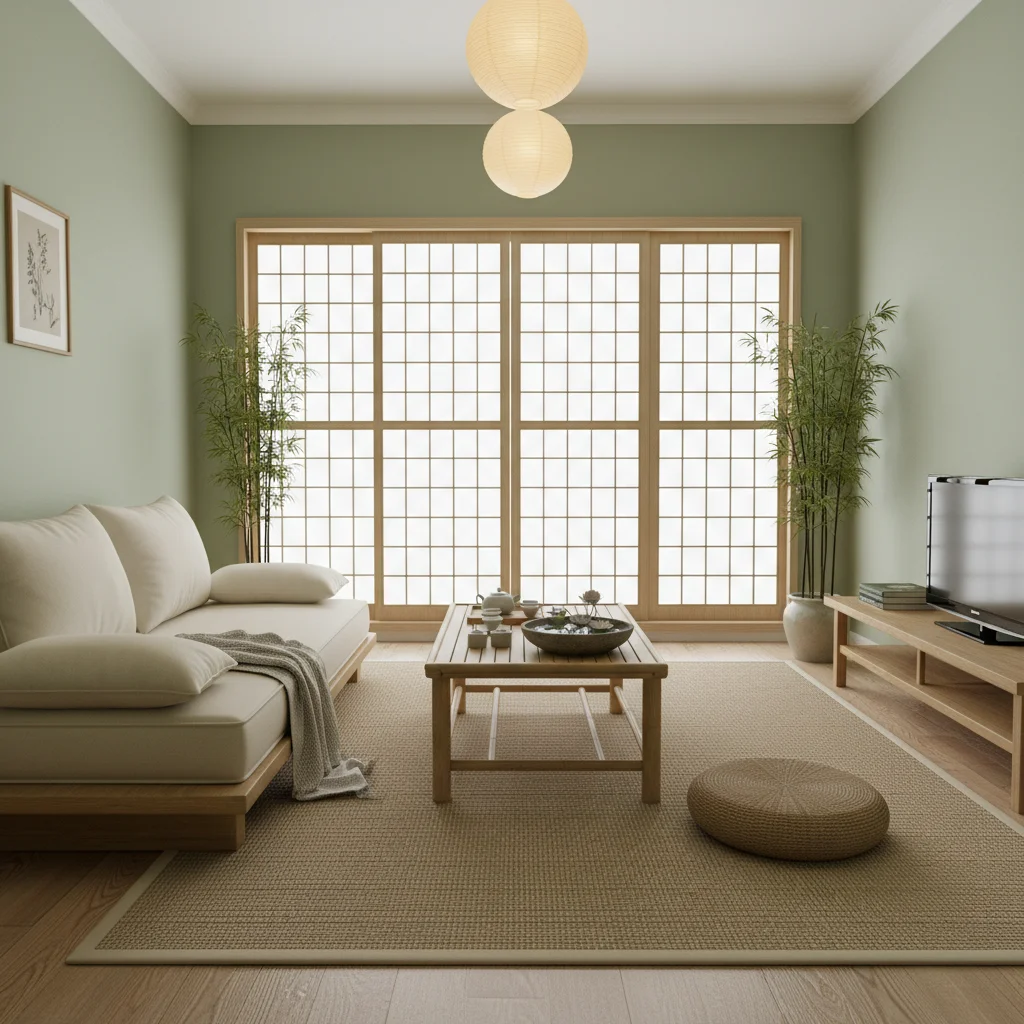
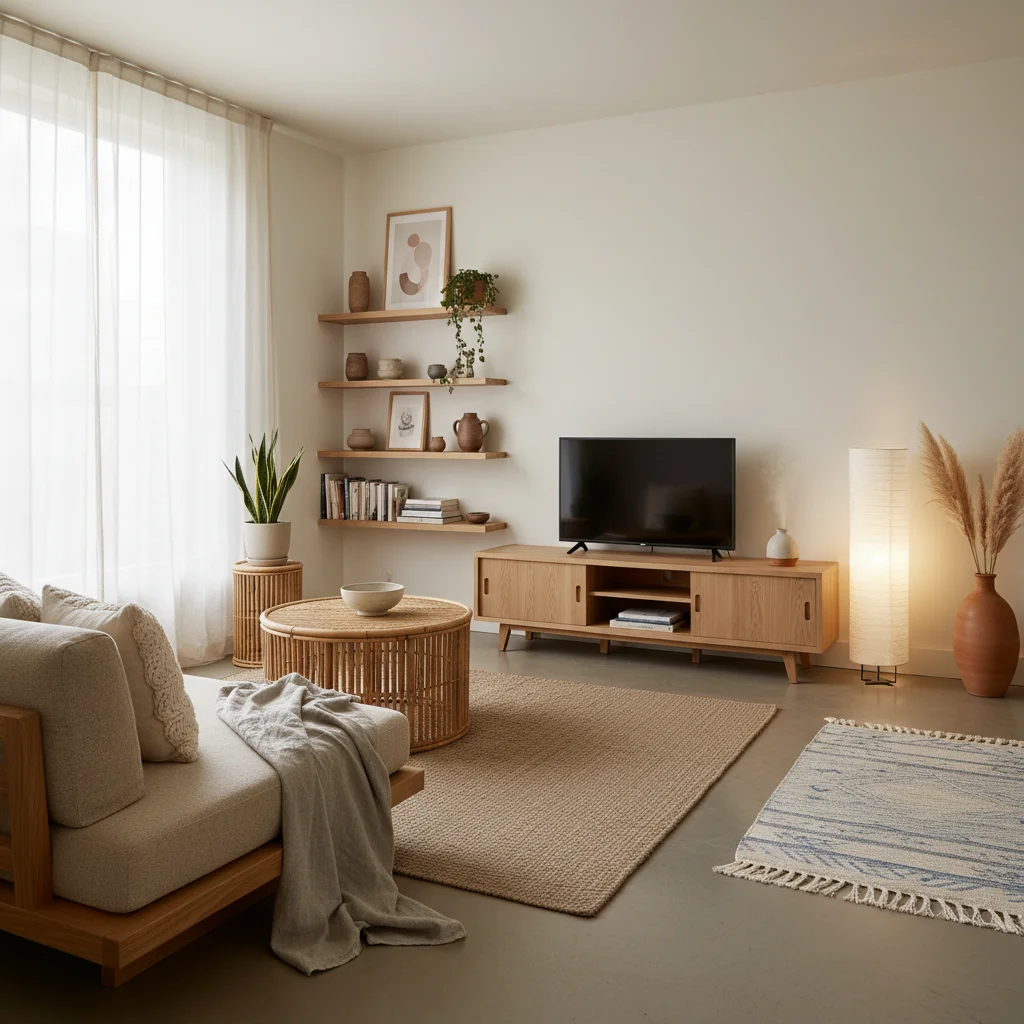
Popular feng shui styles
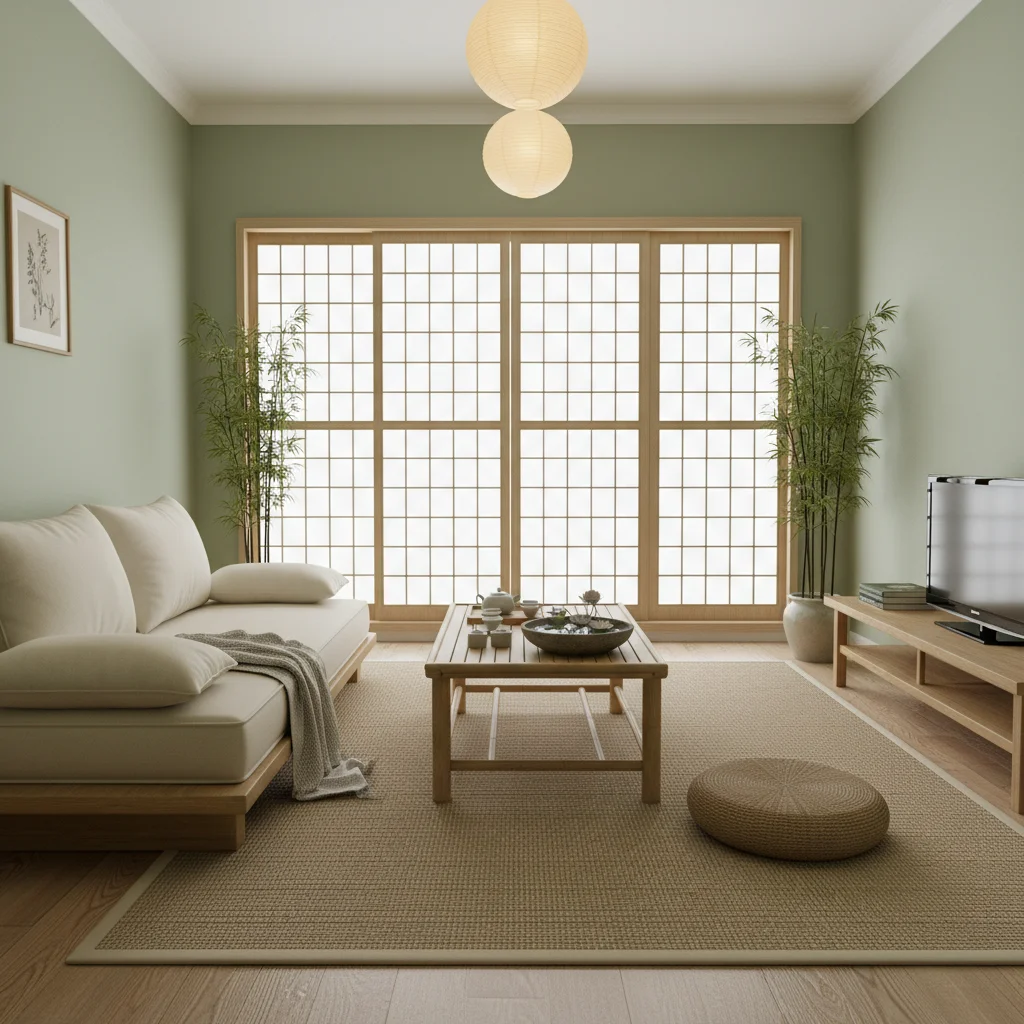
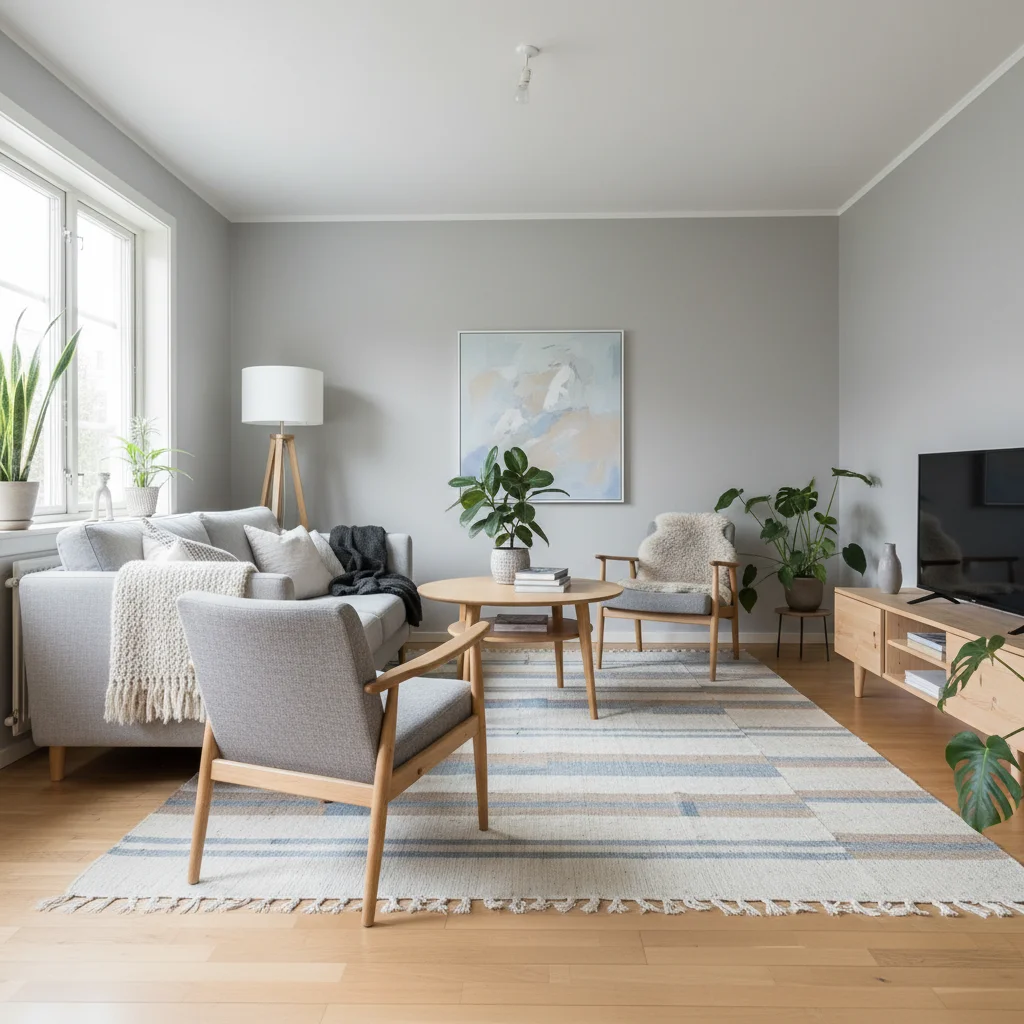
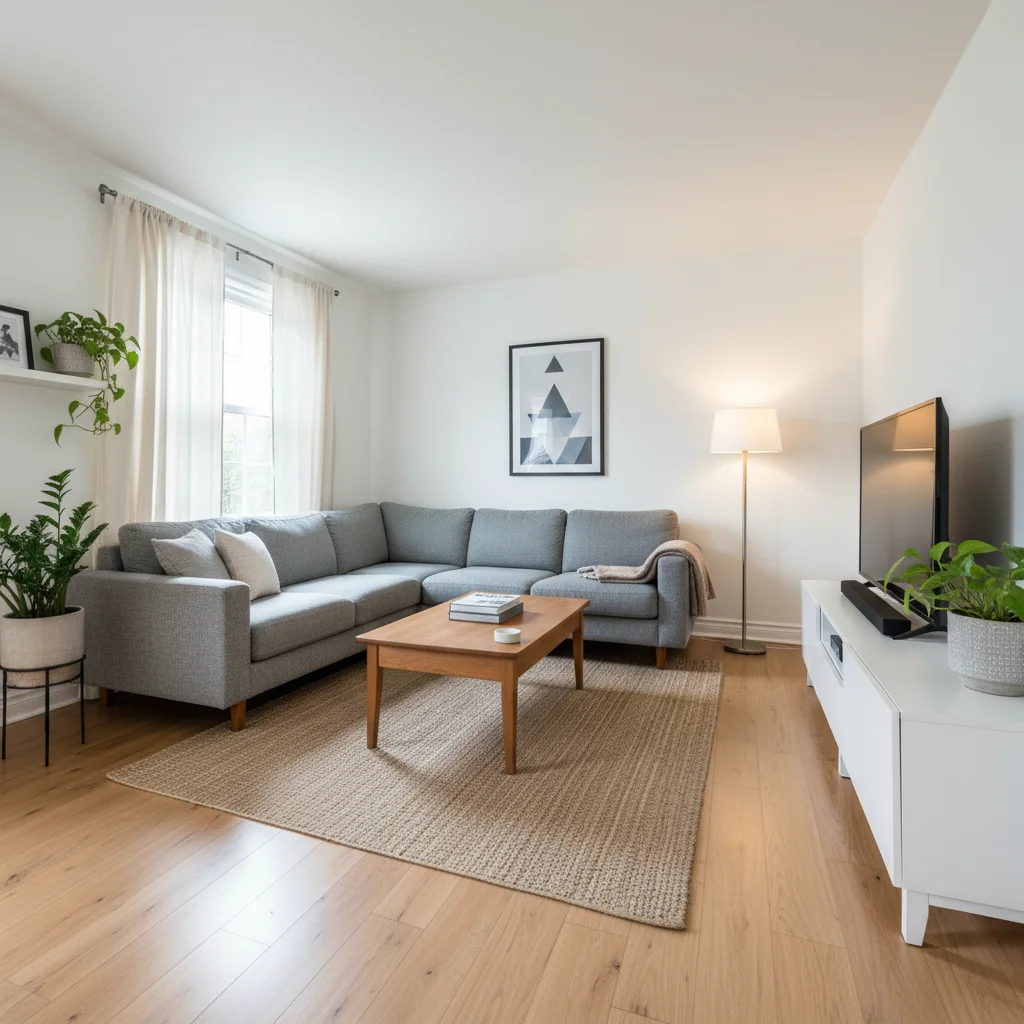
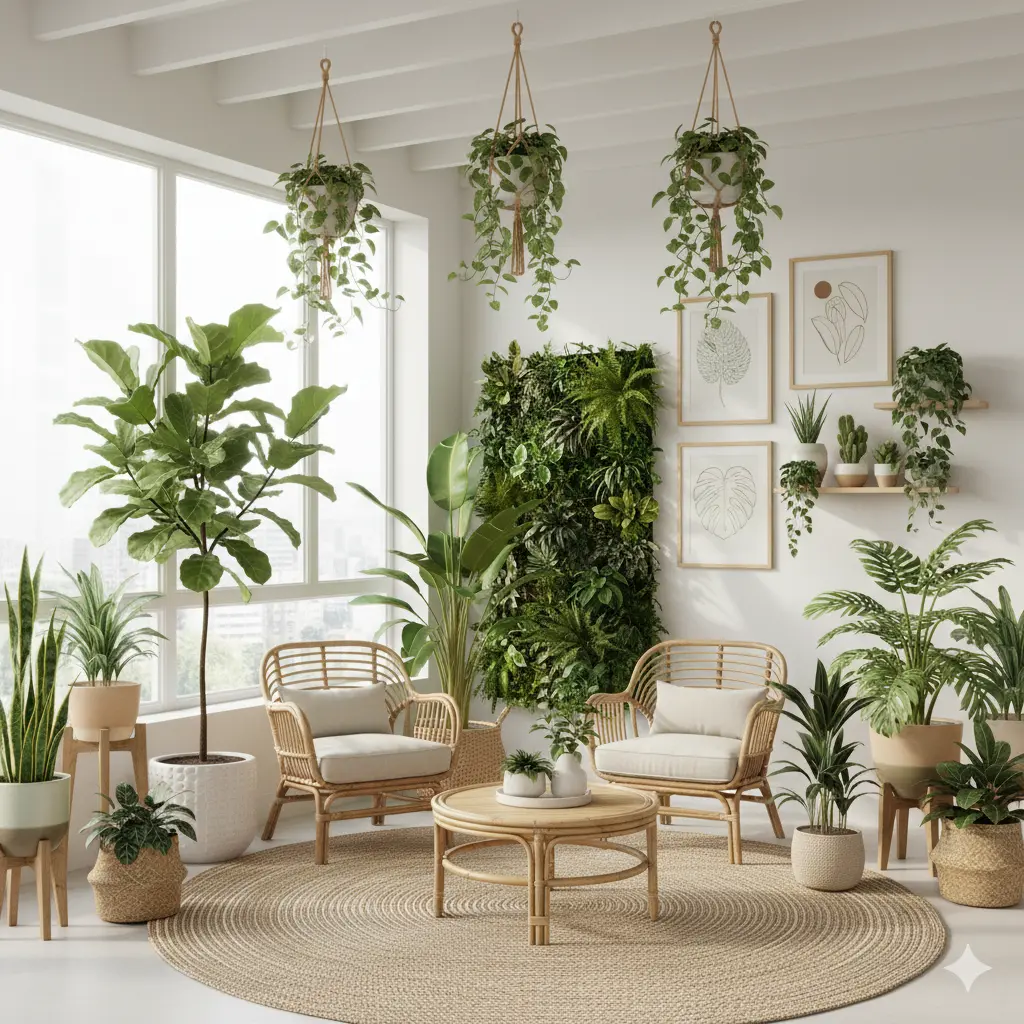
Tips for the best feng shui redesign
- Photograph the whole room from the doorway so the AI sees where the door is.
- Add your goal: "better sleep", "more focus" or "welcoming living room".
- Check your bed or desk position first with the free feng shui layout generator.
- Mention the wall with the door and windows so the AI keeps the bed off the door line.
Frequently Asked Questions
What is AI feng shui?
AI feng shui uses an image model to redesign a photo of your room following feng shui principles: the bed, sofa or desk in the command position, the five elements in balance, soft colors and clutter-free walkways.
Can I get a virtual feng shui consultation for free?
Yes. The free feng shui room layout generator shows where your bed, sofa or desk should go, and your first AI feng shui redesign of your own photo is free.
Is there a free alternative to paid feng shui layout apps?
Yes. Decor Copilot's feng shui layout generator and bed, desk and mirror placement checkers are free with no sign-up.
Does feng shui work for small bedrooms?
Yes. Even in a 10x10 room you can put the bed diagonally from the door against a solid wall, keep nightstands on both sides and avoid mirrors facing the bed.
How much does it cost?
The feng shui tools are free. Your first AI redesign is free; unlimited redesigns are $14.99/month.


Unlock the Full Power of Decor Copilot
Upload a photo and see your room redesigned in seconds. Start for free today.
No credit card required