
AI Landscape Design: Redesign Your Front Yard From a Photo
See your yard with layered planting beds, fresh mulch, clean edges and a healthy lawn before you buy a single plant. Upload a photo of your front yard or backyard and compare landscape styles in seconds.
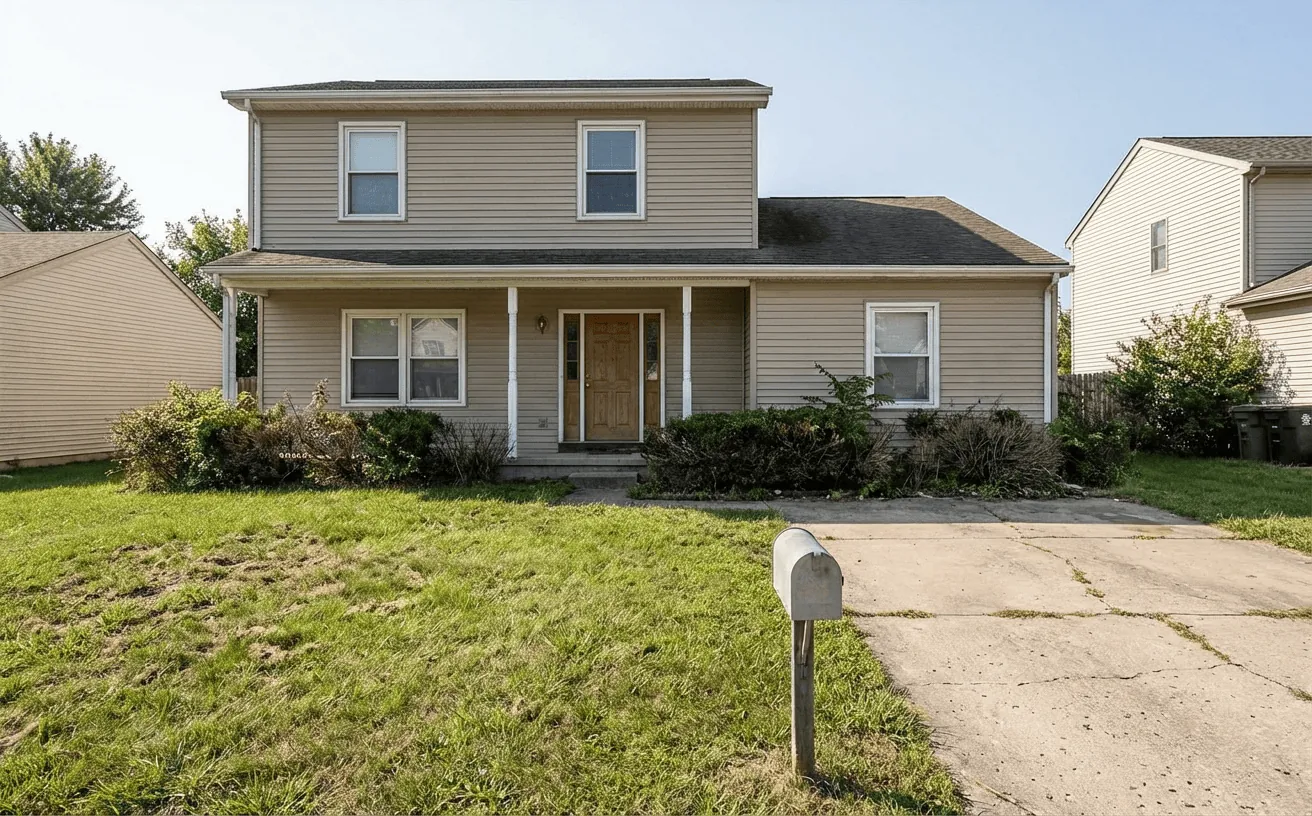
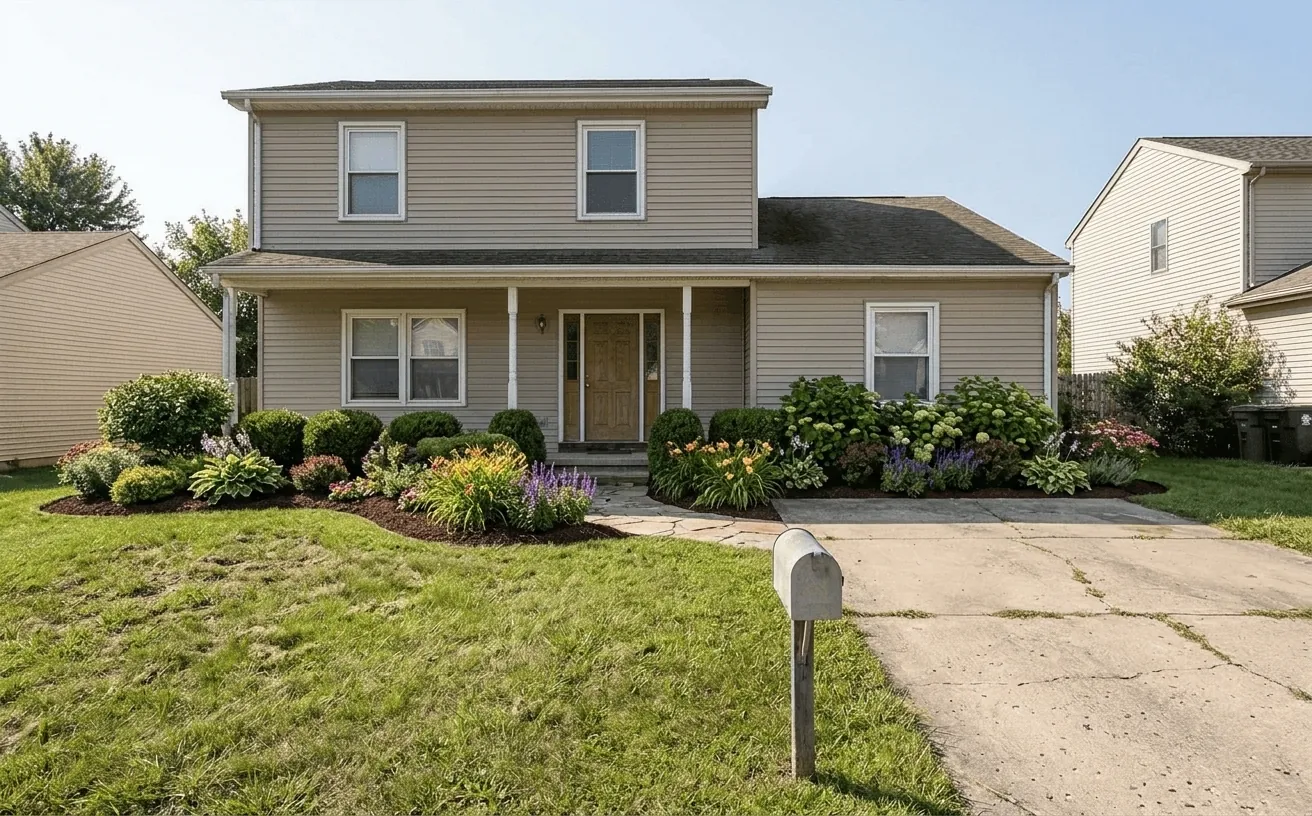 BeforeAfter
How it works
- 1
Upload a photo of your landscape.
- 2
Pick a style and add what to keep or change.
- 3
Get a realistic redesign in about 10 seconds, then refine it.
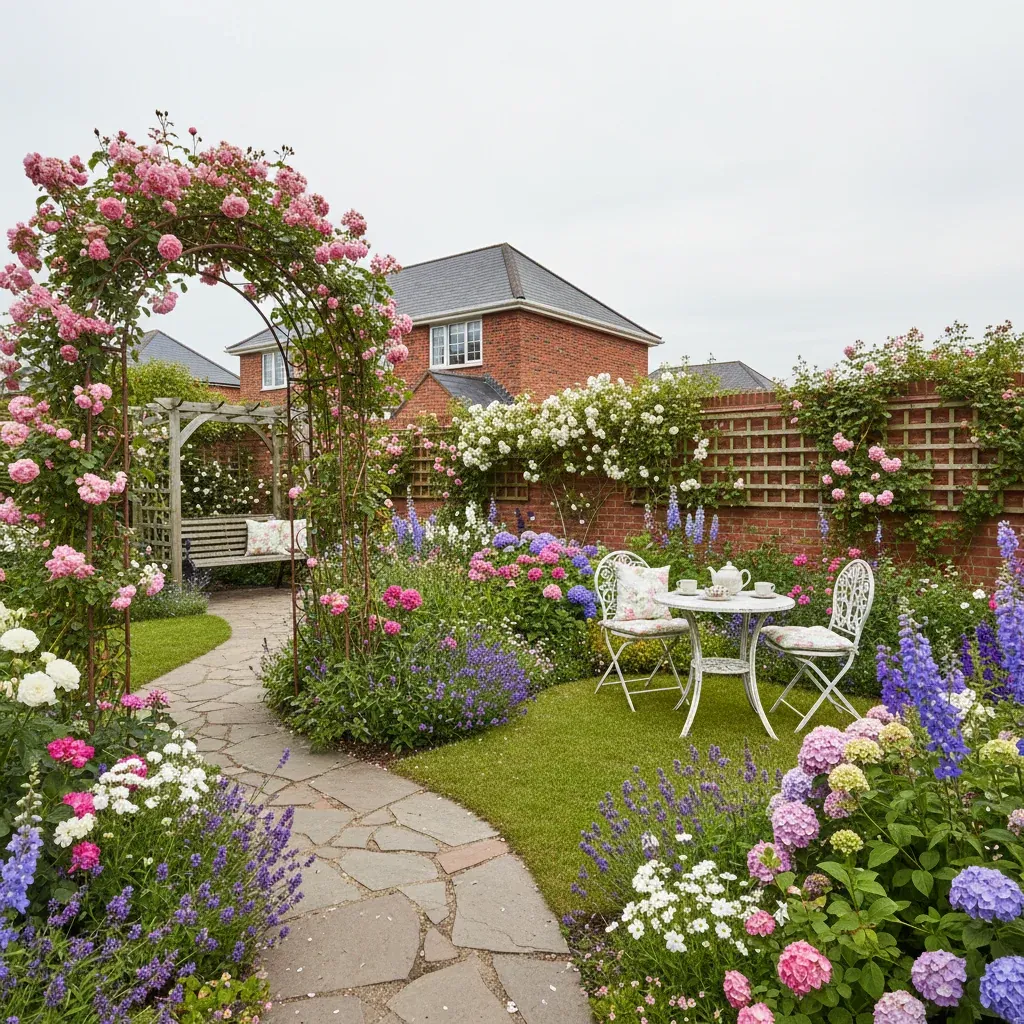
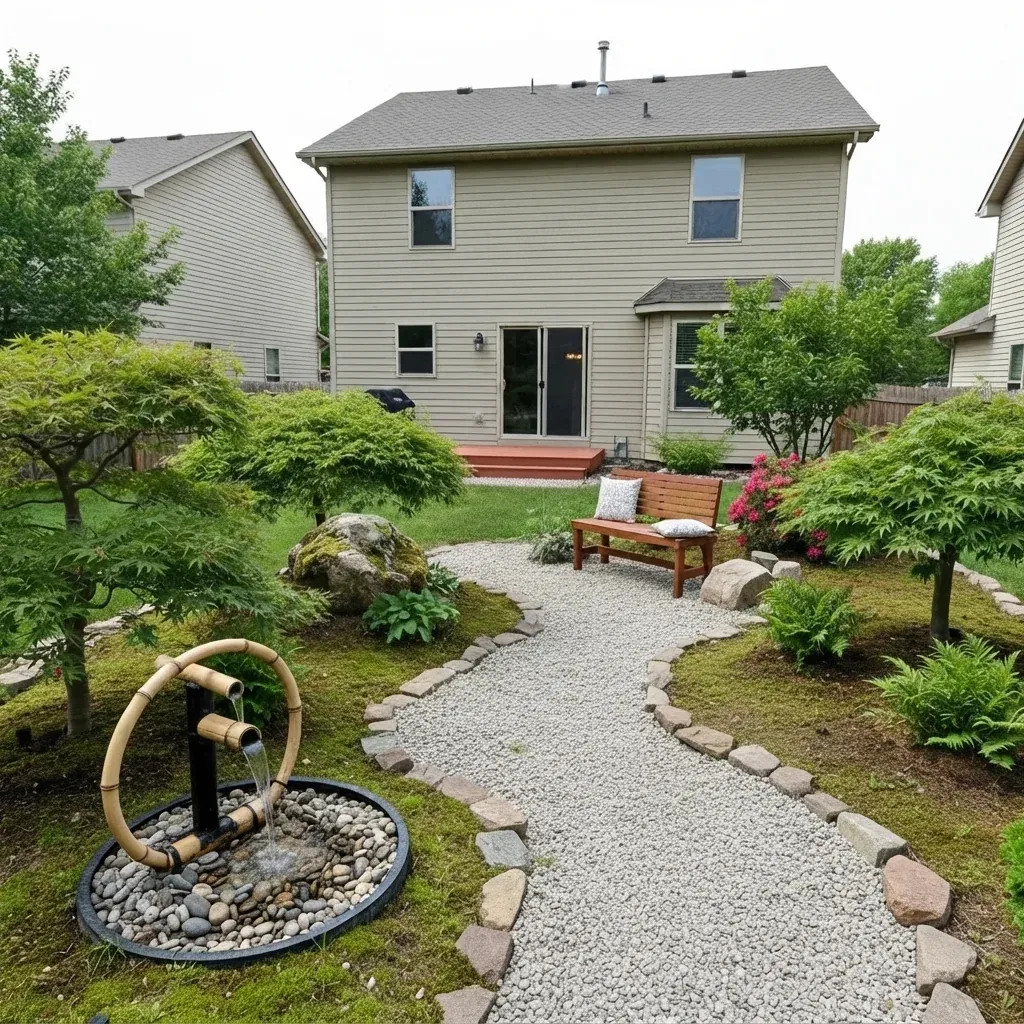
Popular landscape styles
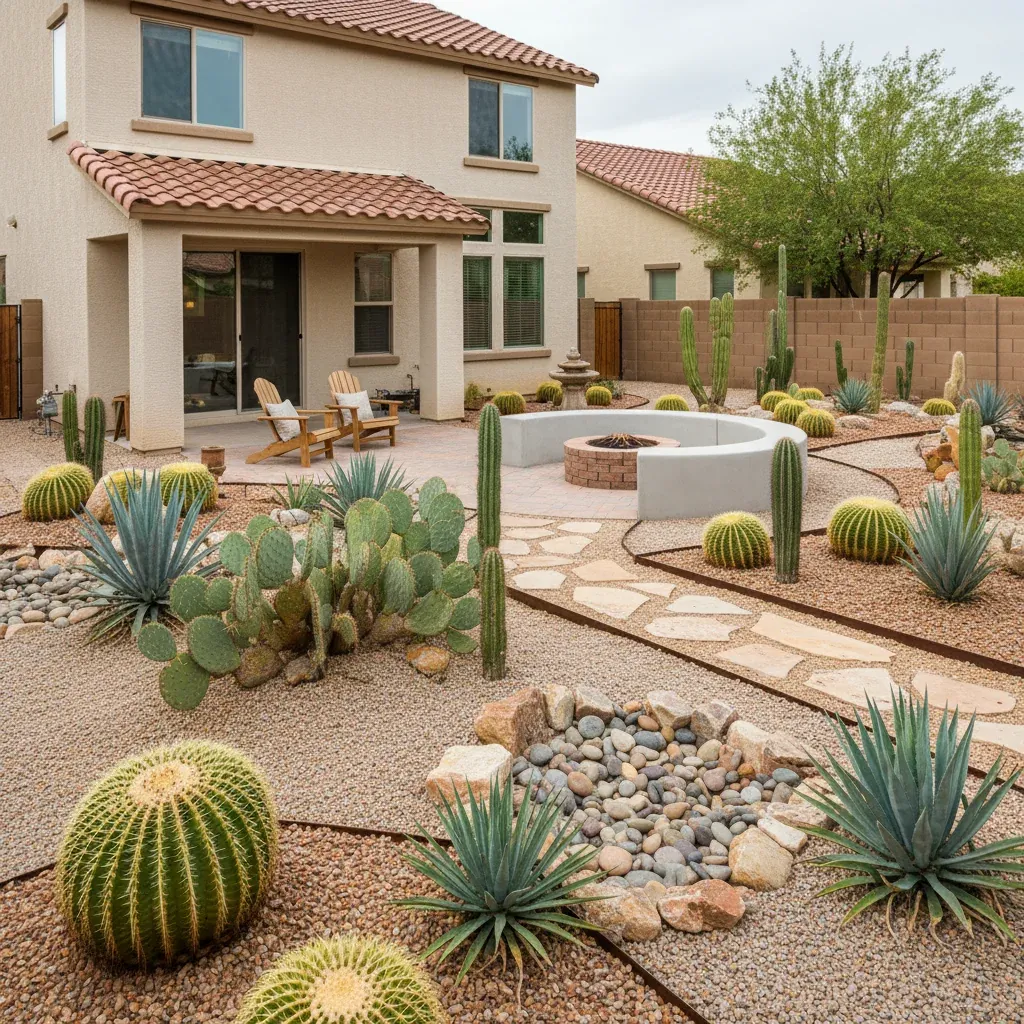
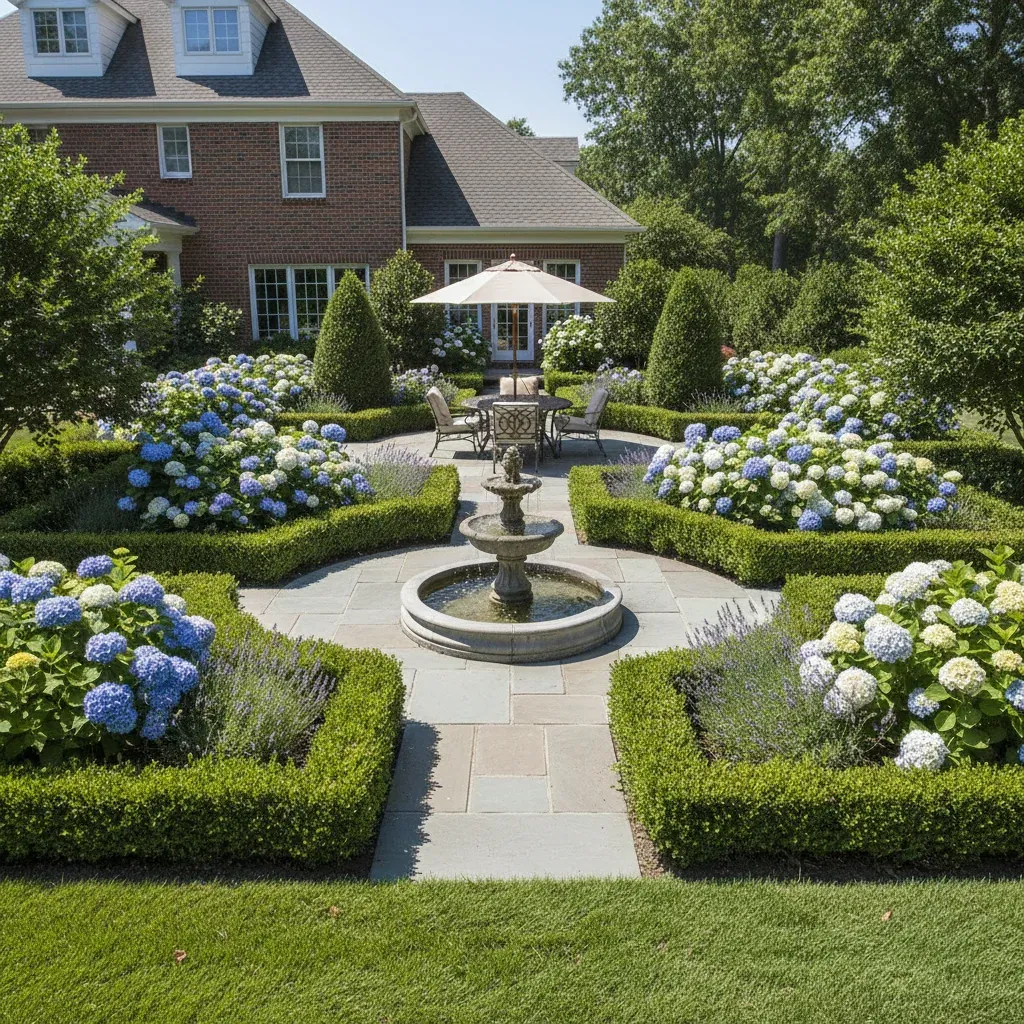
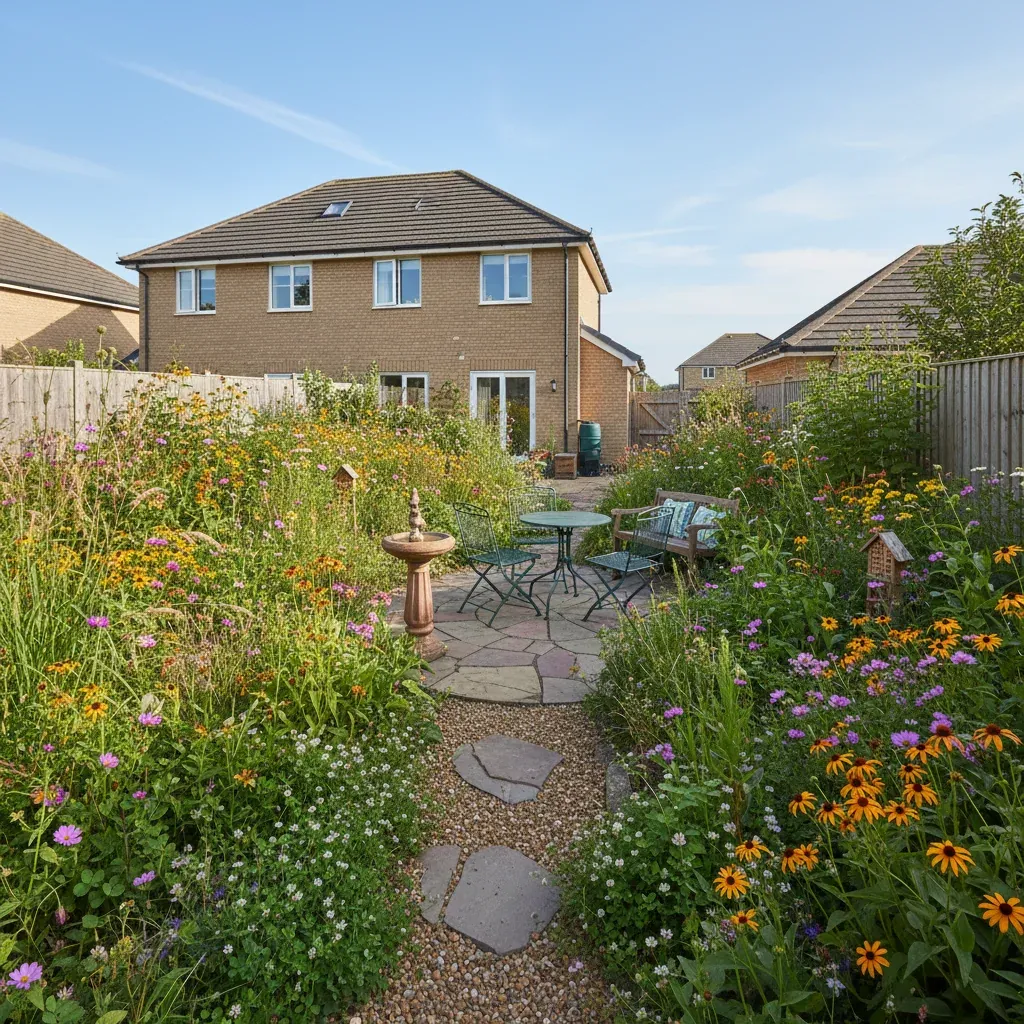
Tips for the best landscape redesign
- Shoot in daylight with the whole yard in frame, house included.
- Mention your climate so the planting is realistic: "drought-tolerant plants for Arizona".
- Ask for low-maintenance shrubs if you do not want weekly gardening.
- Use the Landscaping and Green lawn photo fixes for a quick refresh without a full redesign.
Frequently Asked Questions
Can AI design my front yard landscaping?
Yes. Upload a photo of your front yard and Decor Copilot adds planting beds, shrubs, mulch, edging and paths while keeping your house, driveway and walkways in place.
Does it pick plants for my climate?
Tell it your climate or region in the instructions, for example "hot, dry climate" or "shade-loving plants", and it chooses plants that suit those conditions. Always confirm hardiness with a local nursery.
Can it fix a brown or patchy lawn in photos?
Yes. The Green lawn photo fix turns patchy or brown grass into a healthy, evenly green lawn in one tap.
How much does it cost?
Your first design is free. Unlimited designs are $14.99/month, or $4.99 for a 24-hour Day Pass.


Unlock the Full Power of Decor Copilot
Upload a photo and see your room redesigned in seconds. Start for free today.
No credit card required