
AI Living Room Design: Redesign Yours From a Photo
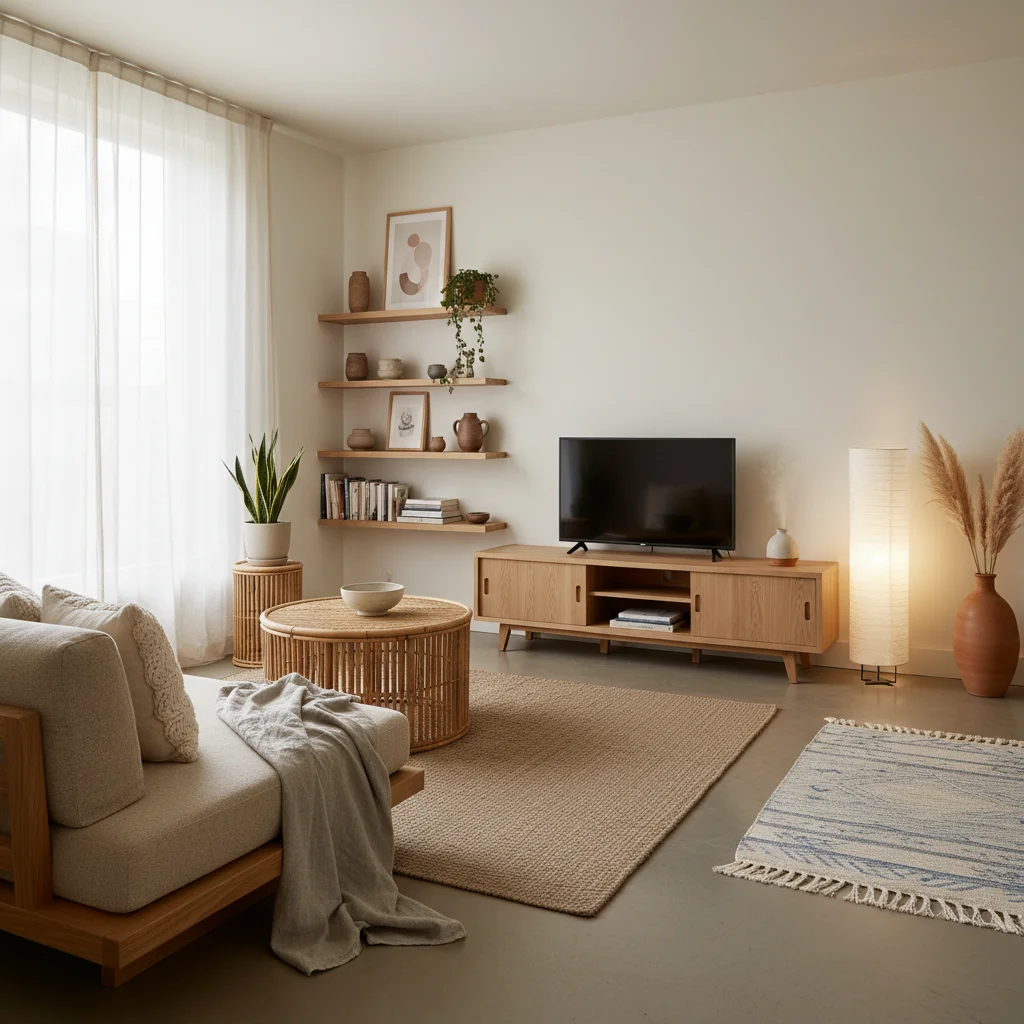
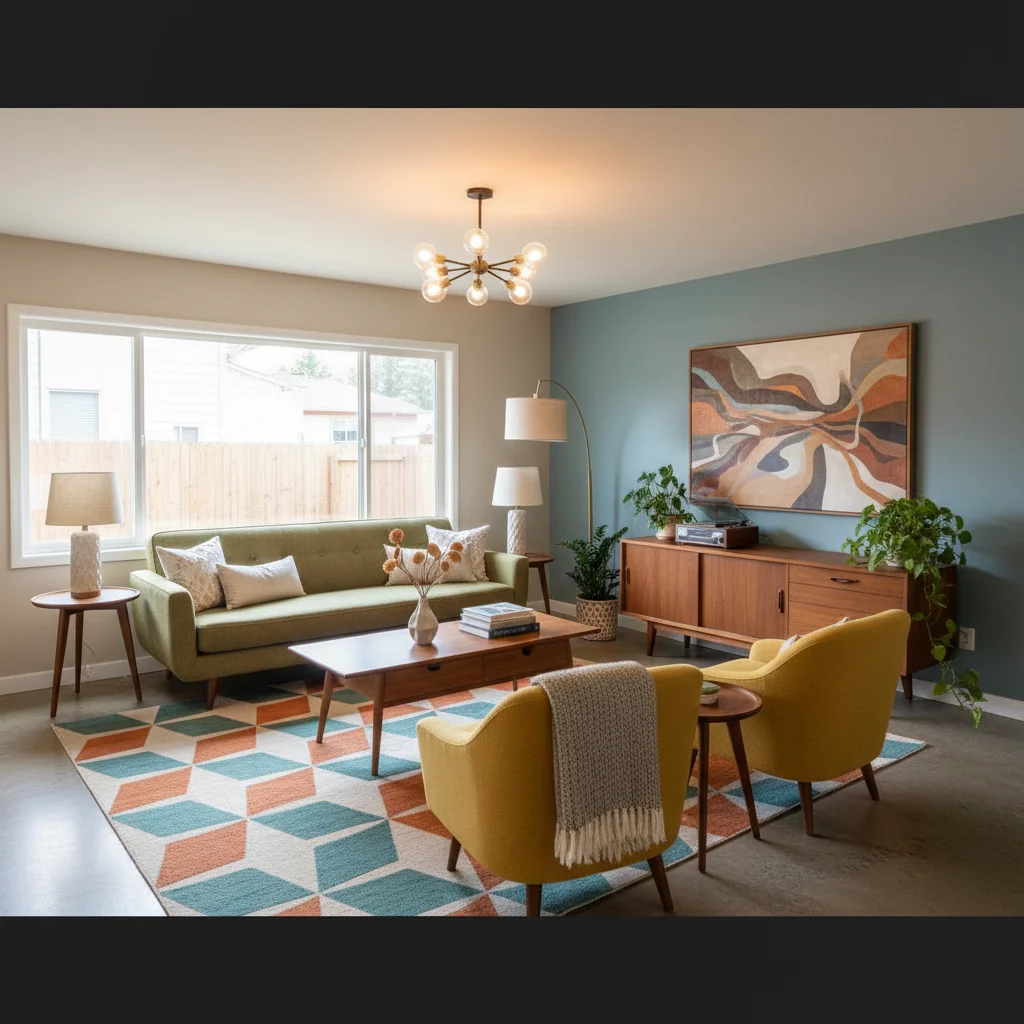
Snap your living room, pick a style and see it redesigned around your real walls, windows and floor in about 20 seconds. Try Japandi, mid-century or coastal before you buy a single cushion.
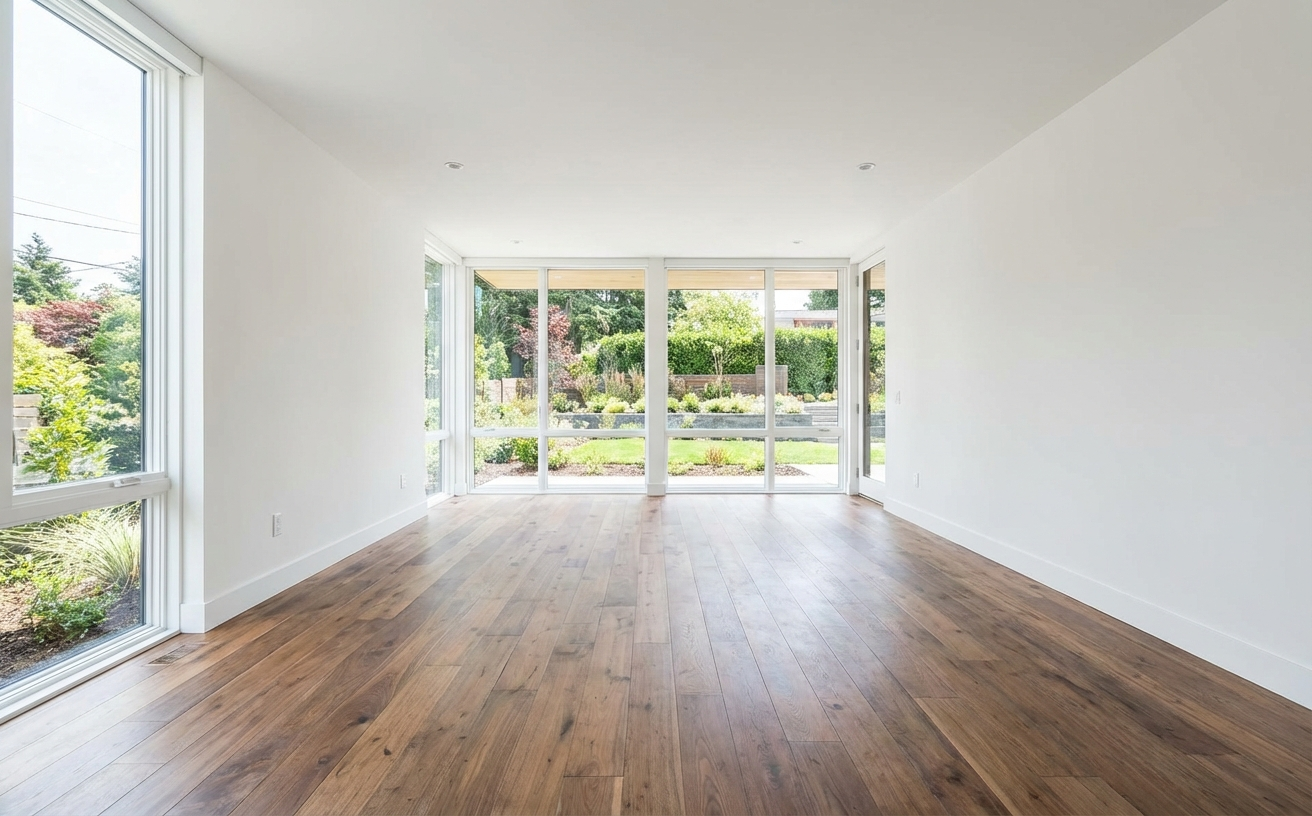
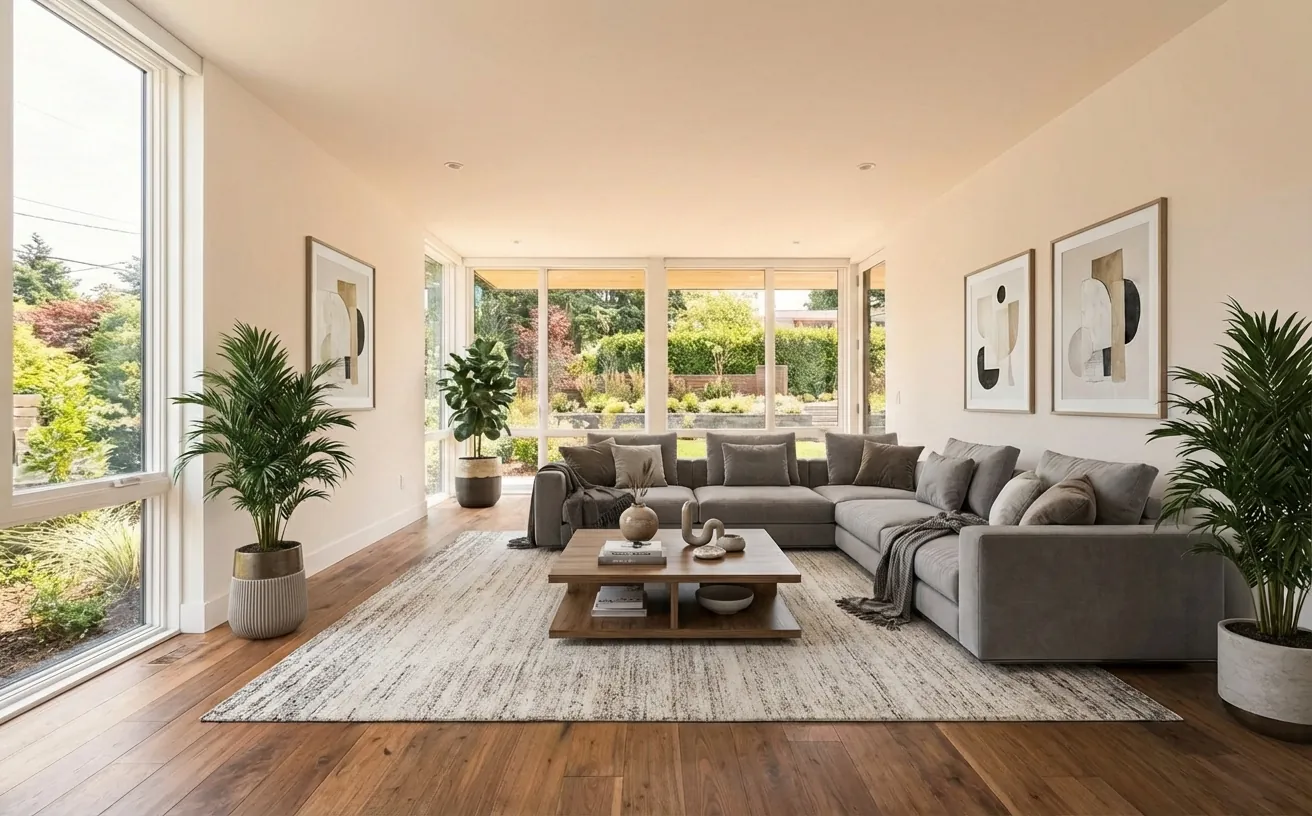 BeforeAfter
How it works
- 1
Upload a photo of your living room.
- 2
Pick a style and add what to keep or change.
- 3
Get a realistic redesign in about 20 seconds, then refine it.
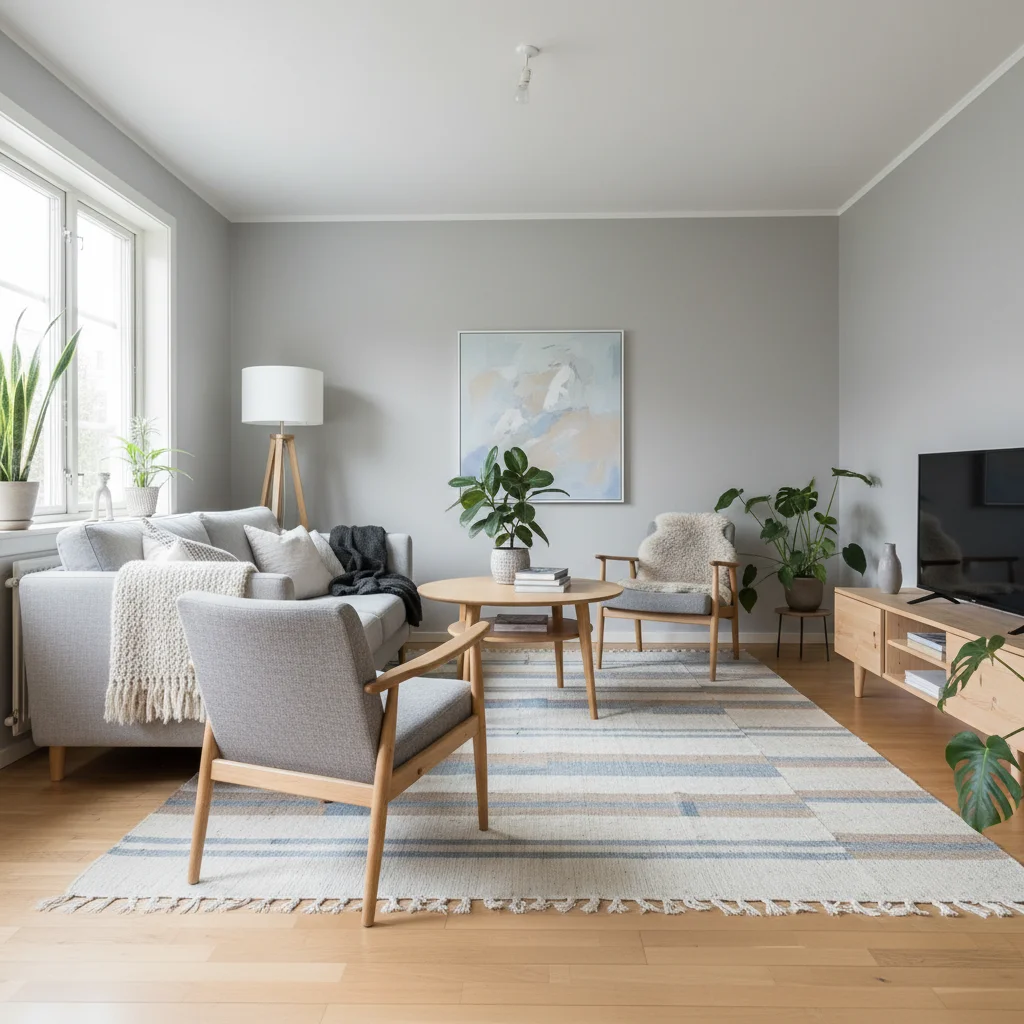
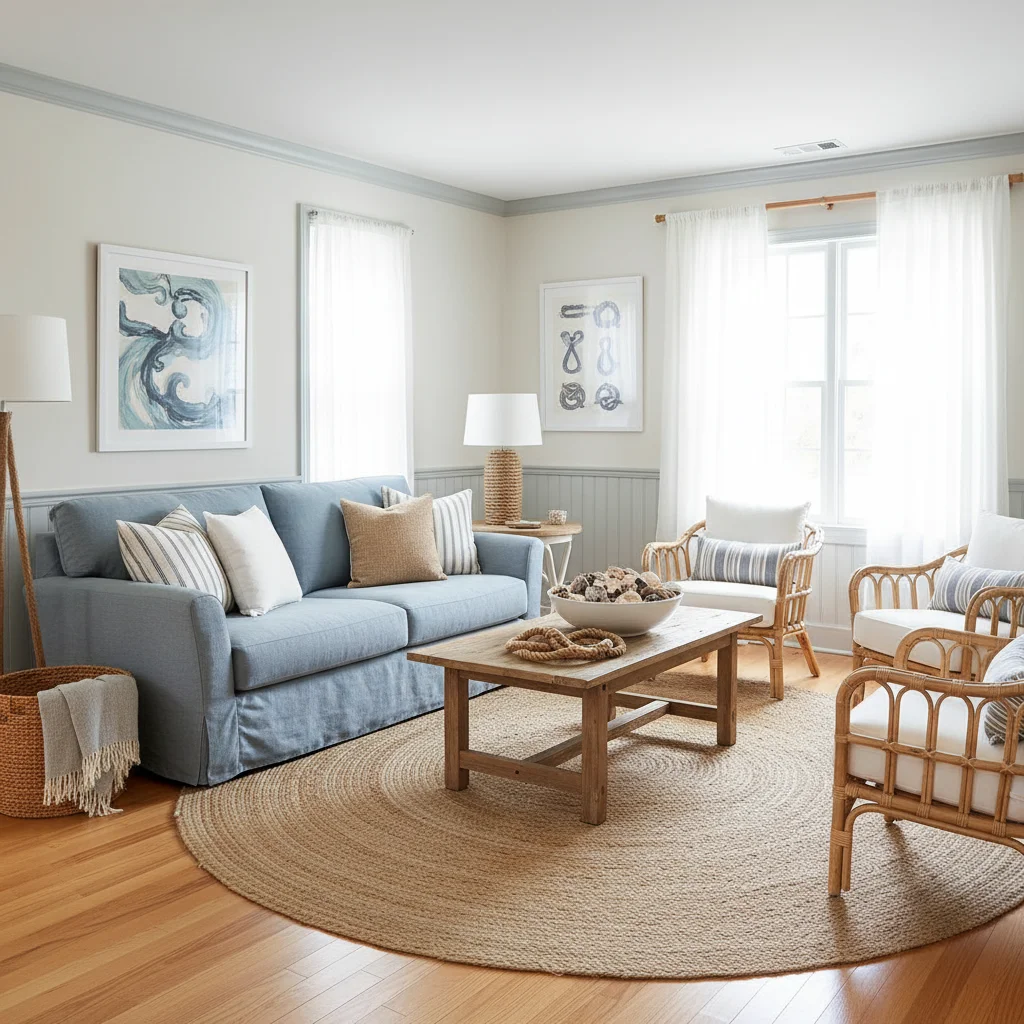
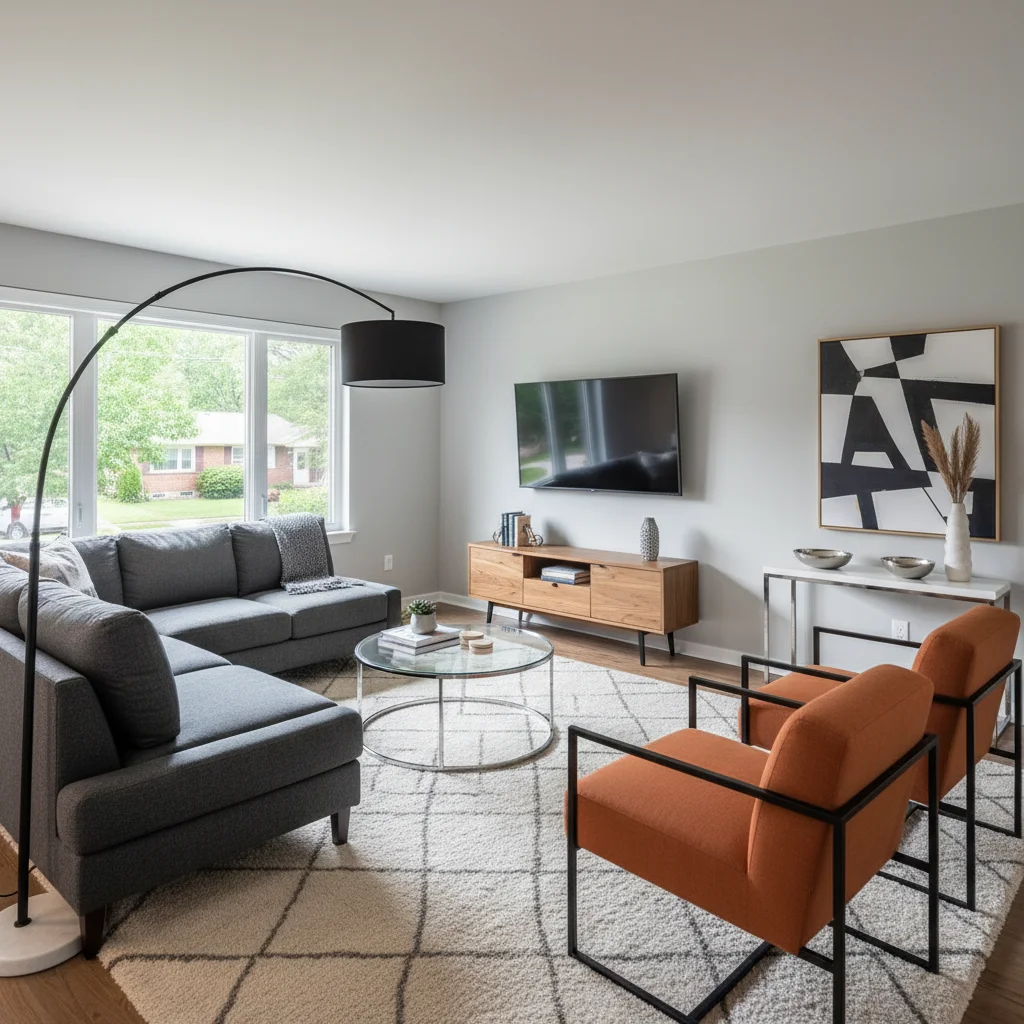
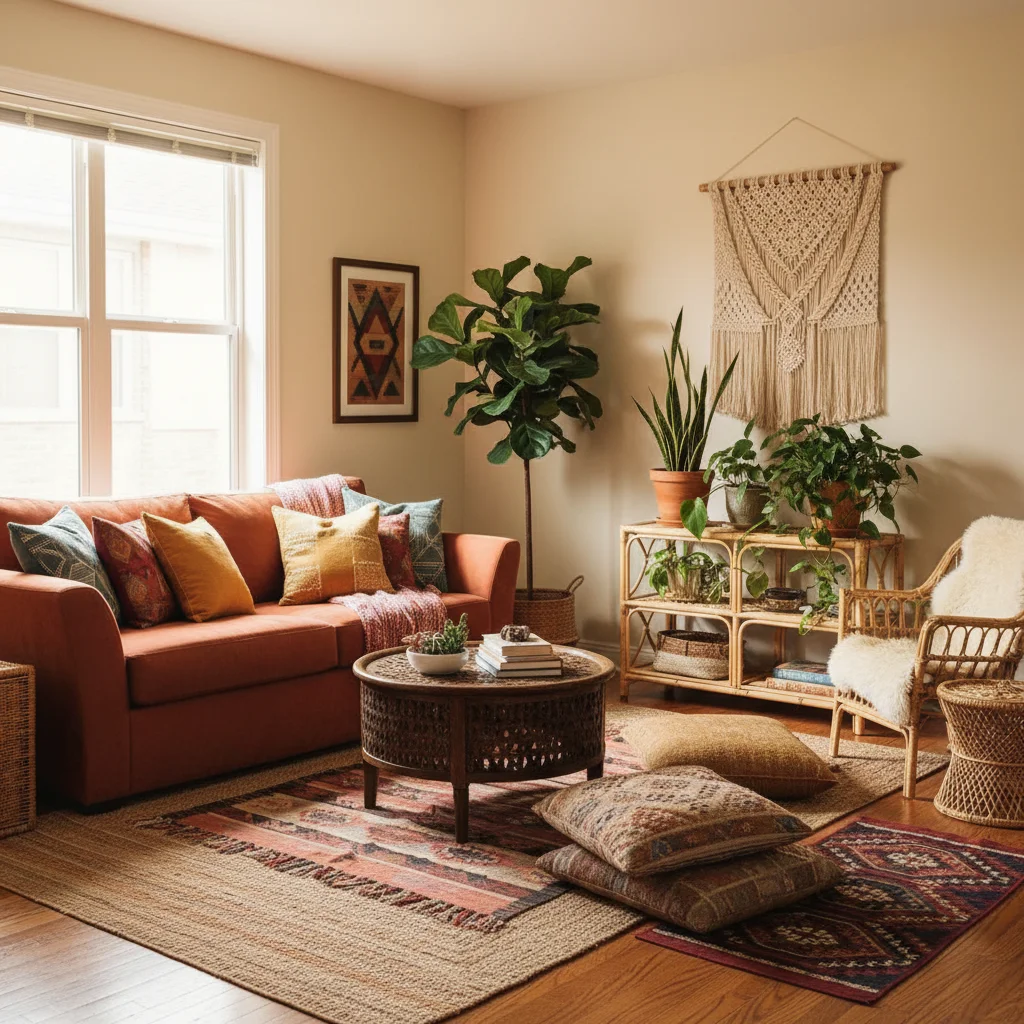
Popular living room styles
Tips for the best living room redesign
- Shoot from a corner at chest height so the AI sees two walls and the floor.
- Tell it what to keep: "keep my gray sectional and the fireplace".
- Ask for a rug that holds the front legs of every seat — it anchors the layout.
- Try the same room in two styles and compare them side by side.
Frequently Asked Questions
Can AI design my living room from a photo?
Yes. Upload one photo and Decor Copilot redesigns the same room in the style you choose, keeping the walls, windows, doors and flooring in place.
Is the AI living room designer free?
Your first design is free. After that, Pro Unlimited is $14.99/month for unlimited designs, or $4.99 for a 24-hour Day Pass.
Can I keep my sofa and only change the decor?
Yes. Add an instruction like "keep my sofa and TV wall" and use a subtle intensity; the AI restyles around the pieces you keep.
What size rug does my living room need?
Choose a rug that fits under the front legs of every seat, with about 18 inches of floor showing at the walls. The free rug size calculator gives exact sizes.
How long does a redesign take?
Most living room redesigns are ready in about 20 seconds.


Unlock the Full Power of Decor Copilot
Upload a photo and see your room redesigned in seconds. Start for free today.
No credit card required