
AI Bedroom Design: Redesign Your Bedroom From a Photo
Turn a cluttered bedroom into a calm retreat. Upload a photo, choose a style, and see the redesign around your real windows and bed wall in seconds.
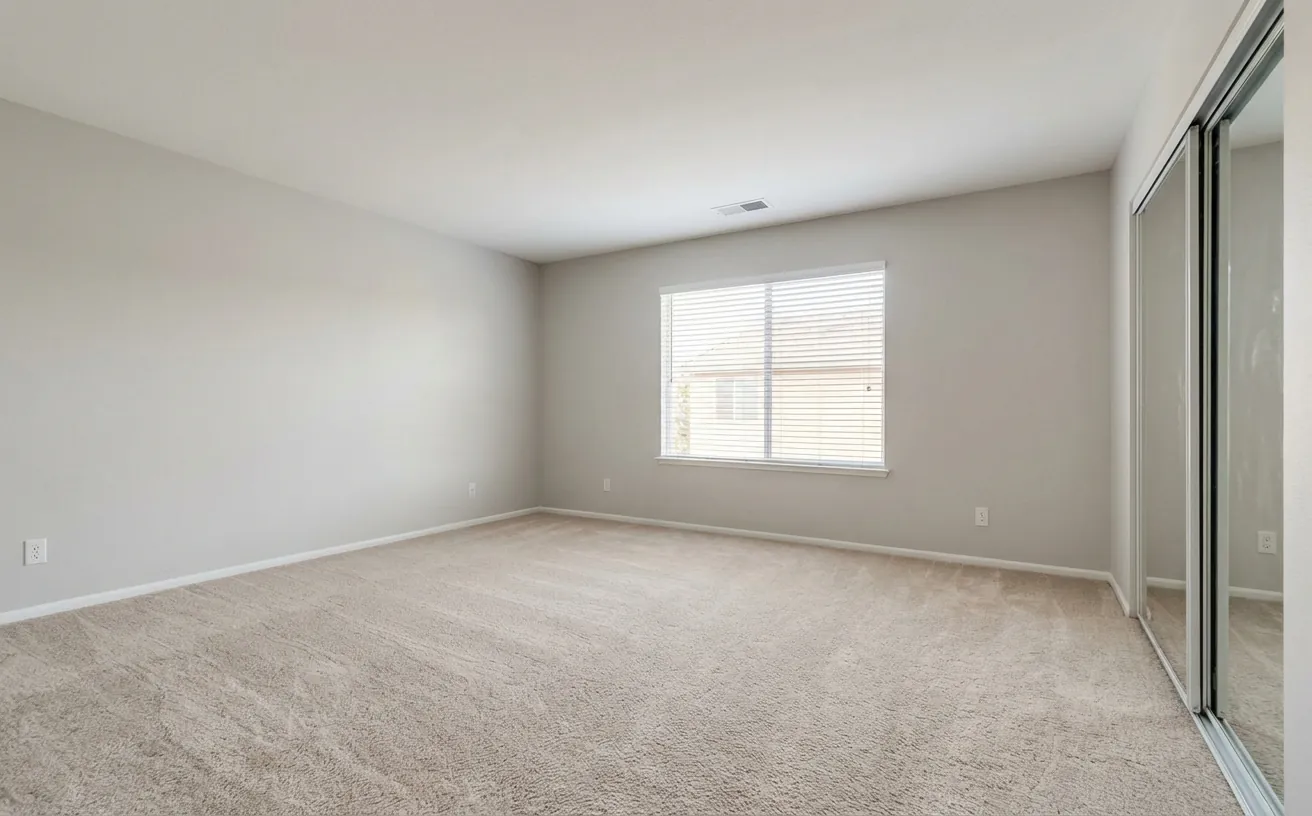
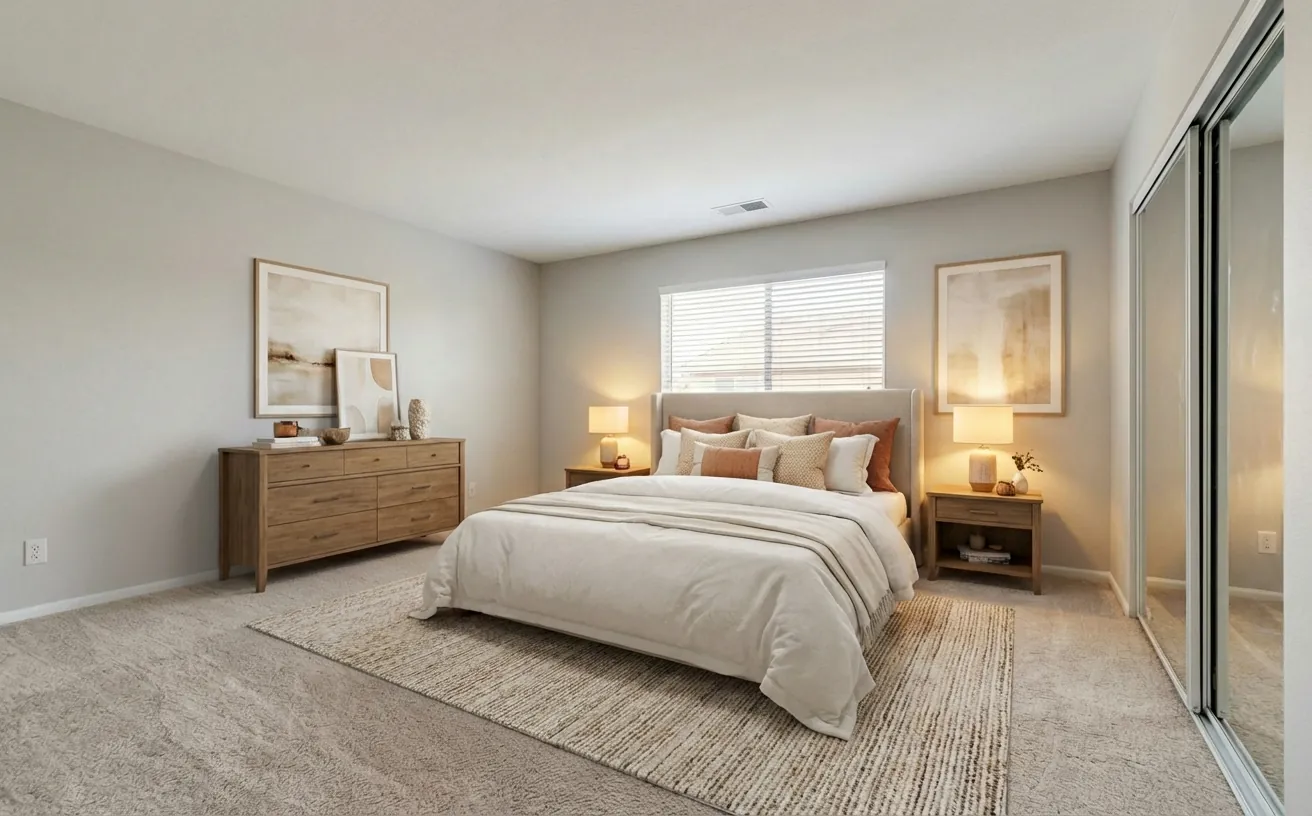 BeforeAfter
How it works
- 1
Upload a photo of your bedroom.
- 2
Pick a style and add what to keep or change.
- 3
Get a realistic redesign in about 20 seconds, then refine it.
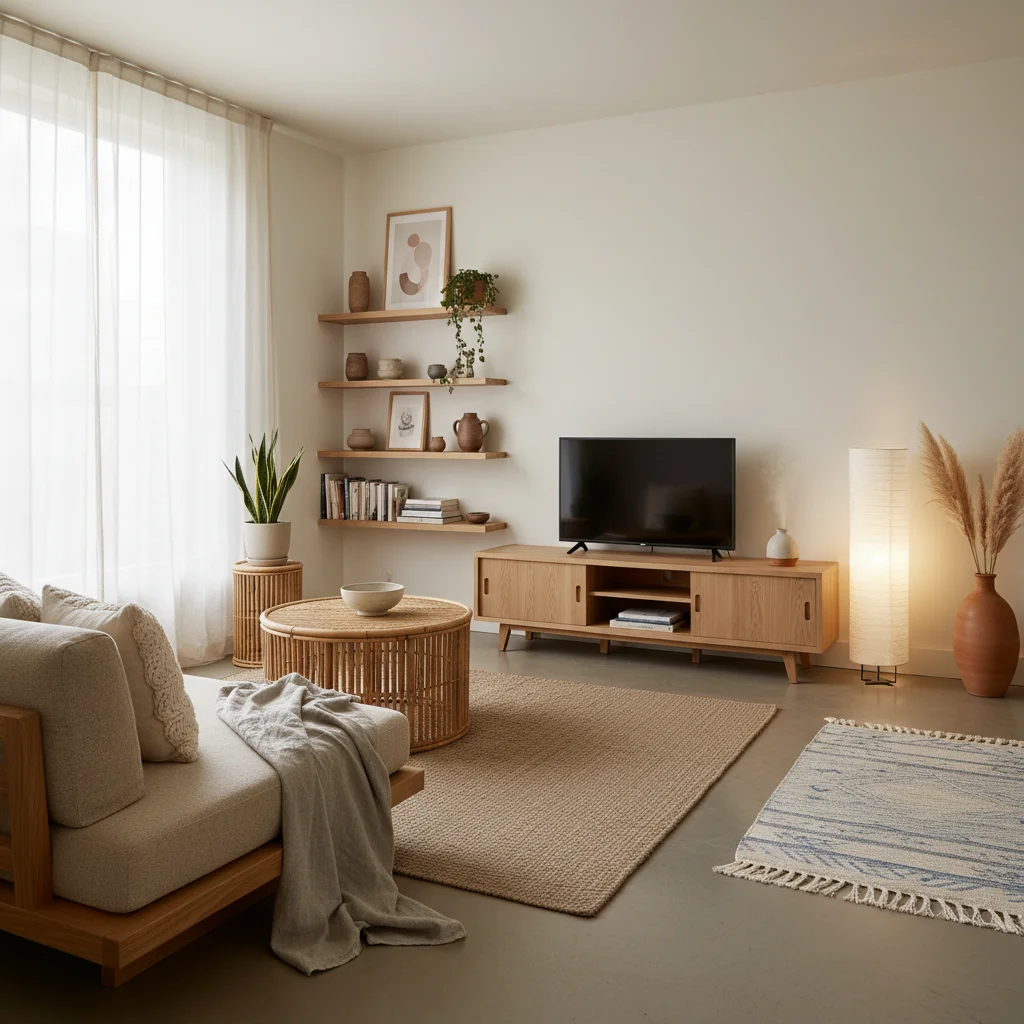
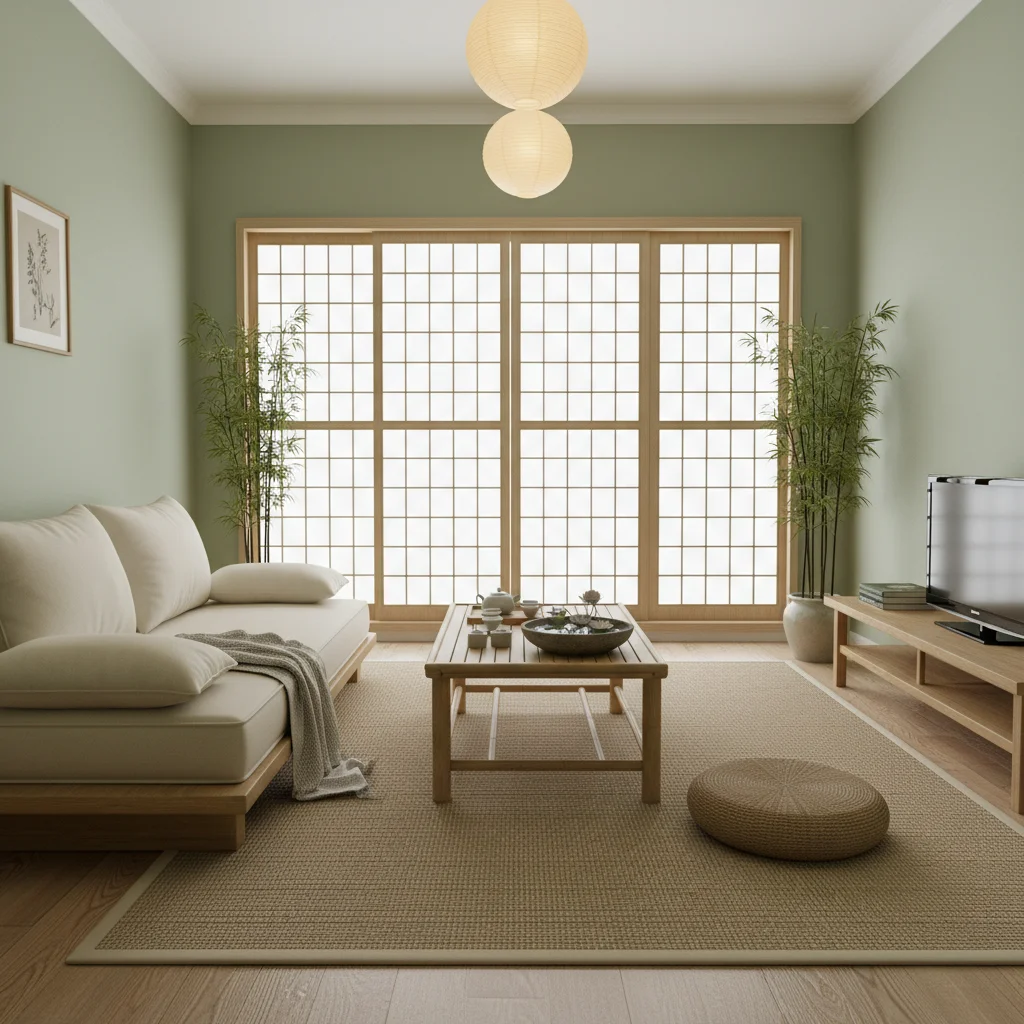
Popular bedroom styles
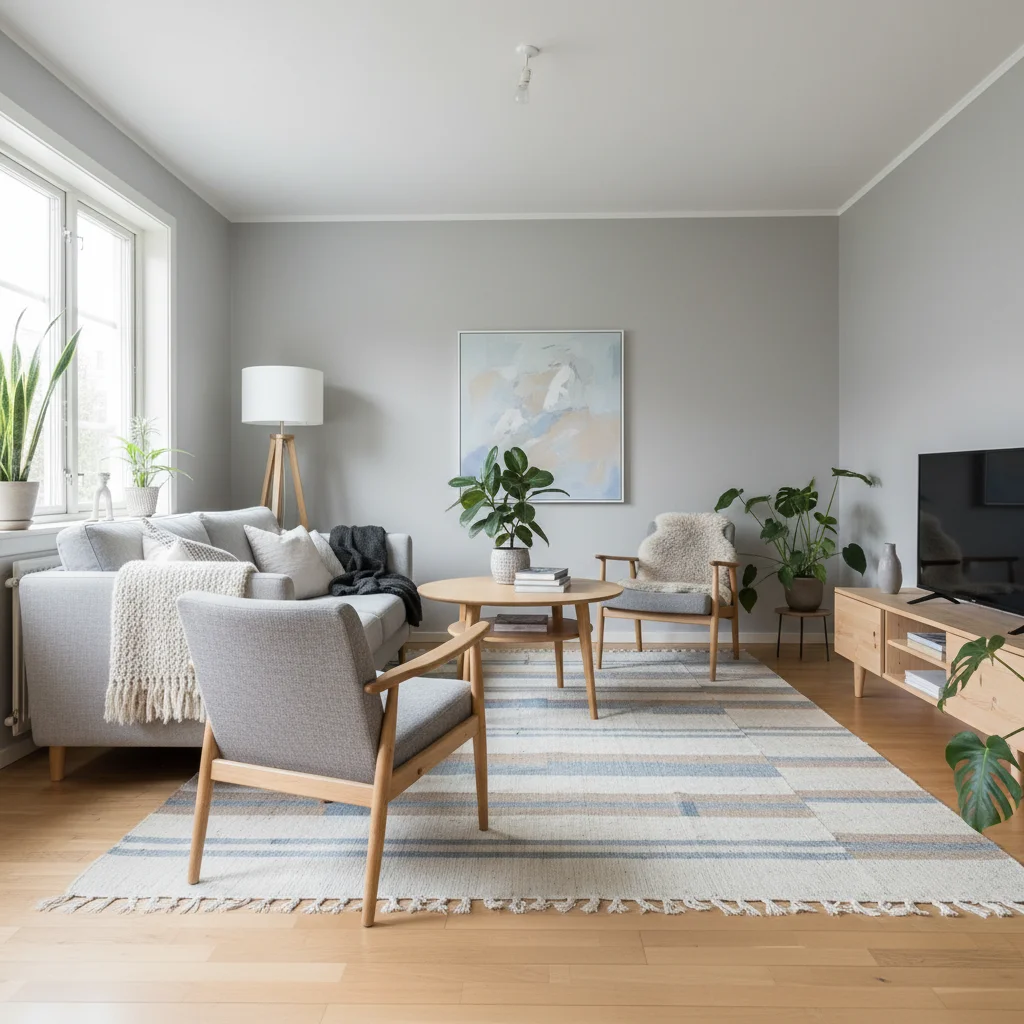
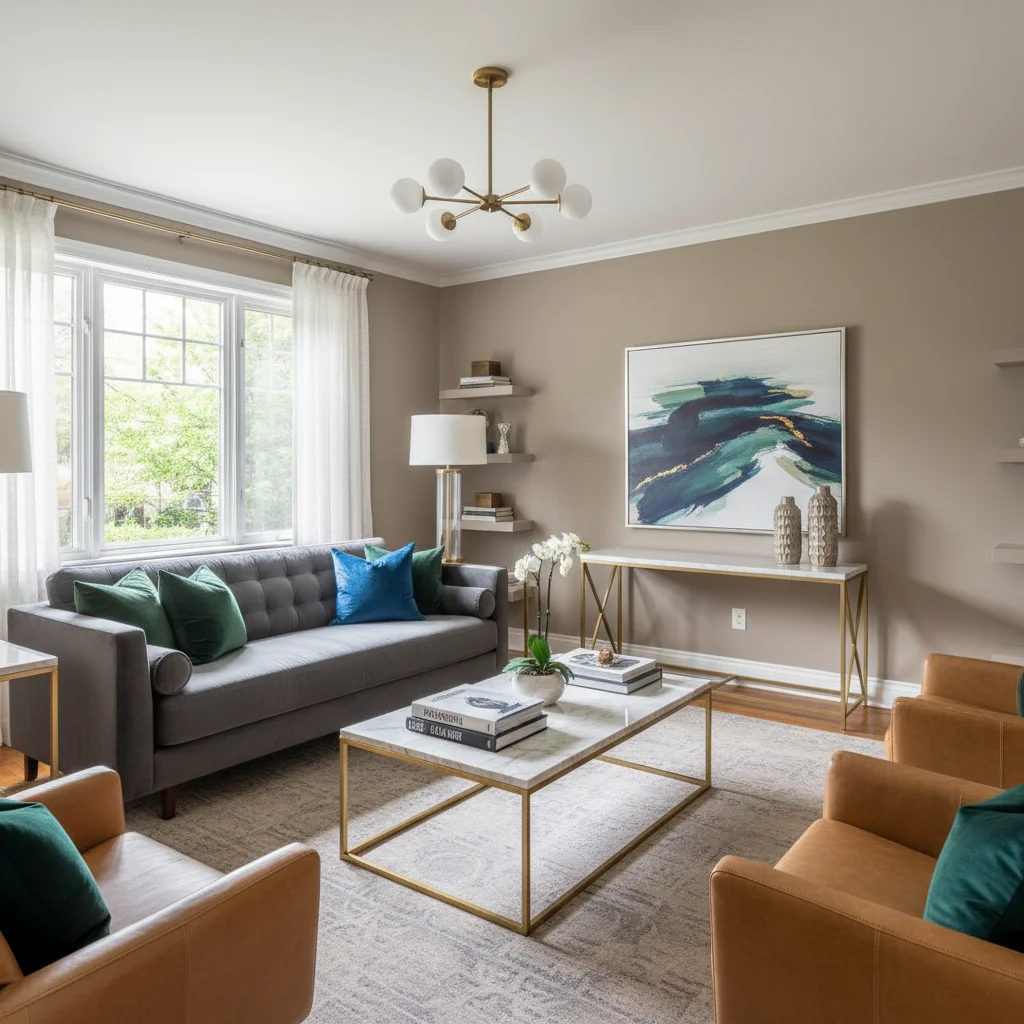
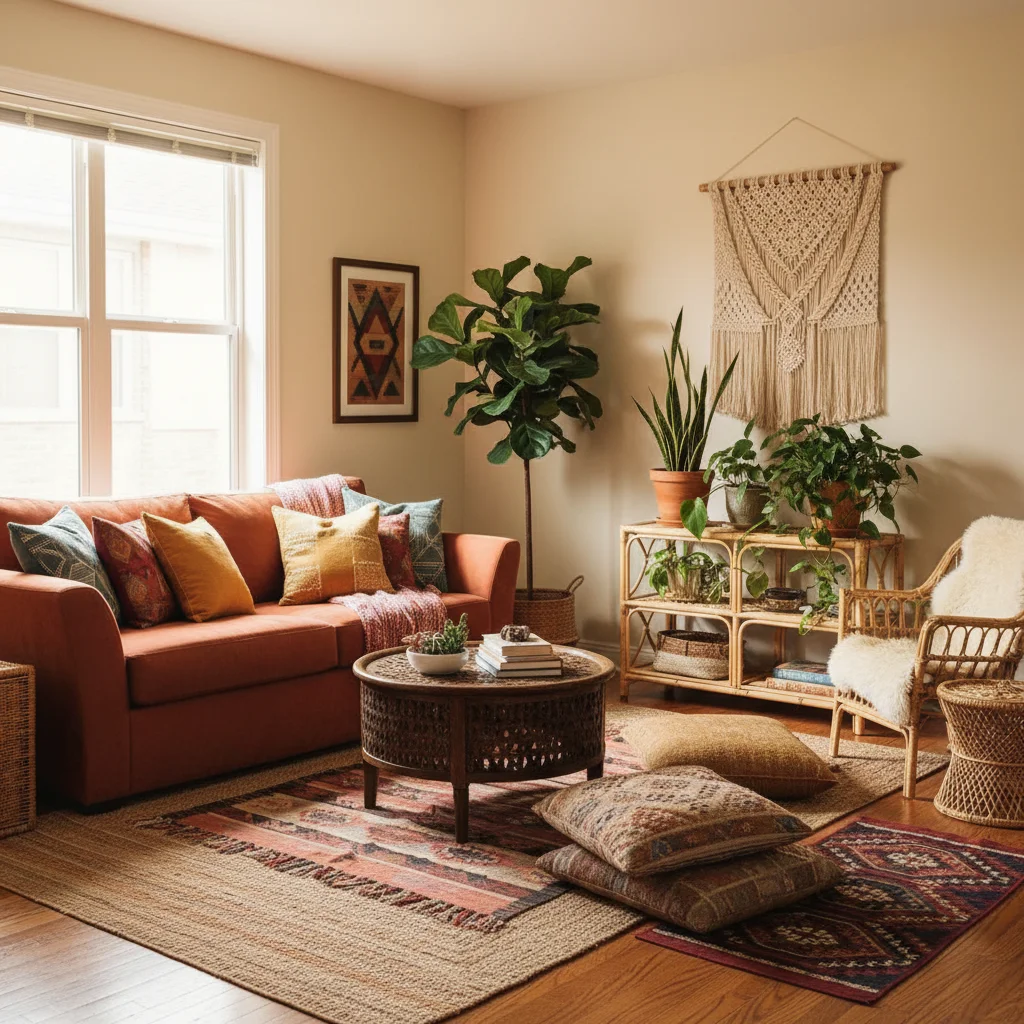
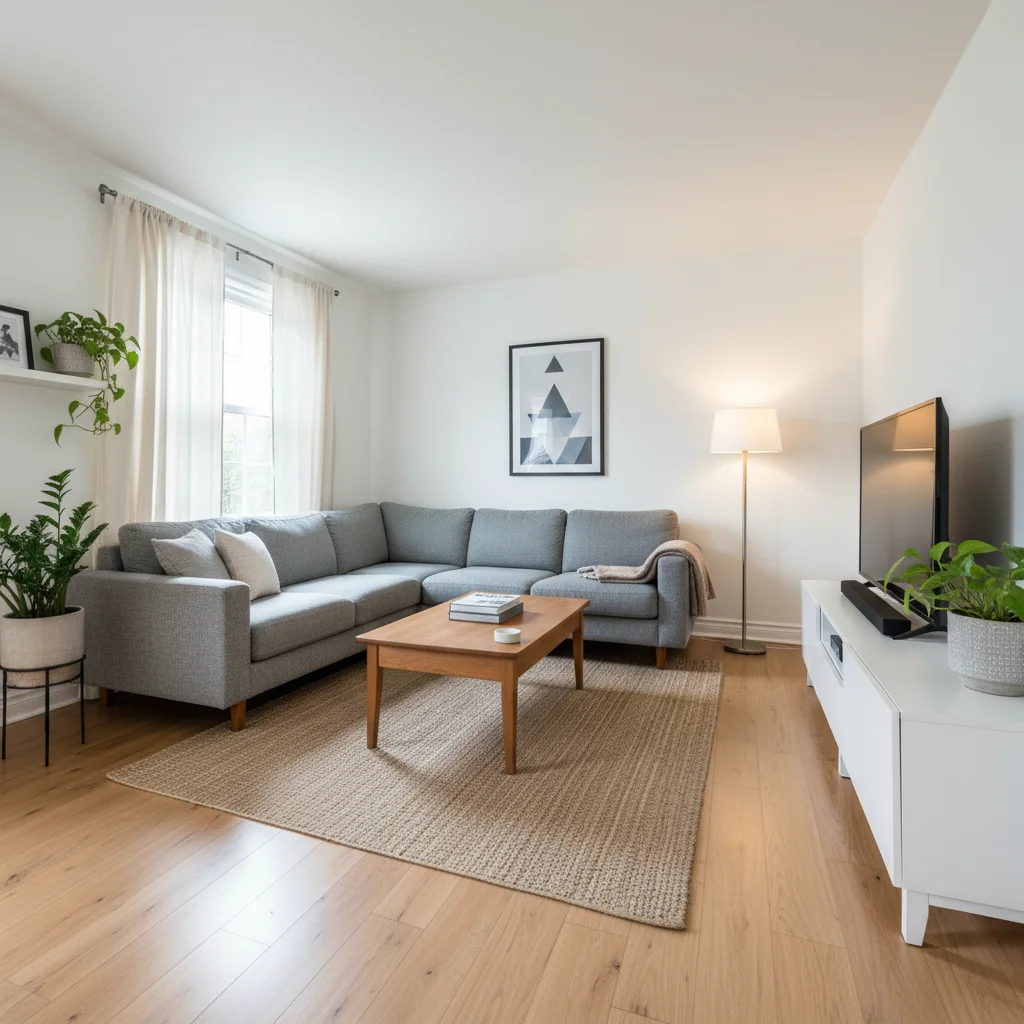
Tips for the best bedroom redesign
- Make the bed and clear the nightstands before you shoot — the AI reads clutter as decor.
- Ask for "matching nightstands and lamps on both sides" for a balanced, hotel feel.
- Try the Feng Shui style to see the bed in the command position.
- Use soft, warm lighting instructions for a restful mood.
Frequently Asked Questions
Can AI redesign my bedroom?
Yes. Upload a photo of your bedroom and Decor Copilot returns a realistic redesign in your chosen style while keeping the room's structure.
Can AI design a feng shui bedroom?
Yes. Choose the Feng Shui style and the AI arranges the room for balance — bed against a solid wall with a view of the door, paired nightstands and calm colors.
Will a queen bed fit my small bedroom?
A queen (60 x 80 in) needs about a 10 x 10 ft room to leave 24-inch walkways on both sides. Check exact sizes with the room layout guides.
Is it free to try?
Your first design is free with no credit card. Unlimited designs are $14.99/month.
Can I change only the wall color?
Yes. Use the AI wall painter to recolor individual walls without changing anything else.


Unlock the Full Power of Decor Copilot
Upload a photo and see your room redesigned in seconds. Start for free today.
No credit card required