AI Sky Replacement for Real Estate Photos: Blue Sky or Golden Hour From Your Phone
Shot the listing on a gray day? Here's how AI sky replacement works, when to choose blue sky or golden hour, how to do it from your phone in a minute, and the honest limits, including MLS disclosure.
Hoceine
7 min read17 views
In this article
- What is sky replacement in real estate photography?
- Blue sky or golden hour: which should I choose?
- How do I replace the sky in a real estate photo from my phone?
- Can I do it without AI?
- What are the limits of AI sky replacement?
- Is sky replacement allowed on MLS listings?
- Does a blue sky help a listing sell?
- Tips for better results
- Try it on your own listing
- Frequently asked questions
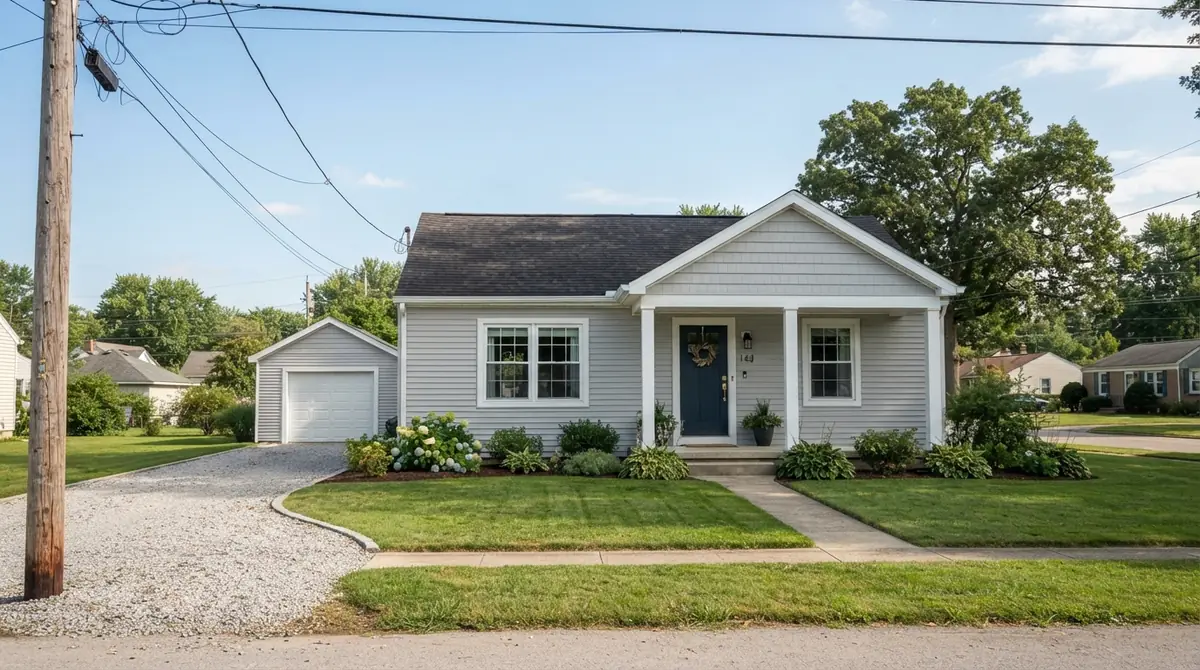
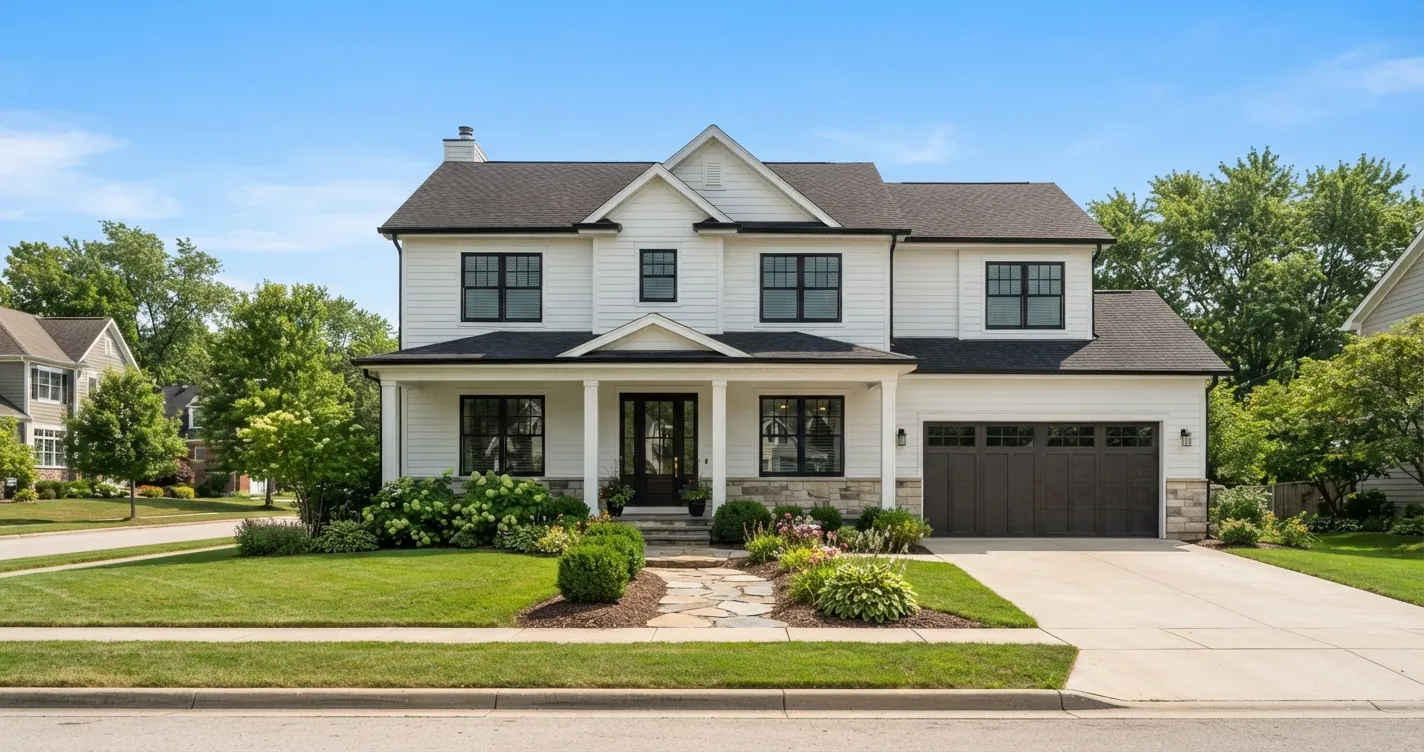
The listing goes live Thursday, the photos were shot Tuesday, and Tuesday was flat gray. Every exterior shot has a white or dull sky, the grass looks tired and the house color is muted. Reshooting means waiting for the weather and paying for another visit. Replacing the sky takes about a minute.
Short answer: AI sky replacement detects the sky in your exterior photo, swaps it for a clear blue or warm golden-hour sky, and relights the house so shadows and colors match the new light. On DecorCopilot, upload the photo to the AI room designer, open the result, and tap the Blue sky or Golden hour photo fix. The property stays the same. Check your MLS rules, and disclose enhancement where required.
What is sky replacement in real estate photography?
Sky replacement swaps an overcast, blown-out white or hazy sky in an exterior photo for a better one. Real estate editors have done it by hand in Photoshop and Lightroom for years. It's one of the most requested edits in listing photography because the sky often takes up a third of the frame, and a gray one makes the whole image look cold.
Manual sky replacement has two hard parts: masking around trees, rooflines and gutters, and matching the light on the house to the new sky. A blue sky over a house lit by flat gray light looks pasted on. AI tools handle both steps together, which is why the results look more natural than a simple cut-and-paste.
Blue sky or golden hour: which should I choose?
| Choice | What it does | Best for | Avoid when |
|---|---|---|---|
| Blue sky | Clear blue with a few soft clouds, crisp daylight on the facade | Most listings, front elevations, homes with gardens | The photo was clearly shot at dusk |
| Golden hour | Warm late-afternoon sky, low sun, long soft shadows | Homes with west-facing views, patios, lifestyle shots | The listing needs a neutral, "as is" look |
| Day to dusk | Deep blue twilight with glowing windows | Hero shot, standout thumbnail | Homes without visible windows or lights |
Blue sky is the safe default for the main exterior photo. Golden hour suits a second exterior or a backyard shot, and gives a warmer, more lifestyle feel. Twilight is a separate edit with its own rules, covered in our day-to-dusk guide.
How do I replace the sky in a real estate photo from my phone?
- Shoot or pick the photo. Use the original, not a screenshot. Higher resolution gives cleaner edges around trees and rooflines.
- Upload it. Open the AI room designer on your phone, upload the exterior photo, and choose the House exterior or Garden room type.
- Generate or open the result. In the studio results you'll see Photo fixes.
- Tap Blue sky or Golden hour. One tap, one credit. The tool replaces the sky and relights the scene to match.
- Compare and download. Use the before/after slider to check edges along the roofline and trees. If something looks off, run it again or try the other sky.
The same Photo fixes panel has Green lawn (fixes brown or patchy grass), Clear pool (fills or cleans the water), Summer refresh (turns a winter shot green) and Curb appeal. Each is a single tap and keeps the house itself identical.
Can I do it without AI?
Yes. Lightroom has a sky selection mask, and Photoshop has a dedicated Sky Replacement tool that does a decent job on simple skylines. Many real estate photo editing services also replace skies for a per-image fee. The trade-offs:
| Method | Time per photo | Skill needed | Typical result |
|---|---|---|---|
| Photoshop Sky Replacement | 2-10 min | Moderate | Good, may need manual relighting |
| Lightroom mask + adjustments | 5-15 min | Moderate | Good for small sky fixes |
| Editing service | Hours to next day | None | Usually good, costs per image |
| AI one-tap fix on your phone | About a minute | None | Good, sky and lighting adjusted together |
For an agent who shoots their own listings on a phone, the phone-based route removes the laptop step entirely.
What are the limits of AI sky replacement?
Be honest with yourself about what the edit can and can't do.
- Fine detail at the edges. Bare winter branches, chain-link fences and wires against the sky are the hardest areas. Zoom in and check.
- Reflections. Windows, pools and wet surfaces reflect the old sky. Good tools adjust reflections, but always look at them.
- Mismatched shadows. If the original photo has hard noon shadows and you choose golden hour, the result can look inconsistent. Pick the sky that matches the original light direction where possible.
- Interiors. If no sky is visible, the Blue sky fix brightens daylight coming through the windows instead. For dark interiors, use "Bright & airy" (see how to brighten dark real estate photos).
- It won't fix the house. Peeling paint, a dead lawn or a damaged roof are still there. Use the right fix for each, and only for cosmetic, temporary conditions.
Is sky replacement allowed on MLS listings?
Rules vary by MLS, so check yours. In general:
- The NAR Code of Ethics (Article 12) requires agents to present a true picture in their advertising. Edits that change how the property itself looks, or hide defects, cross that line.
- Cosmetic edits like sky replacement, brightness and color correction are widely accepted because the sky isn't part of the property.
- Some MLSs and brokerages require a note such as "photos virtually enhanced" when any AI or digital editing has been applied. Some restrict edits that remove permanent features, such as power lines, a neighboring building or a cell tower.
- A green lawn edit on a lawn that's brown because of a drought is in a grayer area. If the buyer will find a brown lawn at the showing, disclose it, or skip the edit.
When in doubt, disclose. It costs nothing and protects you. For more on disclosure in edited listing photos, see our virtual staging guide for real estate.
Does a blue sky help a listing sell?
We won't promise a higher sale price, and nobody honestly can. What a clean sky does is make the photo brighter, the colors truer and the thumbnail more inviting in a grid of listings, which is the job of the main photo. Whether the home sells faster or for more depends on price, condition, location and market.
Tips for better results
- Shoot exteriors with the sun behind you or to the side, so the facade is lit.
- Keep the phone level and at chest height. Tilted verticals are harder to fix than skies.
- Take two or three angles. Skies swap more cleanly on photos where the roofline is sharp.
- Turn on the porch and exterior lights. They'll look natural in a golden-hour or dusk version.
- Shoot the full house plus some sky. A tight crop with a sliver of gray sky leaves less to work with.
Try it on your own listing
Pick your grayest exterior photo and run it through the Blue sky fix. If you're new, signup gives you free credits, so you can test it on a real listing before deciding whether it fits your workflow. Agents who want more listing tools can see the real estate page or compare plans on pricing.
Frequently asked questions
How do you replace a sky in a real estate photo?
Upload the exterior photo to an AI tool or editor, select the sky, swap in a clear or golden sky, and adjust the house's lighting to match. AI tools do the masking and relighting together.
Is it legal to edit the sky in listing photos?
Sky replacement is widely accepted as a cosmetic edit, but rules differ by MLS. Don't hide defects or remove permanent features, and add a disclosure if your MLS or brokerage requires one.
Should I use blue sky or golden hour for my listing?
Blue sky for the main front exterior. Golden hour suits backyards, patios and lifestyle shots where a warmer mood fits.
Can I replace the sky on my phone?
Yes. Upload the photo to the AI room designer on your phone and tap the Blue sky or Golden hour photo fix. No laptop needed.
Does sky replacement change the house?
It shouldn't. The fix replaces the sky and adjusts lighting only. Always compare before and after to make sure nothing about the property changed.