ChatGPT vs AI Interior Design Apps: Why Your Redesign Doesn't Match Your Room
Asked ChatGPT to redesign your room and got a different room back? Here's why general chatbots move windows and shrink sofas, five checks for any AI redesign, and how to prompt for results you can actually build.
Hoceine
7 min read16 views
In this article
- Why does ChatGPT change the room?
- How are AI interior design apps different?
- What should you check in any AI room redesign?
- How do you prompt AI for a realistic redesign?
- When should you trust a tape measure over the render?
- How do you use an AI render as a mood board?
- Try a redesign that keeps your room
- Frequently asked questions
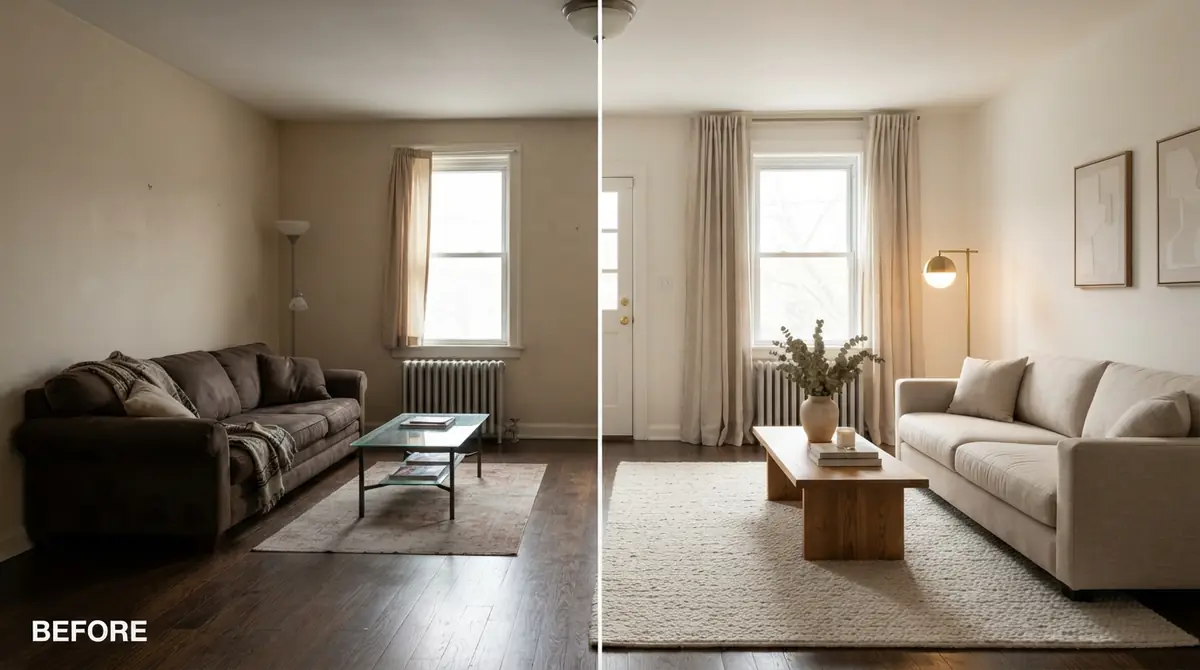
A post titled "Chatgpt vs reality" on r/interiordecorating collected more than 800 upvotes. It showed an AI-generated living room next to the real room after the owner tried to recreate it. The furniture was right. The room was not. The window had moved, the room looked a few feet wider, and the sofa that looked perfect in the render overwhelmed the real wall.
Lots of people now use ChatGPT and other general chatbots to redecorate, and many of them love it for ideas. The frustration starts when they try to shop or build from the image.
Short answer: general chatbots generate a new image inspired by your photo, so they often move windows and doors, widen the room, change the ceiling and shrink furniture. Dedicated AI interior design apps are built to keep your room's structure and only restyle what's inside it. Whatever tool you use, check doors, windows, ceiling height, outlets and furniture scale before you buy anything.
Why does ChatGPT change the room?
A general image model treats your photo as a reference, not a fixed blueprint. When you ask it to "redesign this living room in Japandi style," it produces a new picture that resembles your room and fits the request. It isn't trying to keep every wall in place. Several things tend to drift:
- Windows and doors move or change size. A window might shift to the center of a wall, a door might disappear, or a single window might become two.
- The room gets bigger. Rooms often look wider and deeper, because a spacious room makes a more attractive image.
- Furniture shrinks. Sofas and beds often come out smaller relative to the room than a real piece of that type would be. That's why a sofa that looked perfect in the render looks huge in real life.
- Ceilings and architectural details change. Ceilings get taller, beams appear or vanish, and radiators and vents disappear.
- Flooring changes, even when you didn't ask for it.
None of this matters if you only want inspiration. It matters a lot if you want to shop the image.
How are AI interior design apps different?
Dedicated room design tools take a different approach. They're set up to keep the shell of the room (walls, windows, doors, flooring if you want it, and perspective) and restyle the furniture, decor and finishes. Many also let you edit a single area, such as just the sofa or just the wall color, without regenerating the whole room.
| What you need | General chatbot | Room design app |
|---|---|---|
| Quick inspiration, mood board ideas | Good | Good |
| Keep windows, doors and walls in place | Inconsistent | Designed for it |
| Change only one object or wall | Hard, often regenerates the whole image | Usually built in (mask or brush editing) |
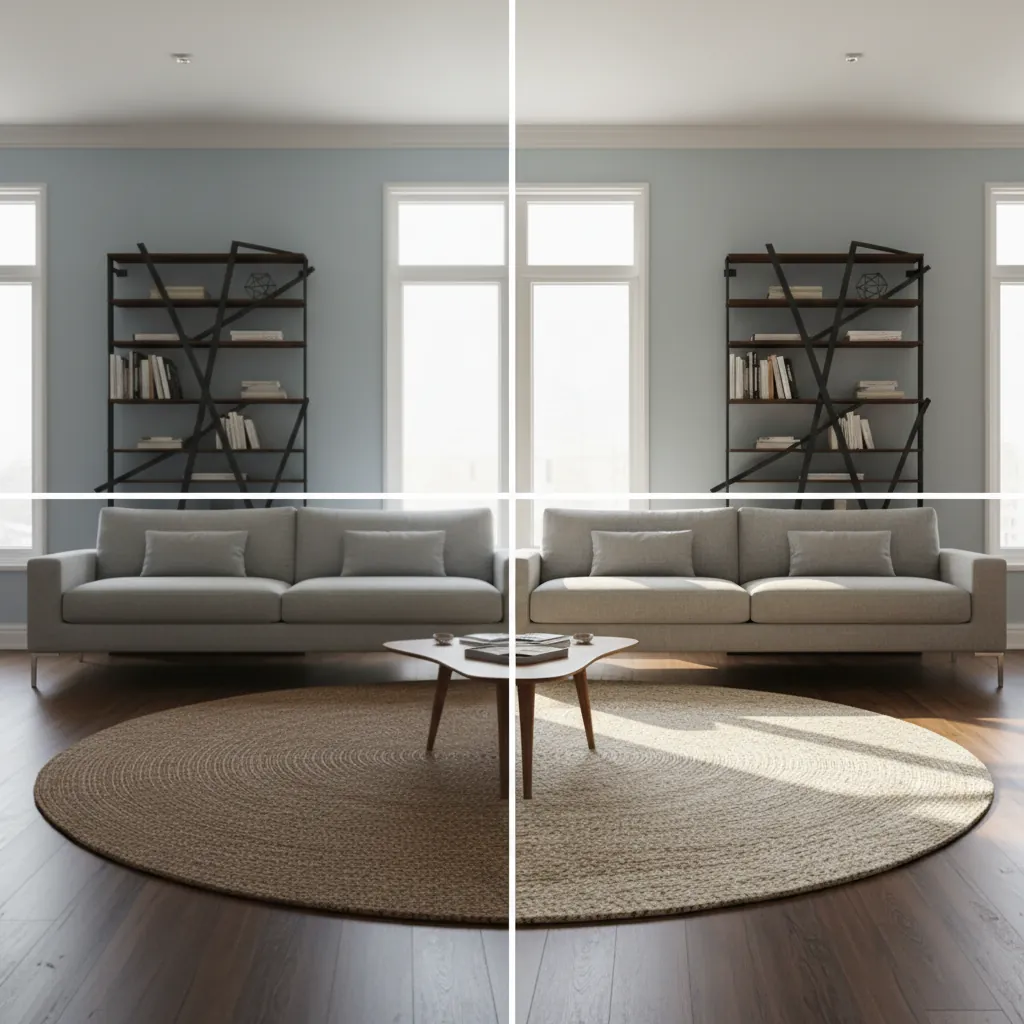
| Compare several styles on the same room | Possible but drifts each time | Same room, different styles |
| Furniture scale you can trust | Often off | Closer, but still verify with a tape measure |
No AI tool measures your room, so treat every render as a visual guide rather than a spec sheet.
What should you check in any AI room redesign?
Run these five checks on any AI result, from any tool, before you buy or build.
- Doors and windows. Are they in the same place and the same size as in your original photo? Count them.
- Ceiling height. Compare where the top of the window sits relative to the ceiling. If the gap grew, the ceiling grew.
- Outlets, vents and radiators. If a radiator vanished, the furniture in the render may be sitting where you can't put it.
- Furniture scale against a known object. Dining tables are almost always about 30 inches high, and coffee tables usually 16 to 18 inches. Seat height on most sofas is around 17 to 19 inches. Use those as rulers. If the sofa seat lines up with the coffee table top, the scale is plausible.
- The floor. If the flooring changed and you didn't plan to change it, mentally swap it back. A new floor can make the whole render look better than your real room will.
How do you prompt AI for a realistic redesign?
Whether you use a chatbot or a design app, a more specific prompt gets a more usable result.
- Tell it what to keep. "Keep the walls, windows, doors, flooring and ceiling exactly as they are."
- Name the style. "Japandi" or "warm minimalist" works better than "modern and cozy."
- Mention constraints. "The sofa must stay on the left wall," "keep the TV above the fireplace," or "rental, no paint."
- Give a budget level. "Budget furniture" pushes toward simpler pieces you can actually find.
- Ask for real-world sizes. "Use an 84-inch sofa and a 48-inch coffee table" helps keep scale closer to reality.
When should you trust a tape measure over the render?
Always, for anything that costs real money or doesn't fit through a door. Use the render to decide on style, color and the general arrangement. Use measurements to decide on sizes.
A few free tools help bridge the gap. The furniture scale visualizer shows how a piece's size compares to your room, and the will it fit calculator checks whether a sofa or bed fits through doors and hallways. For sofa sizing in particular, see is my couch too big for my living room.
How do you use an AI render as a mood board?
The most realistic way to use any AI room image is as a direction, not a shopping list.
- Pick the render you like most.
- Write down the style, three main colors and two or three key materials (for example, white oak, linen, black metal).
- Note the furniture shapes: low sofa with square arms, round coffee table, tapered legs.
- Shop for pieces that match those descriptions in the sizes your room can take.
That way you get the look without needing the exact pieces in the image.
Try a redesign that keeps your room
Upload a photo of your room to the AI room designer, choose the room type and a style, and you'll get a restyled version of the same room. If the first result is close but one thing is off, use Magic Edit to brush over that one area, say the sofa or the rug, and get one to four alternatives without changing anything else. When you find pieces you like, shop the look to find similar products.
New accounts get free credits, so you can test it on your own photo and compare it with what a chatbot gave you. For more on why some AI designs look unrealistic, read why AI room designs look fake.
Frequently asked questions
Can ChatGPT redesign my room from a photo?
Yes, it can generate a redesigned image from your photo. It often changes the room's structure, such as window positions, room size and furniture scale, so use the result as inspiration rather than an exact plan.
Why does AI make my room look bigger?
General image models tend to make rooms look more spacious and furniture look smaller, because that produces an attractive image. Always check furniture sizes against real measurements.
Is an AI interior design app better than ChatGPT?
For redesigning a specific room, yes in most cases. Dedicated apps are built to keep walls, windows and doors in place and let you edit single areas. For general ideas and brainstorming, both work.
How do I stop AI from changing my windows?
Tell it explicitly to keep the walls, windows, doors and flooring exactly as they are, or use a design tool that preserves room structure and lets you edit only selected areas.