How to Make a Room Transformation Video (Before and After Reels)
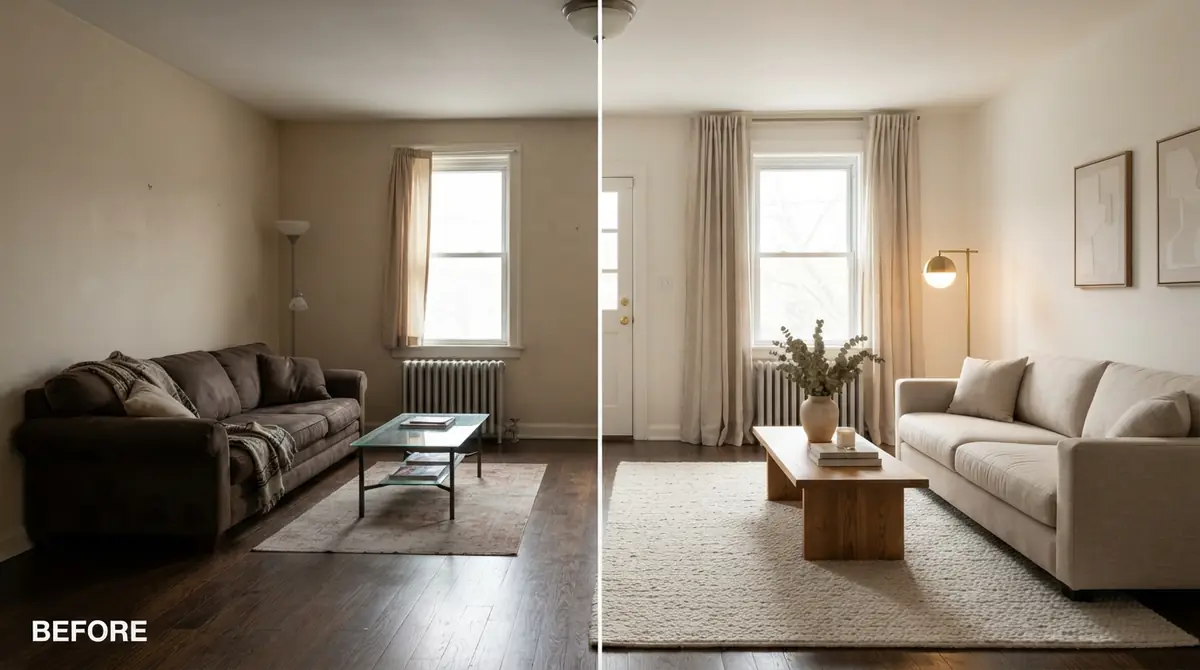
Those room makeover videos on Instagram and TikTok don't need Blender or weeks of rendering. Three ways to make a before and after room video, the specs each platform wants, and how to turn one photo into a video with AI.
Hoceine
7 min read42 views
In this article
- How do people make those room makeover videos?
- Which method should I use?
- How do I film a before and after room video on my phone?
- What length and format should a room transformation video be?
- How do I turn a room photo into a video with AI?
- Why do some AI room videos look fake?
- What people on Reddit say
- How to make a transformation video with DecorCopilot
- Frequently asked questions
Short answer: film the real makeover on your phone and edit it in a free app, render a 3D model in software like Blender, or turn a before photo and an AI-redesigned after photo into a clip with an AI image-to-video tool. For social posts, keep it 6 to 20 seconds, vertical 9:16, with the reveal early.
How do people make those room makeover videos?
A designer on r/InteriorDesign asked for the name of the software behind the converted-room videos they kept seeing on YouTube and Instagram, where an empty or dated room turns into a finished one. The answers pointed to Blender and Cinema 4D. Their reply summed up the problem: on their own machine, that would mean months of rendering.
Most transformation videos you see online are made one of three ways:
- Real footage. Someone films the room before, does the work, films it again and cuts the two together.
- 3D renders. A designer models the room in 3D software and animates a camera through it. This is what studios and architects do.
- AI image-to-video. A single photo (or a before and an after photo) is turned into a short clip with camera motion or a morph between the two states.
Which one fits depends on whether the makeover is real yet, and how much time you have.
Which method should I use?
| Method | Best for | Time per video | Cost | Skill needed |
|---|---|---|---|---|
| Phone footage + editing app | Real, finished makeovers | 1-3 hours of editing | Free to low | Basic editing |
| 3D model + render (Blender, C4D) | Designers presenting unbuilt projects | Days to weeks | Software free to costly; time is the cost | High |
| AI image-to-video | Concepts, listings, before/after previews, social content | Minutes | Low per video | None |
If you've already done the makeover, film it. Real footage will always be more convincing for a finished room. If the makeover is a plan, a client pitch, or a staged listing, AI video is the realistic option for most people.
How do I film a before and after room video on my phone?
If the room is real, a few habits make the edit much easier:
- Mark your spot. Put a small piece of tape on the floor where you stand and note the phone height. Shoot the before and after from exactly the same position.
- Use a tripod or lean on a door frame. A locked shot makes the cut between before and after look clean.
- Shoot vertically at 1080 x 1920 if the video is for Reels, TikTok or Shorts.
- Turn every light on and shoot in daylight. Dim footage looks worse than dim photos.
- Record a slow, steady pan of the finished room, 5 to 8 seconds, plus a couple of close-ups of textures.
- Edit in a free app. Line up the before and after, add a quick transition (a swipe or a match cut), and keep the total short.
The most common mistake is changing the camera position between before and after. Even a small shift makes the transformation feel less dramatic.
What length and format should a room transformation video be?
| Platform | Aspect ratio | Resolution | Length that works |
|---|---|---|---|
| Instagram Reels | 9:16 vertical | 1080 x 1920 | 6-20 seconds |
| TikTok | 9:16 vertical | 1080 x 1920 | 6-20 seconds |
| YouTube Shorts | 9:16 vertical | 1080 x 1920 | 10-30 seconds |
| YouTube (standard) | 16:9 horizontal | 1920 x 1080 | 30 seconds and up |
| Listing sites and MLS video | 16:9 horizontal | 1920 x 1080 | 15-60 seconds |
For short vertical video, show the before for one to two seconds at most, then get to the reveal. People scroll fast.
How do I turn a room photo into a video with AI?
AI image-to-video tools take a still photo and generate camera movement or a transition. For a room transformation, the usual workflow is:
- Take a good before photo. Straight walls, daylight, every light on, shot from a corner or doorway. Our guide on how to brighten dark interior photos helps if the room is gloomy.
- Create the after. Redesign or stage the room with an AI room designer. Keep the walls, windows and doors the same so the transformation feels real.
- Choose a camera style. A static before and after morph, a slow pan, a push-in on a detail, or a walkthrough.
- Pick the length for your platform, then generate.
- Check the result frame by frame. AI video can warp straight lines or furniture edges during fast motion. Slower camera moves give cleaner results.
AI video works best for showing the idea of a room. If you're marketing a real listing, label renderings as virtual staging or concepts. Our post on virtual staging disclosure rules covers what to say.
Why do some AI room videos look fake?
The same problems that make AI room photos look fake show up in video, plus a few new ones:
- Rooms that change shape. Walls shift, windows appear, the ceiling grows. This usually starts with an after image that already changed the architecture.
- Fast camera moves. Long sweeps and spins give the model more space to invent things.
- Busy scenes. Lots of small objects tend to wobble or melt during motion.
- Too much at once. A morph that swaps every item at the same moment looks like a glitch rather than a makeover.
The fix is mostly in the input: a clean, well-lit photo, an after image that keeps the room's structure, and a calm camera style. See why AI room designs look fake for the image side of this.
What people on Reddit say
On r/InteriorDesign and r/RealEstatePhotography, the conversation about room videos tends to land on these points:
- 3D software is powerful but slow. People who suggest Blender also warn about the learning curve and render times on a normal computer.
- Realtors want video from photos they already have. In a thread comparing AI staging tools, a commenter pointed out that turning staged photos into a short video tour is the next step most agents want.
- Short beats long. For social, a quick before and after outperforms a slow two-minute tour.
- Keep it honest. Photographers repeat that AI visuals for listings should be clearly labeled, and that a video of a room that doesn't exist will disappoint buyers at the showing.
How to make a transformation video with DecorCopilot
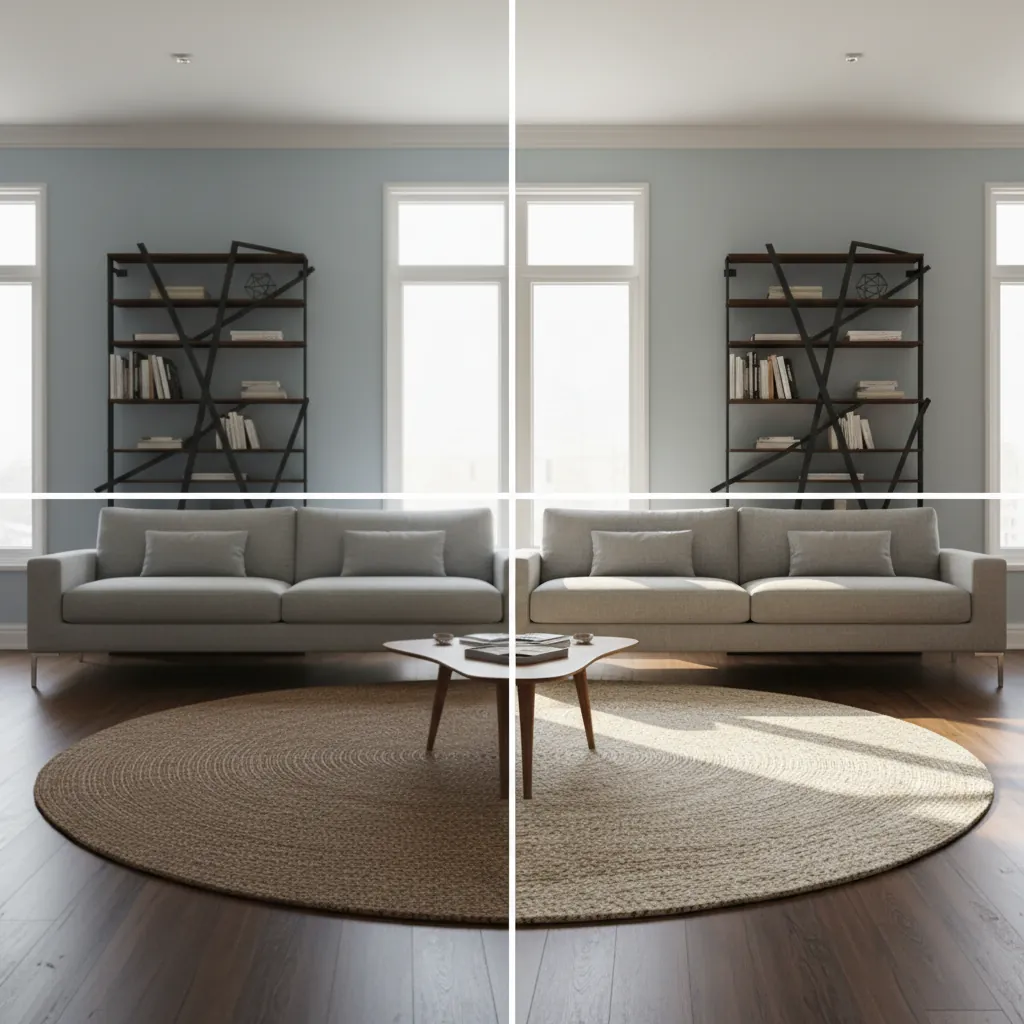
DecorCopilot does the redesign and the video in one place. Upload your before photo to the AI room designer, pick a style, and add instructions to keep the walls, windows and doors as they are. Once you have an after you like, open the video tool on that room and choose one of seven camera styles: Slow Pan, Room Tour, Zoom Detail, Orbit, Pull-Back Reveal, Parallax or Before/After. The Before/After style uses your original photo as the start and the redesign as the end, then swaps the room item by item while the camera stays still. Videos run 6 to 20 seconds, which fits Reels, TikTok and Shorts.
For a vertical reel, start with a vertical photo. More examples are on the video room tour page. Your first room design is free, with no card needed.
Frequently asked questions
What app makes room transformation videos?
For real makeovers, any phone video editor works if you film the before and after from the same spot. For concepts or staged rooms, AI image-to-video tools generate a before and after clip from photos in minutes.
Can I make a before and after video from just photos?
Yes. An AI image-to-video tool can animate a single photo with camera motion, or morph a before photo into an after photo.
How long should a room makeover reel be?
Between 6 and 20 seconds for Reels and TikTok. Show the before for one to two seconds and get to the reveal quickly.
Do I need Blender to make a room transformation video?
No. Blender and other 3D tools give full control but take days to learn and hours to render. Phone footage or AI video covers most social and listing needs.
Should I label AI room videos as AI-generated?
Yes, especially for real estate. Label them as virtual staging or design concepts so viewers know what's real.