Why Paint Visualizer Apps Get Colors Wrong (and How to Get a Truer Preview)
Tried a paint color app and every color came out pastel or flat? Here's why most visualizers misjudge color, what LRV and room light change, and how to get a preview you can actually trust before buying paint.
Hoceine
9 min read13 views
In this article
- Why does every color look pastel in paint apps?
- What does LRV have to do with it?
- Why does the color look different on my screen than on the wall?
- How do you get a more accurate paint preview?
- Checklist: is this preview trustworthy?
- What people on Reddit say about paint visualizers
- Try it on your own room with DecorCopilot
- Frequently asked questions
Short answer: most paint visualizer apps lay a semi-transparent tint over your wall and blend it with the photo's original brightness, so dark colors wash out and every shade looks pastel. Your screen, the photo's white balance and your bulbs skew it further. A truer preview relights the wall with real shadows; confirm with a large physical sample.
If you've uploaded a room photo, picked a deep navy and watched it turn into a powder blue, you're not doing anything wrong. That's how most of these tools work. This guide explains what's going on and how to get a preview you can use to make a decision.
Why does every color look pastel in paint apps?
Most free visualizers, including the ones paint brands offer, use a simple method. They detect the wall area, then apply your chosen color as a blended layer on top of the existing pixels. The original wall's brightness stays underneath.
That works fine when you're going from white to another light color. It breaks when you go darker. A white wall photographed in daylight has very bright pixels. Put a navy tint over those pixels and the result can only get so dark, because the blend keeps the light values from the original. You end up with a faded, chalky version of the color.
The same thing happens in reverse. Try a crisp white over a dark green wall and you get a muddy gray, because the dark pixels underneath pull the result down.
A few other things go wrong at the same time:
- No relighting. Real paint changes how much light the wall reflects. A dark wall makes the whole room dimmer and the shadows in the corners deeper. A flat overlay doesn't change the light anywhere else in the room.
- Hard edges. Many apps paint over trim, outlets, art and window frames, or leave halos around furniture. Those mistakes make it hard to judge the color.
- Sheen is ignored. Eggshell and satin bounce more light than flat paint. Overlays treat every finish the same.
What does LRV have to do with it?
LRV (light reflectance value) is a number from 0 to 100 that tells you how much light a paint color reflects. Pure black is close to 0, bright white is around 90. Every major paint brand lists it on the color's page or the back of the chip.
LRV is the most useful number for predicting how a color will feel in your room, and it's the one overlay apps get wrong most often. Here's a rough guide:
| LRV range | How it behaves on a wall | What apps tend to show |
|---|---|---|
| 75 to 90 | Bright, reflects most light, reads close to white | Usually close to accurate |
| 55 to 74 | Light to mid-tone, the "safe neutral" range | Slightly lighter than reality |
| 30 to 54 | Mid-tone, color is clearly visible, room feels cozier | Noticeably lighter and more washed out |
| 10 to 29 | Deep and moody, shadows get much darker | Often shown as a pastel or mid-tone |
| Under 10 | Near black, absorbs most light | Rarely shown correctly |
If you're testing anything with an LRV below about 40, assume a basic overlay app is showing it too light.
Why does the color look different on my screen than on the wall?
Even with a perfect preview, three things sit between the pixels and your eyes.
Your screen. Phones and laptops vary a lot in brightness, color temperature and saturation. Night mode or "true tone" settings shift everything warmer. If you look at the same preview on two devices, you'll often see two different colors.
The photo itself. Your phone camera guesses the white balance. In a room lit by warm bulbs it may push the whole image blue to compensate, or leave it yellow. Whatever color you preview inherits that error.
The room's light. A north-facing room gets cool, even light all day. A south-facing room gets warm, strong light. West-facing rooms glow orange in the evening. Bulbs matter too: 2700K bulbs make colors warmer and softer, while 4000K to 5000K bulbs make them cooler and flatter. If you're not sure what your bulbs are doing, the light color temperature calculator helps you pick a bulb that won't distort your wall color.
The same color can look gray in the morning and beige at night in the same room. No preview can show every hour of the day at once.
How do you get a more accurate paint preview?
You'll get much better results by fixing the input and checking the output against reality.
Take a better photo
- Shoot in daylight with the lights off, or with the bulbs you actually use in the evening, but don't mix both.
- Stand in a corner and include the full wall plus some floor and ceiling, so the preview has context.
- Turn off HDR and filters if your camera allows it.
- Put a plain white sheet of printer paper against the wall. It gives you a reference for how far off the white balance is.
Use a tool that relights instead of tinting AI-based visualizers regenerate the wall surface with the new color and recalculate the shading, so a dark color actually darkens the corners and the room. This is the biggest single improvement over overlay apps, especially for deep colors.
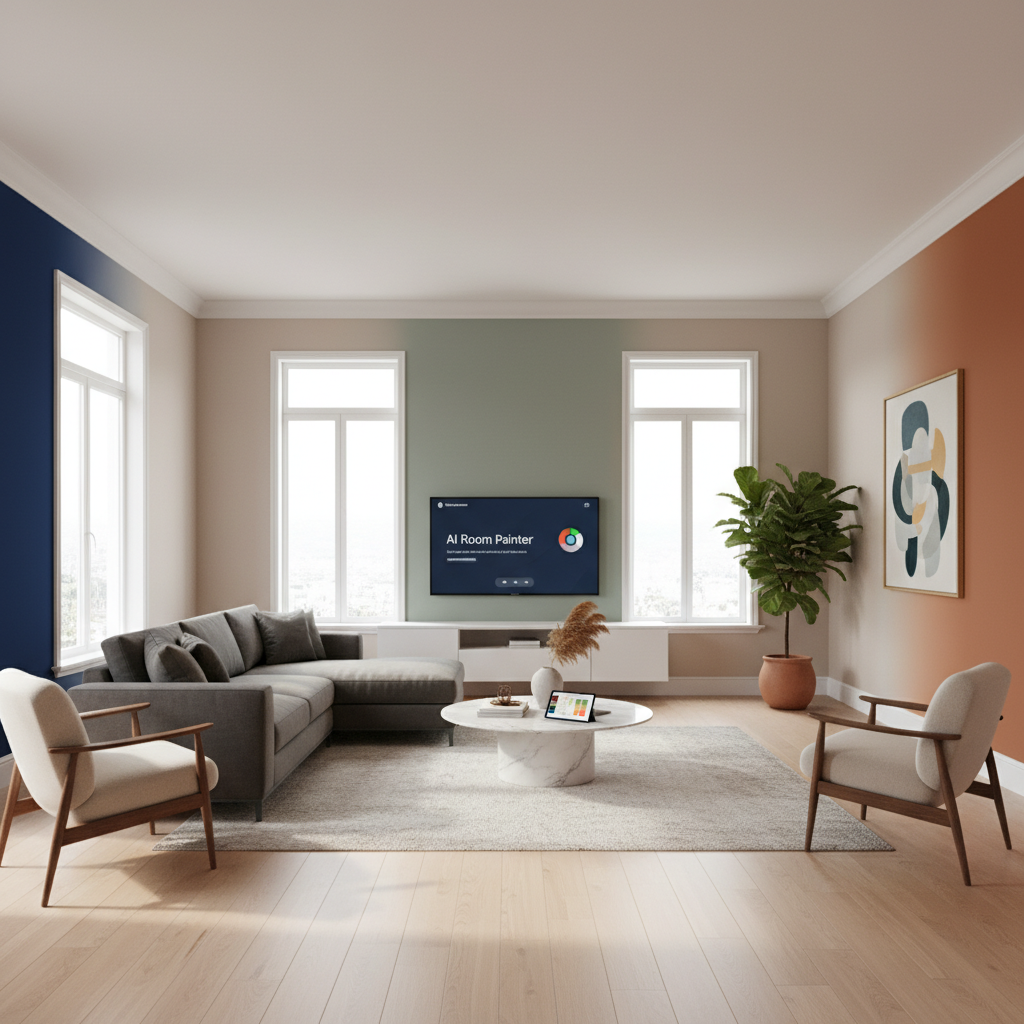
Test more than one wall Accent walls, color drenching and two-tone rooms need per-wall control. If the app only lets you paint "the walls" as one block, you can't test the setup you're actually considering.
Confirm with a physical sample Use the preview to narrow 10 options to 2 or 3. Then buy sample pots or peel-and-stick samples and put up swatches at least 2 x 2 feet on two walls, one in direct light and one in shadow. Check them at about 9am, 3pm and at night.
Checklist: is this preview trustworthy?
Before you trust any paint preview, run through this list:
- Trim, ceiling, outlets and window frames kept their original color
- Shadows in corners and behind furniture look darker than the open wall
- A dark color made the room look dimmer overall
- The color matches the chip when you hold the chip next to your screen in the same room
- The white paper in your photo looks close to white
- You've compared the same color on at least two devices
If the first three fail, the app is a flat overlay. Use it for rough ideas, not final decisions.
What people on Reddit say about paint visualizers
Paint visualizer threads on r/HomeImprovement and r/HomeDecorating follow a familiar pattern. Someone asks for a free app that lets them upload a room photo and try wall colors, and the replies list brand apps alongside a lot of frustration.
One homeowner summed up the most common complaint: one popular brand app "makes every color look like a pastel," and navy in particular came out nowhere near the real thing. Others said they had tried several apps and none were good enough to trust, with paint bleeding onto furniture or missing the edges of walls entirely.
A thread about choosing interior paint reliably got the most practical advice. Several people said they had wasted hours in visualizers and only got confident once they put large samples on the wall. The common workflow they landed on: use an app to rule out colors you clearly don't like, then test the shortlist in person. Homeowners on r/HomeDecorating also pointed out that LRV was the number that finally explained why a color looked so different on their walls than on the chip.
That's the right way to use any visualizer, including AI ones. It's a filter, not the final answer.
Try it on your own room with DecorCopilot
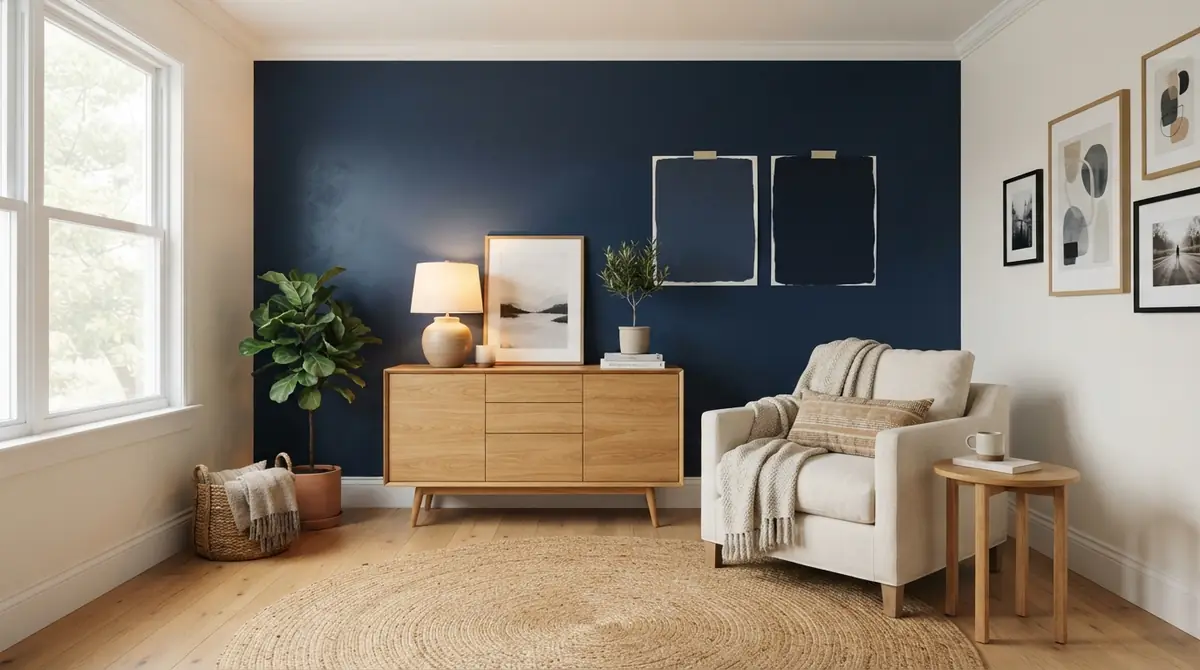
The Wall Painter works differently from overlay apps. You upload a photo, tap each wall you want to change, and assign it a color. The AI then repaints those walls and redraws the light and shadows around them, so a deep navy reads as deep navy, and trim, art and furniture stay as they were.
Because each wall gets its own color, you can test a full room, an accent wall, or two shades side by side on the same photo. Your first design is free and doesn't need a card. If you want to test a lot of colors in a day, the Day Pass is $4.99 for 24 hours.
You can also start from the paint color visualizer page, which explains the tool and shows examples.
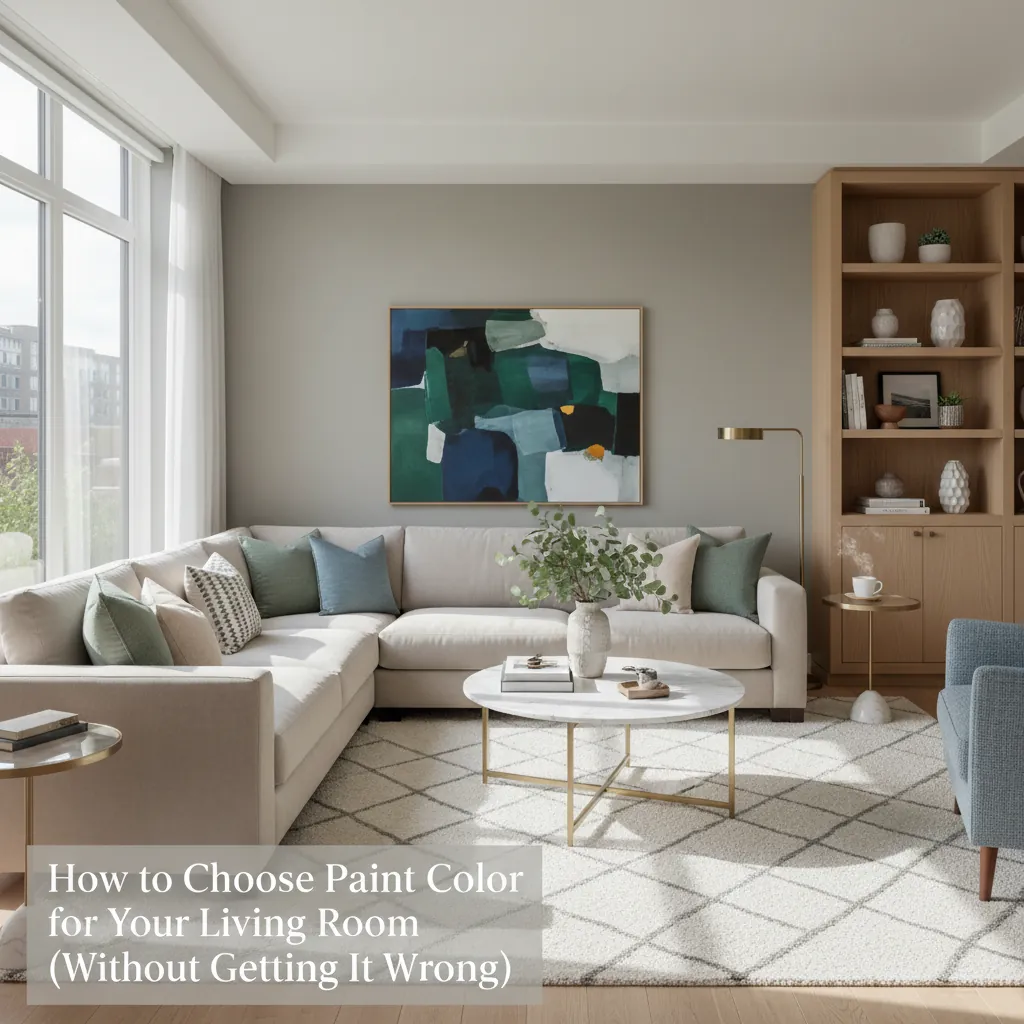
Then take your top two or three colors to the paint store and test them on the wall. For help choosing the shortlist, see how to choose a paint color for your living room and the guide to paint colors for dark rooms, which covers LRV in more detail. If you're moving away from gray walls, is gray paint out? lists the warmer neutrals people are testing instead.
Frequently asked questions
Why does navy look light blue in paint apps?
Most apps blend the new color over the photo's original brightness. A bright white wall can't get dark enough under a blended tint, so deep colors come out washed out. Tools that relight the wall handle dark colors much better.
Are paint brand visualizer apps accurate?
They're useful for comparing light and mid-tone colors and for rough ideas. They're least accurate with deep colors (LRV under about 40), strong saturated colors, and rooms with mixed lighting. Always confirm with a physical sample.
What LRV should I choose for a dark room?
For a room with little daylight, colors with an LRV between about 55 and 75 keep it from feeling dim. If you want a moody look, go deep on purpose (LRV under 20) rather than picking a mid-tone that just looks dull.
Why does my paint look different at night?
Evening light comes from bulbs, which are usually warmer (2700K to 3000K) than daylight. Warm light pushes colors toward yellow and softens contrast. Check your samples under the bulbs you actually use.
How big should a paint sample be?
At least 2 x 2 feet. Small chips and 4-inch swatches are too small to judge how a color fills a wall, and the surrounding old color distorts them.