Tile Visualizer: See Your Own Tile Sample in Your Bathroom or Kitchen Photo
Choosing tile is permanent and expensive, and showroom samples are tiny. Here's how to preview the exact tile you're considering on a photo of your own bathroom or kitchen, plus layout, grout and quantity numbers to check first.
Hoceine
8 min read12 views
In this article
- Why is choosing tile so hard?
- What should you check before picking a tile?
- How do you photograph a tile sample for a visualizer?
- How do you preview tile on your own room photo?
- Which tile layouts should you test?
- How much does tile cost to buy and install?
- What people on Reddit say about choosing tile
- Try it with DecorCopilot
- Frequently asked questions
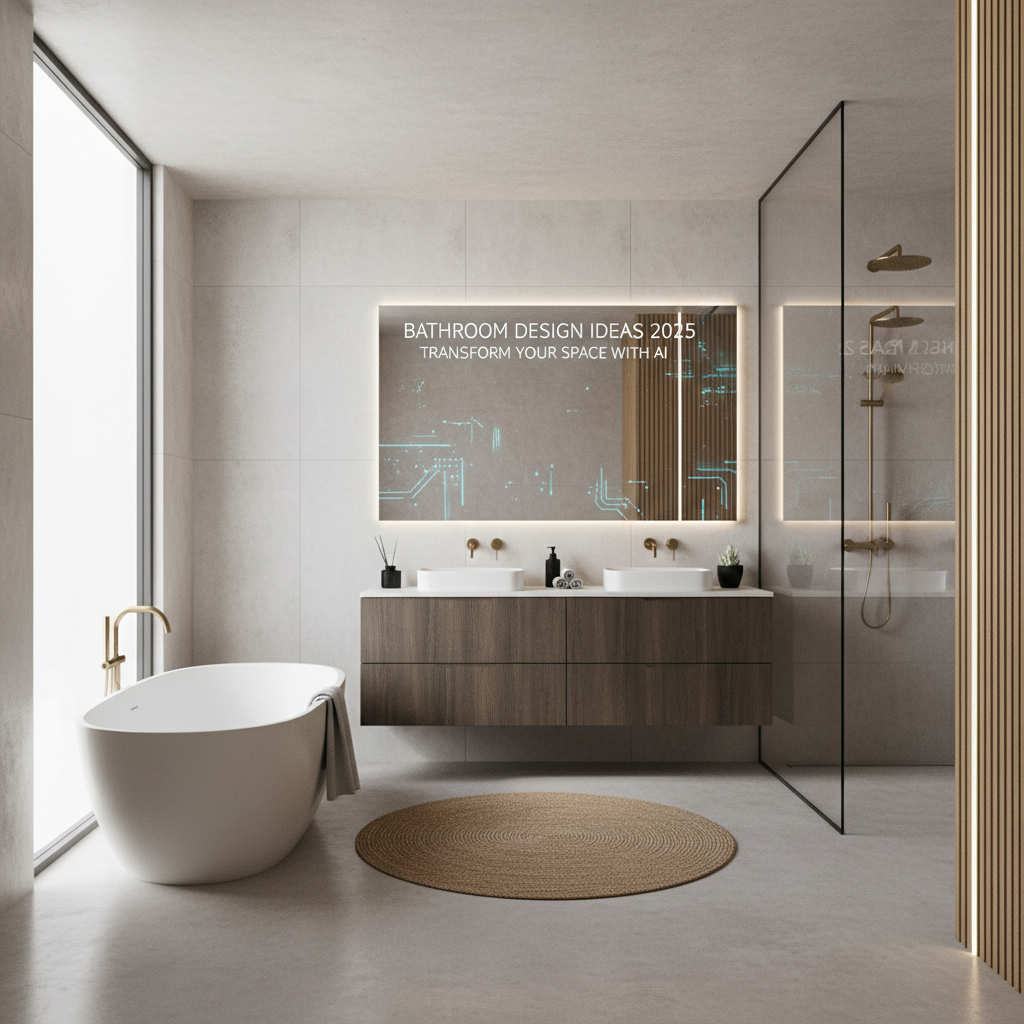
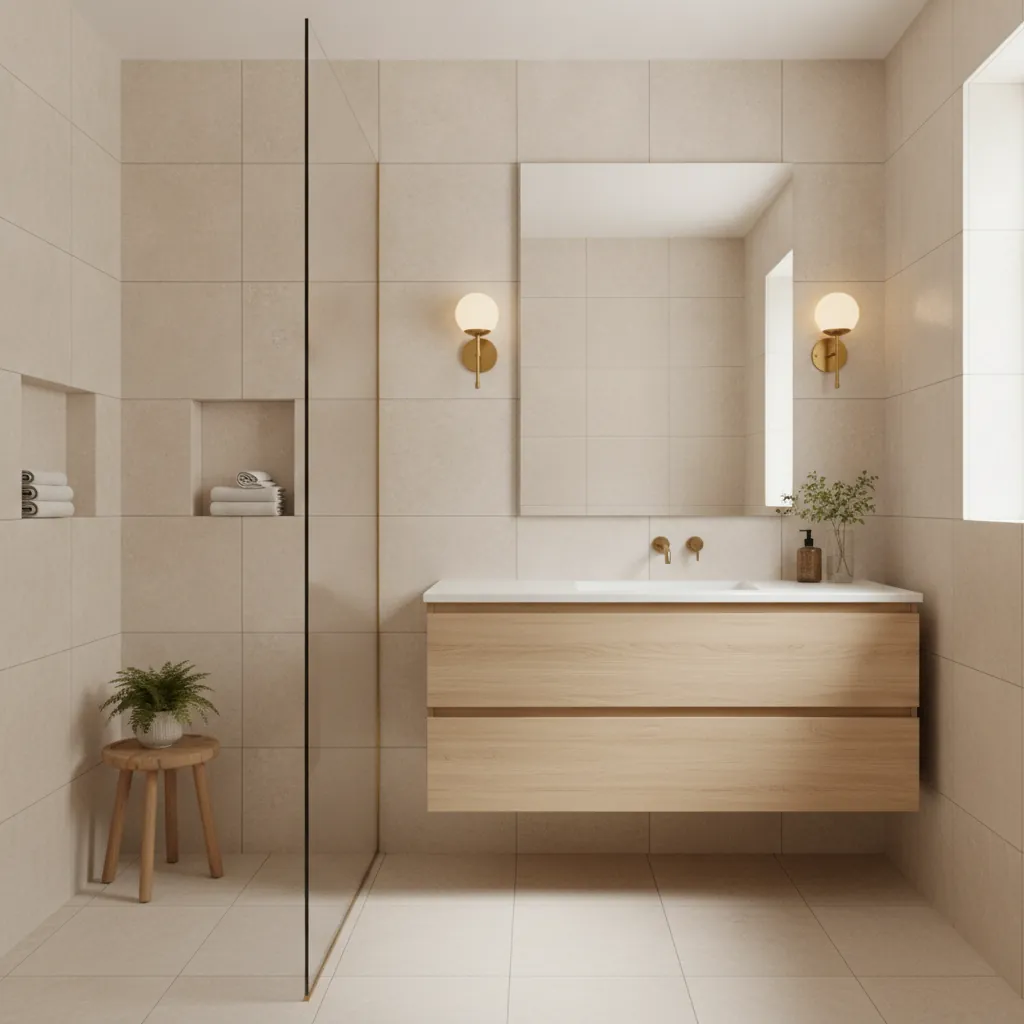
Short answer: take a straight-on photo of the tile sample you're considering, then use a visualizer that accepts your own material photo as a reference. Brush over the floor, shower wall or backsplash in a photo of your room and replace it with that tile. Confirm layout, grout color and size with real samples on site before you order.
Tile is one of the few design choices you can't easily undo. It's set in mortar, grouted and often sealed. Most people pick it from a 4-inch sample in a showroom under bright store lights, then see it across 60 square feet of their own bathroom for the first time after installation. A preview on your own photo closes that gap.
Why is choosing tile so hard?
A few reasons come up again and again:
- Samples are small. A single tile doesn't show how a pattern repeats, how variation looks across a floor, or how busy a shape gets at scale.
- Showroom light isn't your light. Store lights are bright and cool. Your bathroom may have one warm vanity light and no window.
- Grout changes everything. The same white subway tile looks clean with white grout and graphic with charcoal grout.
- Brand tools only show their catalog. Most tile visualizers let you pick from the manufacturer's range on a stock room photo. If you found your tile at a local shop or salvage yard, you can't use them.
- Contractors don't have time for mockups. Many people are told to "just pick something" and trust it.
What should you check before picking a tile?
These numbers matter more than the color on the sample:
| Decision | Typical options | What to know |
|---|---|---|
| Tile size for small bathroom floors | 2 x 2 in mosaic up to 12 x 24 in | Larger tiles mean fewer grout lines and a calmer look. Mosaics give better grip in showers |
| Shower floor | 2 x 2 in mosaic or smaller | Small tiles follow the slope to the drain and add grip |
| Grout joint width | 1/16 to 1/8 in for rectified tile, 3/16 in or more for handmade or non-rectified | Wider joints show more grout color |
| Overage for straight lay | 10% | Covers cuts and breakage |
| Overage for diagonal or herringbone | 15 to 20% | More cuts, more waste |
| Floor tile slip resistance | Look for a DCOF of 0.42 or higher for wet interior floors | Polished tiles are often too slippery for bathroom floors |
| Large-format tile (24 in or more) | Needs a very flat floor | Uneven subfloors cause lippage at the edges |
Use the tile calculator for quantities with overage, and the grout calculator in the same tools section to estimate how much grout you'll need for your joint width.
How do you photograph a tile sample for a visualizer?
The better your sample photo, the more accurate the preview. Here's what works:
- Lay two to four tiles together if the store lets you, so the photo shows how edges and variation meet.
- Shoot straight down from directly above, not at an angle. Angles distort the shape.
- Use even, indirect daylight. Near a window but not in direct sun. Avoid flash, which creates hot spots on glazed tile.
- Fill the frame with the tile. Crop out the floor or table around it.
- Include grout if possible. If you've chosen a grout color, hold the grout sample stick between tiles in the photo.
- Take a second photo in your own bathroom under your lights. If it looks different, that tells you something already.
How do you preview tile on your own room photo?
- Photograph the room from the doorway or the spot where you normally see it. For a shower, stand back far enough to see the full wall from floor to ceiling. For a backsplash, include the counter and upper cabinets.
- Upload it to a tool that supports area editing and reference images.
- Brush over the area you want to change: the floor, the shower walls, a niche or the backsplash. Keep the edges tight around the vanity, tub and trim.
- Attach your tile photo as the material reference and describe the layout in plain words, for example "replace the floor with this tile in a herringbone pattern with light gray grout" or "replace the shower wall with this tile, stacked vertically."
- Generate two or three versions, then try a second layout or grout color.
- Compare with the original side by side.
Check scale in the result. If a 12 x 24 inch tile looks like a mosaic, say the size in your instruction and try again.
Which tile layouts should you test?
Layout changes the look as much as the tile does. Worth testing on any rectangular tile:
- Straight stack (vertical or horizontal): clean and modern, shows every imperfection in the walls.
- Running bond (brick pattern): classic, forgiving, the default for subway tile.
- One-third offset: best for large rectangular tiles, reduces lippage compared to a half offset.
- Herringbone: more movement and more cuts, so budget the extra 15 to 20 percent.
- Vertical stack on a shower wall: makes a low ceiling feel taller.
For backsplash-specific layout and grout advice, see how to choose a kitchen backsplash.
How much does tile cost to buy and install?
Material is often the smaller part of the bill. Rough US ranges per square foot:
| Tile type | Material | Installed (labor plus material) |
|---|---|---|
| Ceramic | $1 to $5 | $8 to $20 |
| Porcelain | $3 to $10 | $10 to $25 |
| Natural stone (marble, travertine, slate) | $5 to $20 | $15 to $40 |
| Handmade or zellige | $15 to $40 | $30 to $60 |
| Small mosaics | $8 to $30 | $20 to $50 |
Labor goes up for shower walls, niches, herringbone and diagonal layouts, and anything under 2 inches or over 24 inches. Waterproofing, a new shower pan and removal of old tile are usually priced separately. If you're comparing two tiles that look similar in a preview, the cheaper one may also be the easier one to install, which matters more than the price per box.
What people on Reddit say about choosing tile
Homeowners on r/InteriorDesign and r/HomeImprovement describe the same anxiety. One person was heading to the tile shop the next day to make final picks and asked for any app that could help, because the decisions felt so permanent. Another said their contractor had promised to show them design changes, then said he didn't have time to mock anything up.
Threads about shower tile visualization usually end with the same frustration: brand visualizers only show the brand's own tile on a generic bathroom, not the tile you picked in your room. People who were happy with their choices often shared similar advice: bring several samples home, put them on the floor in your own light for a few days, and decide grout color at the same time as tile, not afterwards. A few said that seeing the full floor in a photo mockup was what made them drop a busy pattern they had loved as a single sample.
Try it with DecorCopilot
In DecorCopilot, you can upload a photo of your bathroom or kitchen in the Decorator, then open Magic Edit on the result. Brush over the floor, shower wall or backsplash, choose replace, and attach the photo of your tile sample as the material reference. Add a short instruction about layout and grout. You can generate up to four versions at once and flip through them.
If you only want a new floor and don't have a sample yet, the floor visualizer has quick options for wood, tile and herringbone floors. Your first design is free and doesn't need a card.
Planning a full bathroom refresh? The bathroom remodel cost calculator gives a budget range, and our builder-grade bathroom makeover guide covers what to change first.
Frequently asked questions
Can I see my own tile in my bathroom before buying?
Yes. Photograph the tile sample straight on, then use a visualizer that accepts your own material photo, such as DecorCopilot's Magic Edit. Brush over the floor or wall in your room photo and replace it with that tile.
How accurate are tile visualizers?
They're good for judging color, pattern and overall feel at room scale. Fine details like exact grout width and glaze reflections can differ. Use the preview to narrow choices, then check real samples on site.
What color grout should I use?
Matching grout gives a calm, uniform look. Contrasting grout shows the pattern clearly. For floors, a mid-tone grout hides dirt better than bright white. Preview two options before you decide.
How much extra tile should I buy?
About 10 percent for a straight layout and 15 to 20 percent for diagonal or herringbone. Keep a few spare tiles after installation for future repairs.
Should bathroom floor tile be large or small?
Larger tiles (12 x 24 inches) make a small bathroom look calmer with fewer grout lines. Shower floors need small mosaics so they can follow the slope to the drain and give better grip.