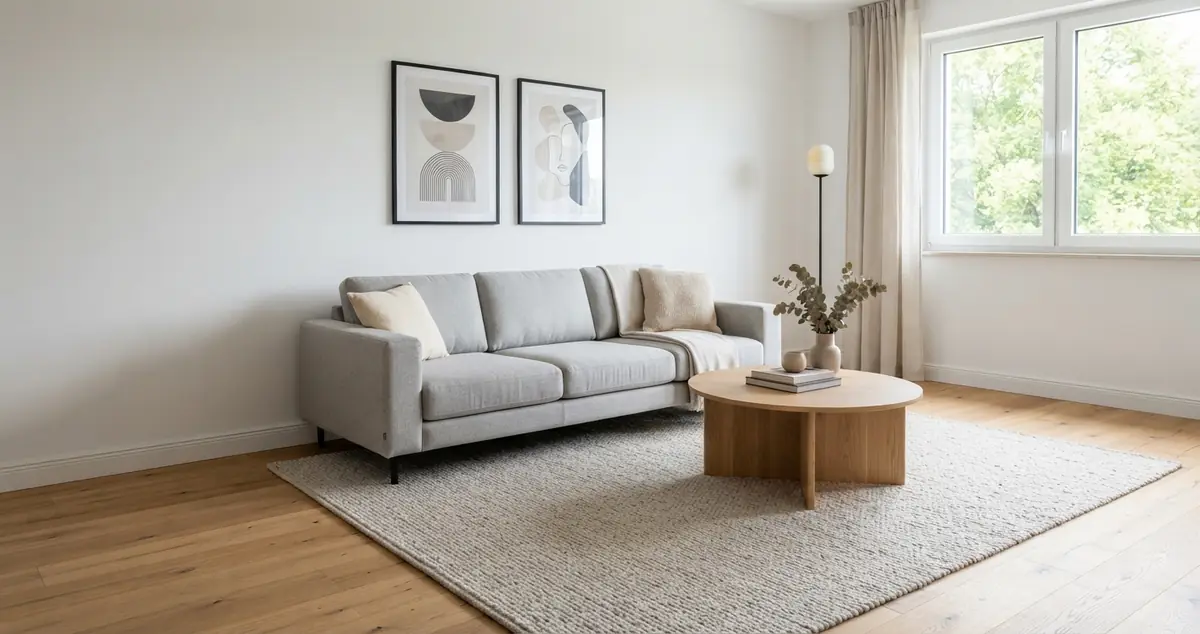
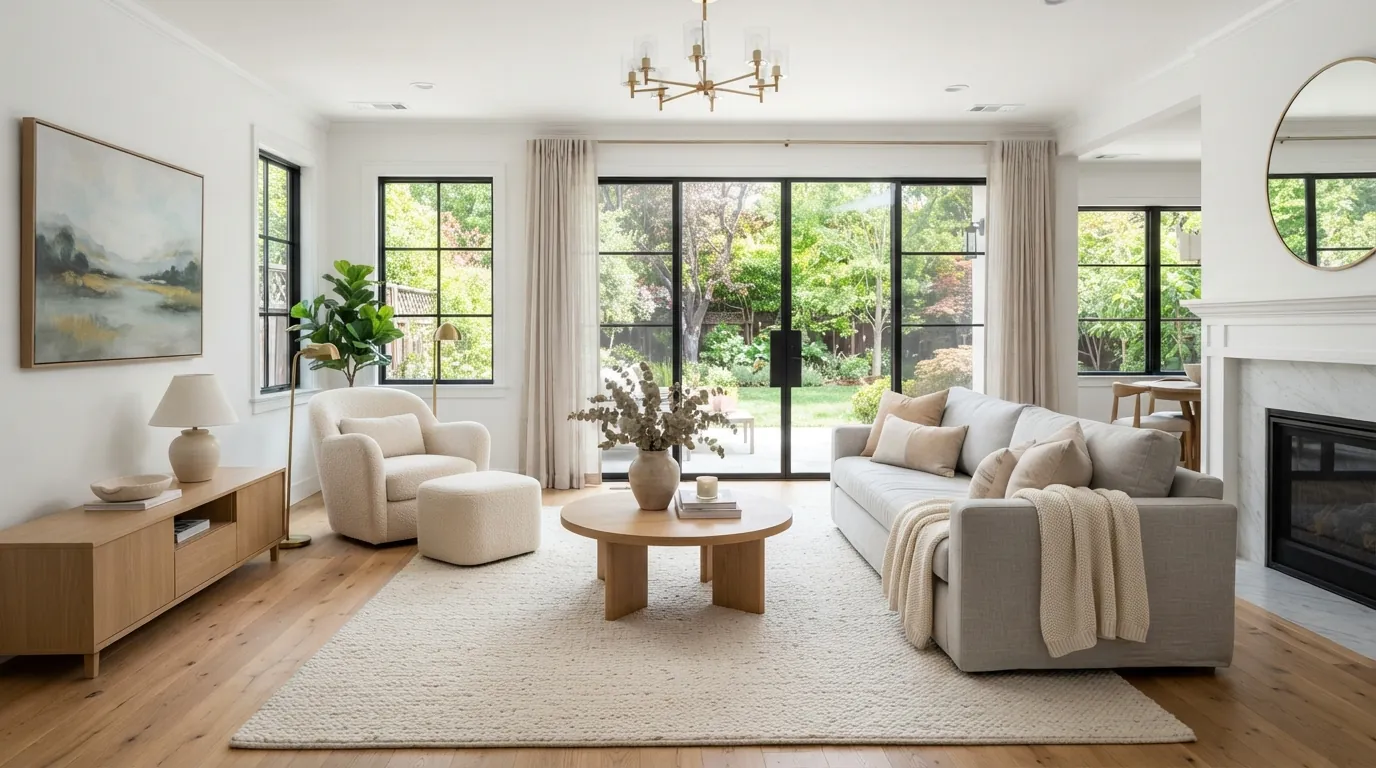
How to Remove Furniture From Real Estate Photos (Declutter, Empty, Then Restage)
Tenant-occupied listing full of furniture? Learn when to declutter versus fully empty a photo, the four spots where AI removal fails, and how to restage honestly.
Hoceine
7 min read15 views
In this article
"Best tool for 100% furniture removal?" asked a post on r/RealEstatePhotography. On r/RealEstateTechnology, an agent asked for the "best way to remove furniture from listing images" for a tenant-occupied rental. And on r/StableDiffusion, someone trying to build their own pipeline titled their post "hitting a wall with furniture removal." The problem is common: the home is lived in, the furniture is dated or crowded, and the photos make good rooms look small.
Short answer: decide first whether you need to declutter (remove small items) or fully empty the room. Use an AI removal tool, then check the four places it usually fails: shadows, floor patterns, reflections and edges where furniture met walls. Keep walls, floors and fixtures exactly as they are. If you restage the empty room with virtual furniture, label the photo "virtually staged" and keep the original.
Declutter or fully empty?
These are two different jobs, and the right one depends on the room.
| Situation | Best approach | Why |
|---|---|---|
| Nice furniture, too much stuff on surfaces | Declutter | Keeps the room looking lived-in and real |
| Dated or worn furniture, good room | Empty, then restage | Lets buyers picture their own style |
| Crowded small room | Empty, then restage lighter | Shows the real floor area |
| Tenant's personal items (photos, mail, toiletries) | Declutter | Privacy and less distraction |
| Odd-use room (gym, storage) | Empty, then restage for intended use | Shows the room's potential |
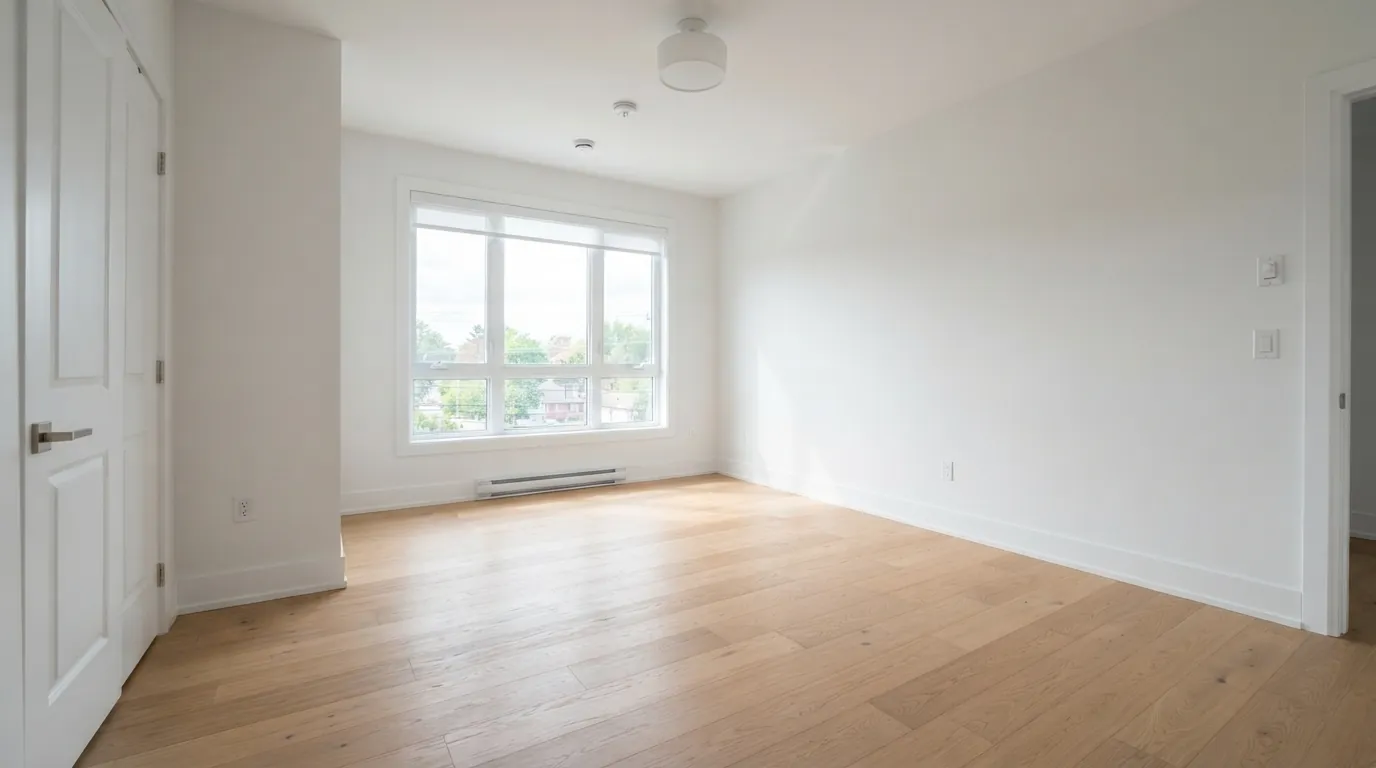
Decluttering is the lighter touch: remove countertop clutter, cords, toys, fridge magnets, laundry and personal photos. Fully emptying removes all furniture, rugs and decor, leaving the bare architecture.
Where does AI furniture removal fail?
AI removal has improved a lot, but it guesses what was behind the furniture. Check these four spots on every image.
- Shadows. The sofa is gone but its shadow remains on the floor or wall, or the removed area is too bright compared with the rest of the floor.
- Floor patterns. Hardwood planks, tile grout lines and carpet texture need to continue through the removed area. Watch for planks that change direction, grout lines that drift, or a blurry patch.
- Reflections. Windows, glossy floors, mirrors and TV screens often still show the furniture that was removed.
- Edges and baseboards. Where furniture met the wall, look for missing or warped baseboards, outlets that disappeared, and wall texture that doesn't match.
Also look for invented objects: a new outlet, an extra vent, a door that wasn't there. If anything structural changed, redo the edit.
Keep the room truthful
Removing furniture is generally accepted because furniture doesn't convey with the home. Changing the house itself is not. When you empty a room, make sure:
- The floor is the same flooring, with any wear, stains or damage still visible if they were visible before.
- Walls keep their color and condition.
- Fixtures, vents, outlets, radiators and windows stay where they are.
- Nothing hidden behind the furniture gets "fixed." If the sofa was covering a carpet stain, the empty photo should still show that area honestly.
This is the same principle covered in our guide to virtual staging disclosure rules: adding or removing furniture is fine with a label, changing the property is not.
The workflow: empty, check, restage
- Shoot it right. Take the photo with lights on, blinds open and the camera level, ideally at around chest height with a wide but not extreme lens. Good input makes removal much more accurate.
- Remove. Use a full-room removal for an empty shot, or targeted removal for clutter.
- Check the four spots. Zoom in on shadows, floor, reflections and edges.
- Restage (optional). Add furniture in a style that suits the likely buyer. A neutral, modern-transitional look works for most listings.
- Label and package. Mark staged images "Virtually Staged" and keep the empty or original version for the listing.
Which rooms should you empty first?
You rarely need to edit every photo. Buyers scroll fast, and the first five or six images do most of the work. Prioritize:
- The main living area, since it's usually the lead photo or close to it.
- The primary bedroom, where a tenant's bed, piles of clothes and personal items are most distracting.
- Any room whose purpose is unclear: a spare room used for storage, a dining area used as an office, or a basement full of boxes.
- Small rooms that look cramped with oversized furniture. Emptying and restaging with smaller pieces shows how much space there really is.
Kitchens and bathrooms usually need decluttering rather than emptying, since their main features are built in. Clearing countertops, removing towels and toiletries and hiding the dish rack does more than any staging.
How much does furniture removal cost?
| Method | Typical cost | Turnaround | Notes |
|---|---|---|---|
| Manual editing by a retoucher | Often around $15-50 per image, more for complex rooms | 1-3 days | High quality, slower, price varies with difficulty |
| Virtual staging service with removal | Often removal plus staging fee per image | 1-2 days | Human-checked, priced per photo |
| AI tool | Low per-image cost, often credit-based | Seconds to minutes | You do the quality check |
| Physically moving furniture before the shoot | Free to expensive (movers, storage) | Hours to days | Always truthful, often impractical with tenants |
For a single listing with a handful of photos, the cost difference matters less than turnaround and control. For agents doing many listings a month, AI removal plus a careful check is usually the practical option.
How to do it in DecorCopilot
Upload a listing photo to the AI room designer. In the results, you'll find quick actions built for this:
- Empty Room removes all furniture from the photo while keeping the walls, floor and windows.
- Clean Space removes clutter but leaves the furniture, for a decluttered version.
- Magic Edit lets you brush over a specific item, like a treadmill, a pile of boxes or a TV stand, and erase it. You can ask for one to four results and pick the cleanest.
After emptying the room, run a style on it to restage, for example "modern transitional living room, light oak and cream." For listing use, the MLS package download bundles the original photo, the staged image with a "Virtually Staged" disclosure label, and a side-by-side comparison.
If you're staging vacant homes rather than occupied ones, see the vacant home staging page. If you'd rather pay per use than subscribe, our no-subscription virtual staging comparison covers your options. New accounts get free credits to test it on a real listing photo.
Frequently asked questions
Can AI remove all furniture from a room photo?
Yes, current AI tools can empty a room in one step, though results vary with the photo. Check shadows, floor patterns, reflections and baseboards, and redo the edit if anything structural changes.
Is it legal to remove furniture from listing photos?
Removing furniture and clutter is widely accepted, since furniture doesn't convey with the home. Disclose virtually edited photos and follow your MLS rules. Don't hide defects or change permanent features.
How do I remove one object from a real estate photo?
Use a targeted erase tool. In DecorCopilot, Magic Edit lets you brush over the object and erase it, with up to four results to choose from.
Should I declutter or virtually stage an occupied home?
If the furniture is decent, decluttering keeps the photos realistic. If it's dated, worn or crowded, emptying the room and restaging (with a "virtually staged" label) usually shows the space better.