Is AI Interior Design Worth It Before You Renovate? An Honest Guide
AI room design is good at some renovation jobs and useless at others. Here's where it saves real money, where it can't help, and a five-step workflow from photo to contractor.
Hoceine
7 min read22 views
In this article
- What is AI interior design actually good for?
- Where does AI room design go wrong?
- How should I use AI before a renovation? A five-step workflow
- Is AI cheaper than hiring an interior designer?
- Which renovations benefit most from an AI preview?
- What should I tell my contractor about an AI image?
- Is AI interior design a gimmick?
- Frequently asked questions
A post on r/kitchenremodel asked: "Has anyone used AI tools before starting a renovation? Are they worth it?" It is a fair question, because the results people post range from useful to rooms that could never be built. On r/ApartmentDesign, someone asked whether AI interior design is a gimmick, and a post on r/interiordecorating titled "Stop using AI for your interior design" pushed back on the whole idea.
All three threads make fair points. The tool is useful for some decisions and should be kept away from others.
Short answer: yes, for deciding what you want. AI room design is worth using to choose a style, compare finishes and colors on your actual room, and get everyone in the house to agree before money is spent. It is not reliable for exact dimensions, structural changes, building code or specific products. Use it early, then hand a clear direction to a measured plan and a contractor.
What is AI interior design actually good for?
The biggest renovation mistakes are rarely technical. They're "we hate the tile" or "the cabinets looked different in the showroom." AI previews help most with these decisions.
| Job | How well AI handles it | Why |
|---|---|---|
| Choosing an overall style | Very well | You can see 5-10 styles on your own room in an hour |
| Comparing colors and finishes | Well | Cabinet color, wall paint, flooring tone, countertop look |
| Agreeing with a partner | Very well | A picture ends arguments that paint chips start |
| Briefing a contractor or designer | Well | "This, but with our existing window" is clearer than words |
| Catching "I'd hate that" early | Very well | Cheaper to dislike a render than a finished wall |
| Furniture arrangement ideas | Moderately | Good for direction, check sizes with a tape measure |
| Exact dimensions and clearances | Poorly | Images aren't measured drawings |
| Moving walls, plumbing, structure | Not at all | AI can't judge load-bearing walls or drainage |
| Code compliance | Not at all | That's your contractor and local inspector |
| Exact product SKUs | Poorly | It shows a look, not a part number |
Where does AI room design go wrong?
A common problem comes from general image generators. If you type "make my kitchen modern" into a chatbot, it may invent a new window, move the sink or widen the room. Those images can look great and still be useless because your room isn't that room.
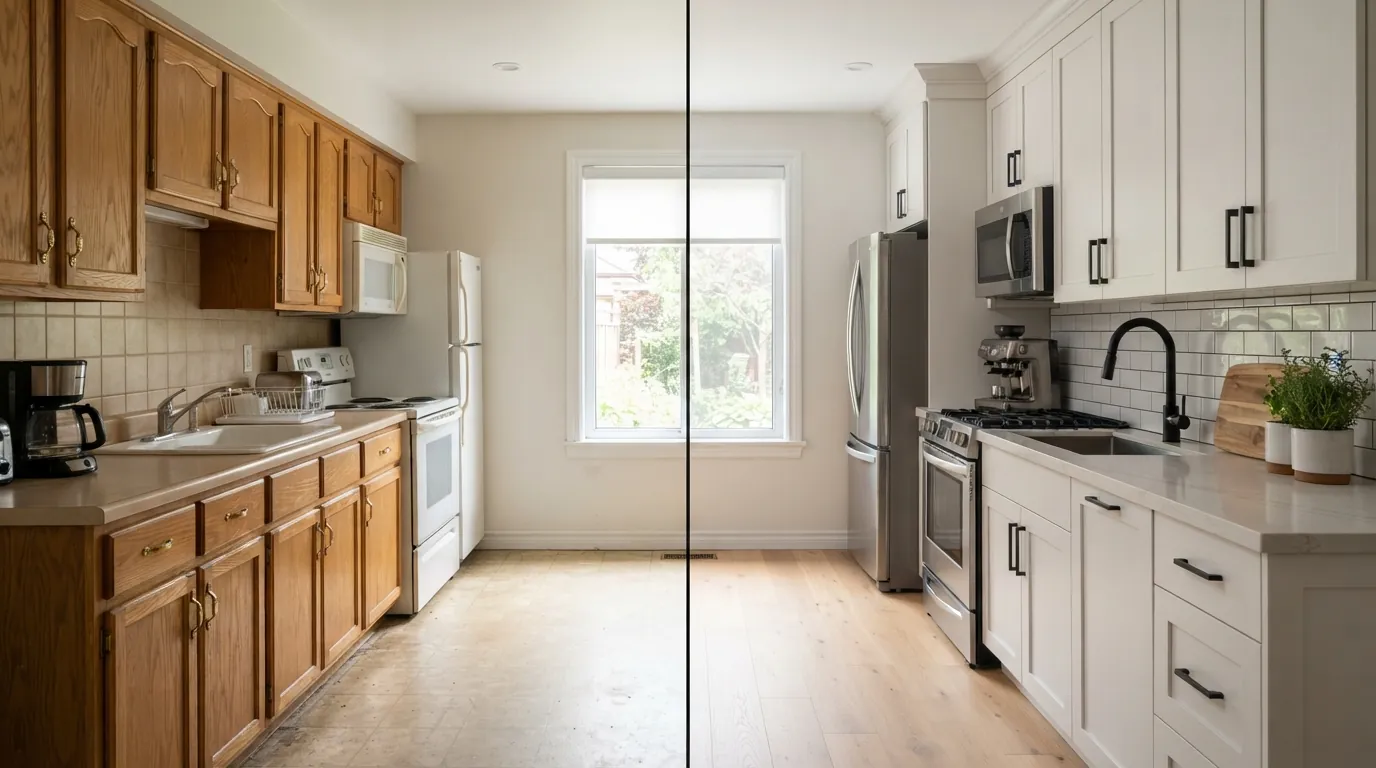
Tools built for rooms keep the existing structure as the starting point: same walls, same windows, same camera angle. That's the version worth using before a renovation. Even then, read the image as a mood and material study. A rendered island might be 6 inches too long for your actual clearance, and the model doesn't know your plumbing.
We wrote more on this in why AI room designs sometimes look fake.
How should I use AI before a renovation? A five-step workflow
1. Take good photos of the current room
Shoot in daylight from two or three corners, phone at chest height, lights on, counters clear. Each photo becomes a base you can redesign.
2. Generate three to five variations
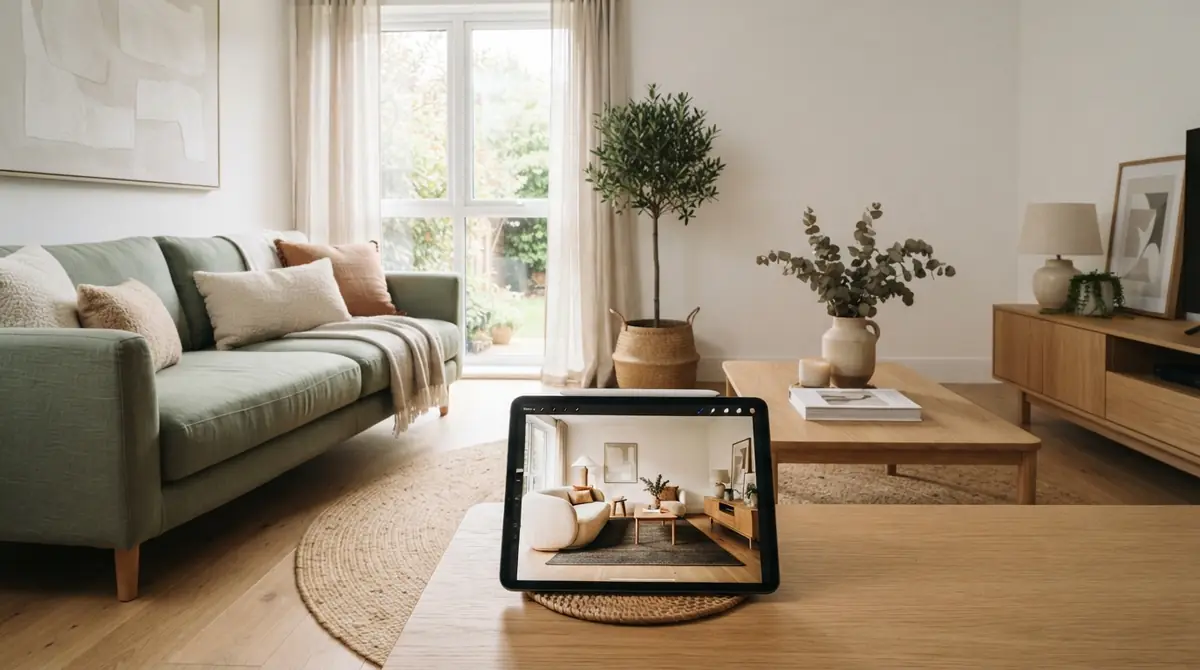
Upload a photo to the AI room designer, pick the room type, and try three to five styles or color schemes. Keep the intensity moderate if you're keeping the layout. Save the versions you react to, good or bad. "Definitely not that" is useful information.
3. Measure the room
Measure wall lengths, ceiling height, window and door positions, and existing plumbing and gas locations. Check key clearances like walkways (36 in minimum, 42 in in a busy kitchen) and dishwasher door swing. If the design you liked needs more room than you have, you'll find out now. A floor plan helps you check the layout at scale.
4. Estimate the cost
Before you fall in love with a design, put rough numbers on it. Our budget estimator and home renovation cost calculator give ranges by room and finish level. The kitchen remodel and bathroom remodel calculators go into more detail.
5. Take it to a contractor or designer
Bring the images, the measurements and a list: what stays, what changes, and which finishes you liked. A good contractor will tell you which parts of the picture are easy, which are expensive and which are impossible. You've now spent your consultation time on your actual decisions instead of browsing samples.
Is AI cheaper than hiring an interior designer?
It's a different service, so the comparison only goes so far. Interior designers commonly charge somewhere around $100-250 per hour, and many work on flat project fees. You pay for judgment, sourcing, trade discounts, drawings and someone who manages the details.
AI tools cost a few dollars in credits or a monthly plan and give you fast visual options. They don't source products, check lead times or catch a vent in the wrong place.
A sensible split for many homeowners:
- Use AI for exploration and to arrive at a clear brief.
- Pay a designer for a few hours of consultation if the project is large or you're stuck between two directions.
- Let the contractor handle construction details.
See how much an interior designer costs and AI vs a traditional interior designer for the full comparison.
Which renovations benefit most from an AI preview?
The ones where finishes cover a lot of surface and are expensive to undo:
- Kitchen cabinets and countertops. Large surfaces, hard to imagine from a sample.
- Flooring. Wood tone and tile size change the whole room.
- Paint and paneling. Cheap to try in an image, tedious to repaint.
- Bathroom tile and vanity. Small room, but every surface shows.
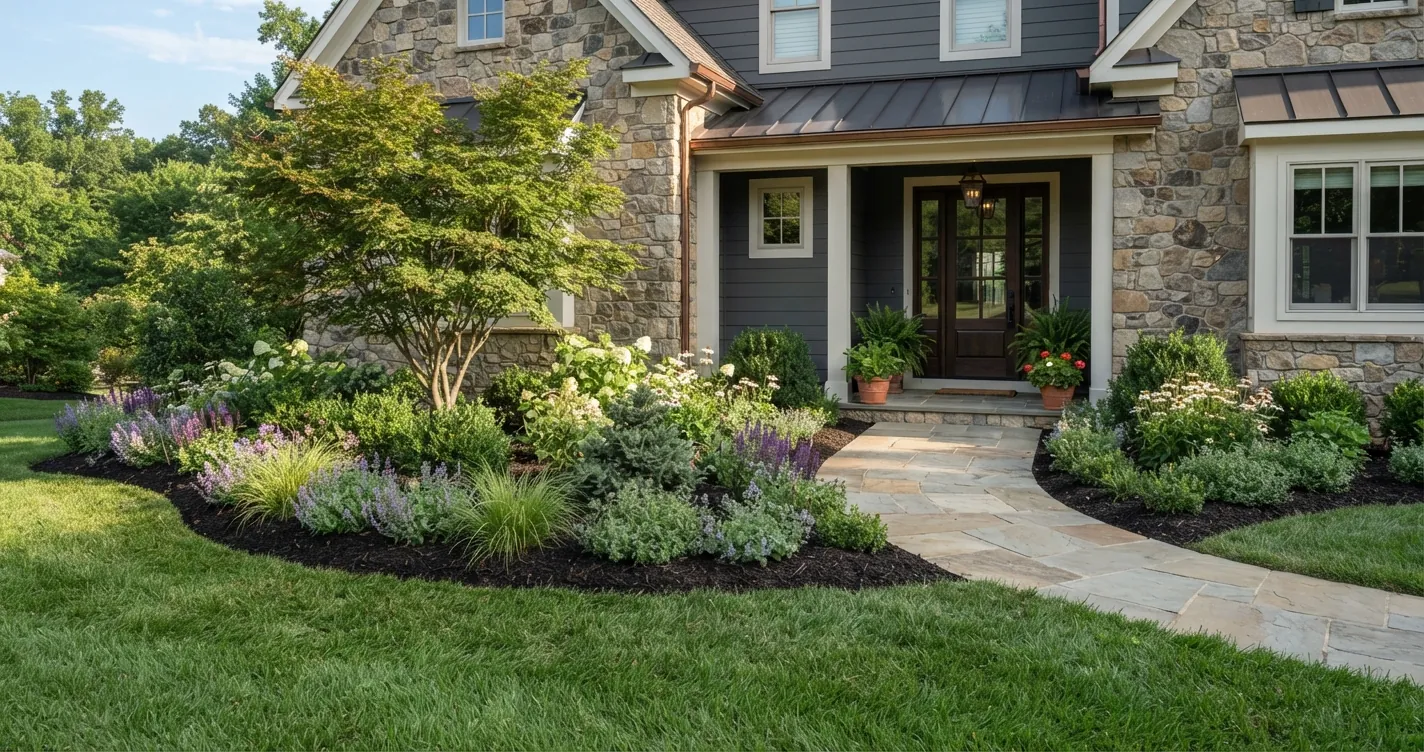
- Exterior paint and curb appeal. One photo of the front of the house shows the whole decision.
Small changes like a new lamp or rug don't need a preview. You can return those.
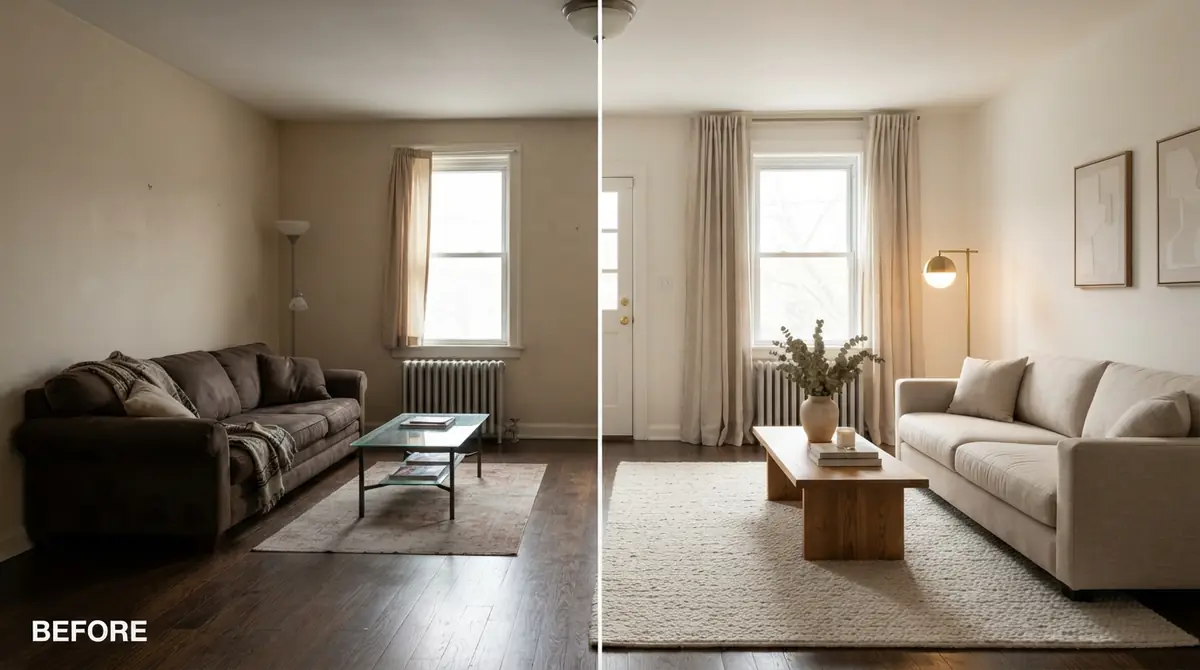
There's also a virtual renovation page if you're preparing a property for sale or showing buyers what a dated room could become.
What should I tell my contractor about an AI image?
Say it's a reference image, not a plan. Point out exactly which elements you want: "this cabinet color, this tile pattern, this light fixture style." Give them your measurements and ask what the closest real products are. Contractors see Pinterest boards every week. A render of your own room is easier for them to work from because the layout already matches.
Is AI interior design a gimmick?
For pure entertainment, it can be. Many people generate ten pretty pictures and never act on them. For a renovation, it earns its keep when you use it to make specific decisions earlier and with fewer surprises. You'll still need a tape measure, a budget and a qualified contractor.
If you want to see what it does with your own room, upload a photo to the AI room designer. New accounts get free credits, which is enough to try a few styles before deciding whether it's useful for your project.
Frequently asked questions
Can AI design my kitchen layout?
AI can suggest layout ideas on a photo, but it doesn't produce measured drawings. Use it for direction, then confirm dimensions, clearances and plumbing with a floor plan and a contractor.
Is AI interior design accurate?
It's accurate about look and feel when the tool keeps your room's structure. It isn't accurate about exact dimensions, products or whether a wall can be removed.
Should I show AI renderings to my contractor?
Yes, as references. Label them as inspiration, list the specific elements you want, and bring measurements.
Can AI replace an interior designer?
For small projects and deciding on a style, many people don't need more. For large renovations, a designer adds sourcing, drawings, budgeting and coordination that AI doesn't provide.
What's the biggest mistake people make with AI room design?
Using a general image generator that changes the room's walls and windows, then trying to build the result. Use a tool that preserves your room, and treat its images as a starting brief.