Airbnb Listing Photo Checklist: Shot List, Staging and Order That Gets Clicks
Your first five photos decide whether a guest clicks. Here's a room-by-room shot list, how to stage and light each space, the order to upload them, and how to stay honest so reviews match the photos.
Hoceine
8 min read14 views
In this article
- Why do the first five photos matter most?
- How do I take good Airbnb photos with a phone?
- Airbnb shot list: room by room
- How should I stage a short-term rental for photos?
- Should I use a twilight or day-to-dusk photo?
- How do I stay honest so photos don't hurt my reviews?
- How can AI help with Airbnb photos?
- Quick checklist before you upload
- Frequently asked questions
"Is a professional photographer for an Airbnb listing worth it?" That question on r/realestateinvesting picked up 75 upvotes. On r/airbnb_hosts, a thread asked hosts who improved their photos what actually moved the needle. And on r/AirBnB, one host posted their new photos with the hopeful title "hoping new photos are less misleading!"
Those three threads cover the whole problem. Photos have to win the click, and then the stay has to match them.
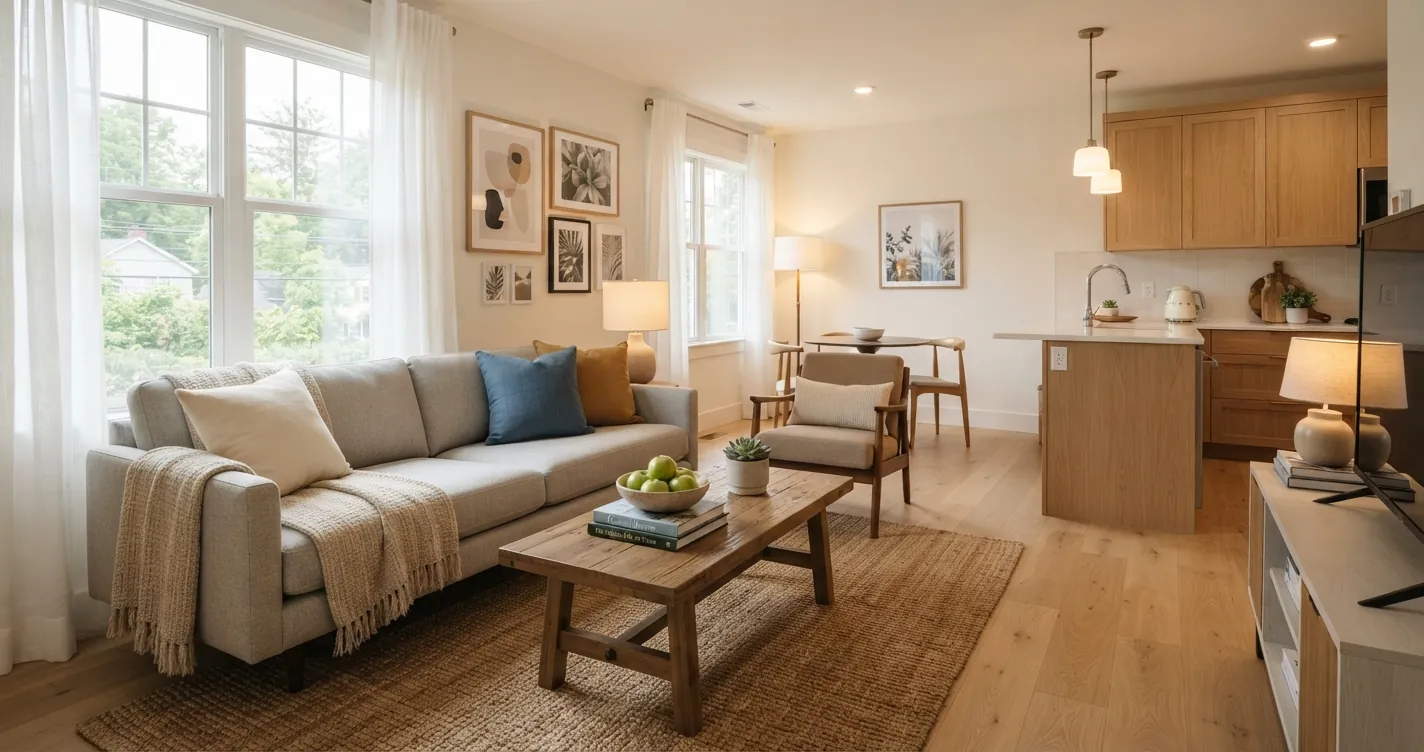
Short answer: put your strongest, brightest room as a horizontal cover photo, and make the first five photos the best of the listing. Shoot from about 4-5 feet high in the corners of each room, with every light on and daylight coming in. Make beds hotel-style, clear every surface, and add one amenity close-up per room. Keep photos honest so reviews don't punish you later.
Why do the first five photos matter most?
On a desktop listing page, Airbnb shows a grid of the first five photos at the top. On mobile, guests swipe the first few before deciding whether to read more. In search results, the cover photo is often the only image a guest sees. Your listing competes in a grid of near-identical thumbnails, so the cover has one job: be the clearest, brightest, most inviting image on the page.
| Slot | What to show | Why |
|---|---|---|
| 1 (cover) | Best living area or the most unusual feature (view, pool, patio) | Wins the click in search |
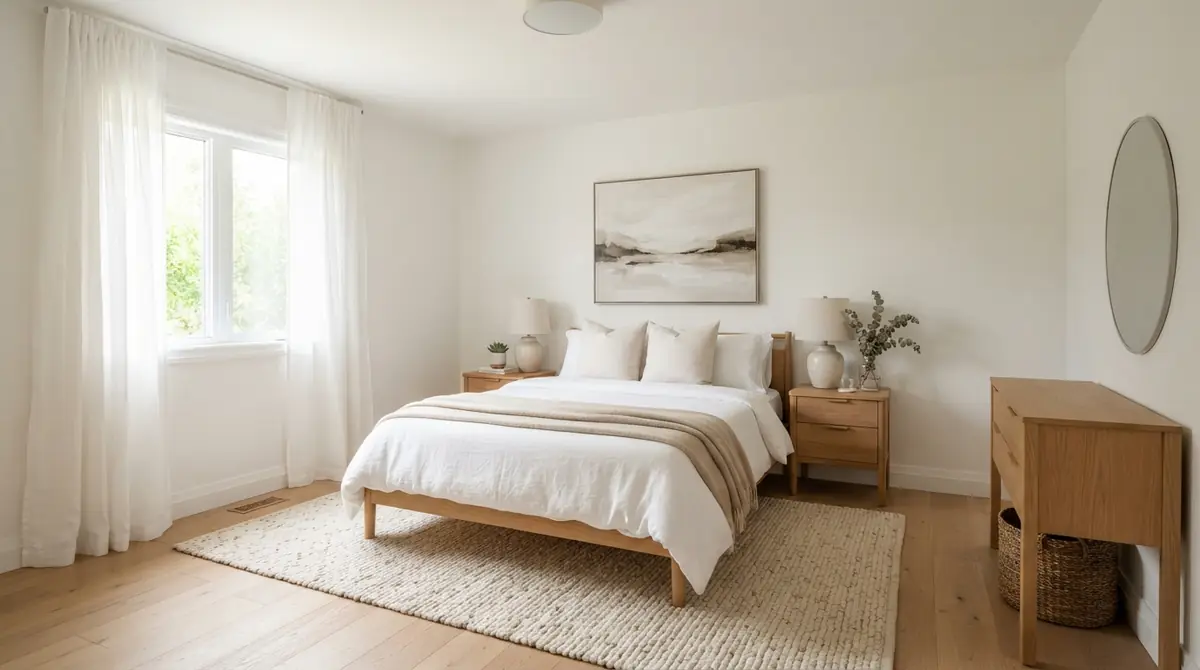
| 2 | Main bedroom, bed made hotel-style | Guests want to know where they'll sleep |
| 3 | Kitchen or dining area | Signals "you can actually live here" |
| 4 | Second best space or the outdoor area | Adds a reason to choose you |
| 5 | Bathroom, bright and spotless | Cleanliness is a top worry for guests |
After those five, follow the natural path through the home: entry, living, kitchen, bedrooms, bathrooms, outdoor, neighborhood.
How do I take good Airbnb photos with a phone?
Modern phones are capable. Most bad listing photos come from technique, not the camera.
- Shoot horizontally (landscape) for every room photo. Airbnb crops to horizontal in most places.
- Stand in a corner or doorway and hold the phone at about 4-5 feet high, roughly chest height. Lower than eye level makes furniture look more natural.
- Keep the phone level. Tilted verticals make walls lean. Turn on the grid in your camera settings.
- Use the 0.5x ultra-wide lens carefully. It shows more of a small room but bends edges. Step back and use 1x where you can.
- Turn on every light, open every curtain, and shoot when daylight is strong but not harsh sun streaming across the floor.
- Use your phone's HDR (usually automatic) so windows aren't pure white.
- Take three or four angles per room and pick the best later.
Hiring a professional is worth it for most hosts in competitive markets, especially for exterior and twilight shots. If you shoot yourself, the checklist below gets you most of the way.
Airbnb shot list: room by room
| Room | Wide shots | Detail or amenity shot |
|---|---|---|
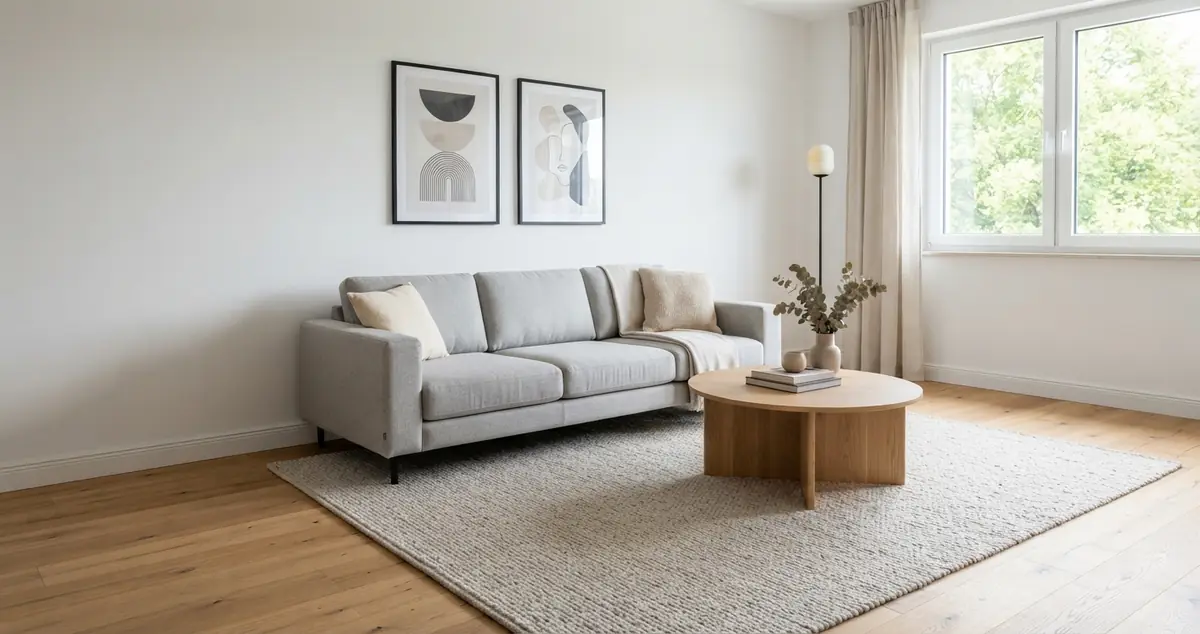
| Living room | From two corners, one showing the TV and one showing the windows | Throw blanket and books on the sofa, or the view from the sofa |
| Kitchen | One wide from the entry, one along the counters | Coffee setup, spice rack, or dishwasher open showing space |
| Dining | Table set simply for the number of guests | Place setting close-up |
| Each bedroom | From the door and from the far corner | Bedside lamp and charger, closet with hangers |
| Each bathroom | From the doorway | Rolled towels and toiletries |
| Workspace | Desk with chair and lamp | Monitor, ports, Wi-Fi speed screenshot if fast |
| Outdoor | Wide shot of patio, balcony or garden | Seating set up, string lights on |
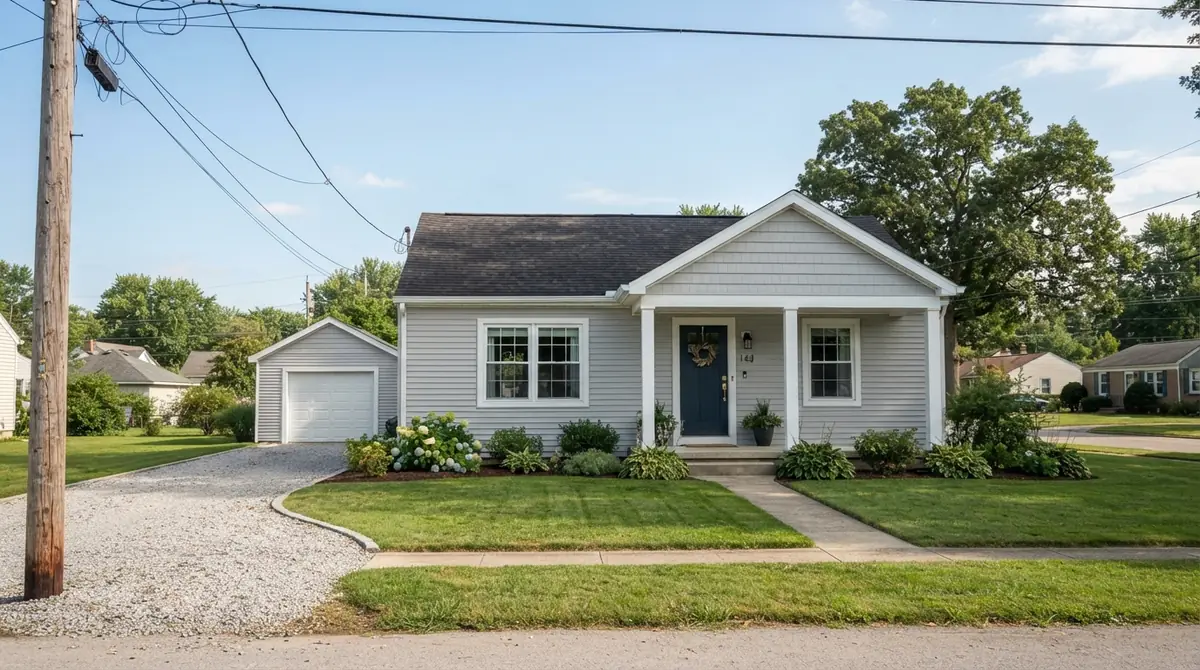
| Exterior | Front of the building, daytime | Entry door or lockbox (helps check-in) |
| Neighborhood | Nearby park, beach, market or view | Only places a guest can actually walk to |
How should I stage a short-term rental for photos?
- Beds: white or light bedding, a topper or duvet with volume, four pillows plus shams, duvet folded back at the top. See how to make your bedroom feel like a hotel for the full method.
- Surfaces: clear everything except one or two objects. Remove remote controls, cables, paper notices and bins.
- Kitchen: a bowl of fruit, a cutting board, a plant. Hide the dish rack and sponges.
- Bathroom: toilet seat down, towels folded or rolled, shower curtain pulled half open, nothing on the floor.
- Outdoor: cushions out, umbrella open, pool clean. Hide hoses and bins.
- Lights: all on, including lamps, under-cabinet lights and outdoor string lights.
Keep styling simple and true to what guests will find. A plant and a folded throw are fine. Expensive props that won't be there at check-in are not.
Should I use a twilight or day-to-dusk photo?
A twilight exterior, with a deep blue sky and every window glowing, often stands out in a grid of daytime thumbnails. Pros shoot these just after sunset, which means a second trip. A virtual day-to-dusk edit turns a daytime exterior into a twilight version without that second trip. It works best when the home actually has exterior lighting and the property in the image is otherwise unchanged.
The same goes for a gray-sky exterior photo. A sky replacement to clear blue is a common, accepted edit as long as nothing about the property itself changes.
How do I stay honest so photos don't hurt my reviews?
That host's title is the lesson here. Guests compare the real stay with the photos, and reviews mention any gap.
- Don't use the ultra-wide lens to make small rooms look large. Show at least one normal 1x angle of each room.
- Don't hide a busy road, a shared entrance or a view of a wall. Mention it in the description instead.
- Update photos whenever you change furniture or decor.
- Label any concept or virtually staged images clearly, or leave them out of the main gallery. AI-staged furniture that isn't in the unit leads to complaints.
- Use edits like sky replacement, brightening or day-to-dusk to present the real place in its best light, not to change what's there.
If you're furnishing or refreshing an empty unit, virtual staging for Airbnb explains how to test furniture choices before buying, and the Airbnb furnishing cost calculator helps budget them.
How can AI help with Airbnb photos?
Use it to plan and polish, not to invent. Upload your own photo to the AI room designer and you can:
- Test a redesign or new color scheme before you buy anything, then photograph the real result.
- Brighten dark rooms with the one-tap "Bright & airy" photo fix.
- Swap a gray sky for "Blue sky" or "Golden hour" on exterior photos.
- Turn a daytime exterior into "Day to dusk."
- Use Magic Edit to erase small clutter you forgot to move, like a cable or a bin.
Each fix keeps the property itself the same and costs one credit. New accounts get free credits, so you can try it on your listing's weakest photo first. Our guide to Airbnb interior design ideas that get bookings covers what to change in the rooms themselves.
Quick checklist before you upload
- Cover photo is horizontal, bright and your best space.
- First five photos cover living area, main bedroom, kitchen, one highlight and a bathroom.
- Every room has a wide shot and at least one detail shot.
- All photos are level, with lights on and windows not blown out.
- Beds made hotel-style, surfaces clear, no personal items.
- Order follows the path a guest walks through the home.
- Every photo matches what guests will find on arrival.
Frequently asked questions
What should my Airbnb cover photo be?
A bright, horizontal photo of your best space, usually the living area, a standout view or an outdoor feature. It should be clear even as a small thumbnail.
How many photos should an Airbnb listing have?
Enough to show every room a guest will use, with a wide shot and a detail of each. For a two-bedroom unit that's often 20-30 photos. Quality and order matter more than total count.
Is a professional photographer worth it for Airbnb?
For many hosts in competitive markets, yes, especially for exteriors and twilight shots. A careful phone shoot with good light and staging can still compete well.
What order should Airbnb photos be in?
Put your five strongest images first, then follow the path through the home: entry, living, kitchen, bedrooms, bathrooms, outdoor, neighborhood.
Can I edit my Airbnb photos?
Yes, for brightness, color, sky and straightening. Avoid edits that change the property itself or hide problems, because guests notice and reviews reflect it.