
Turn Your Sketches into Stunning Designs
Transform hand-drawn room sketches into photorealistic interior designs. No artistic skill required—even basic doodles become beautiful visualizations in seconds.
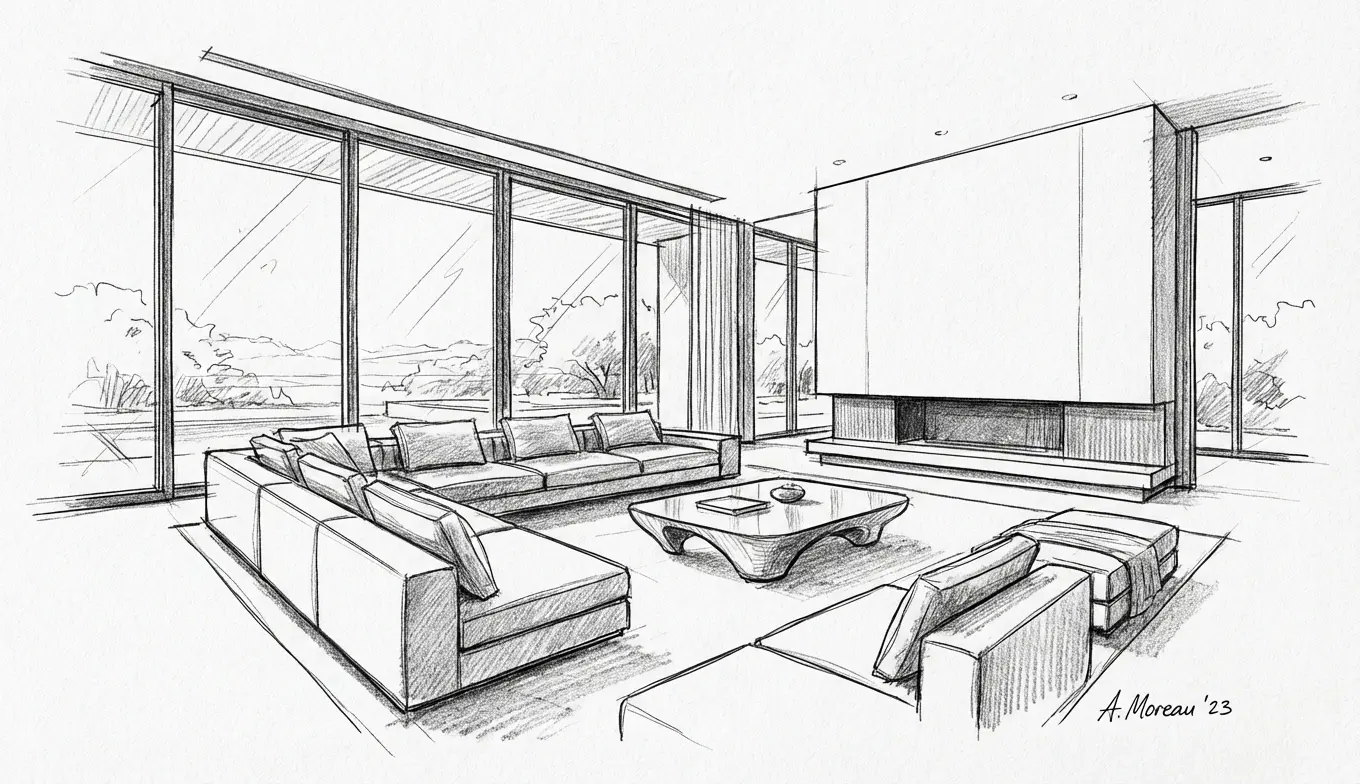
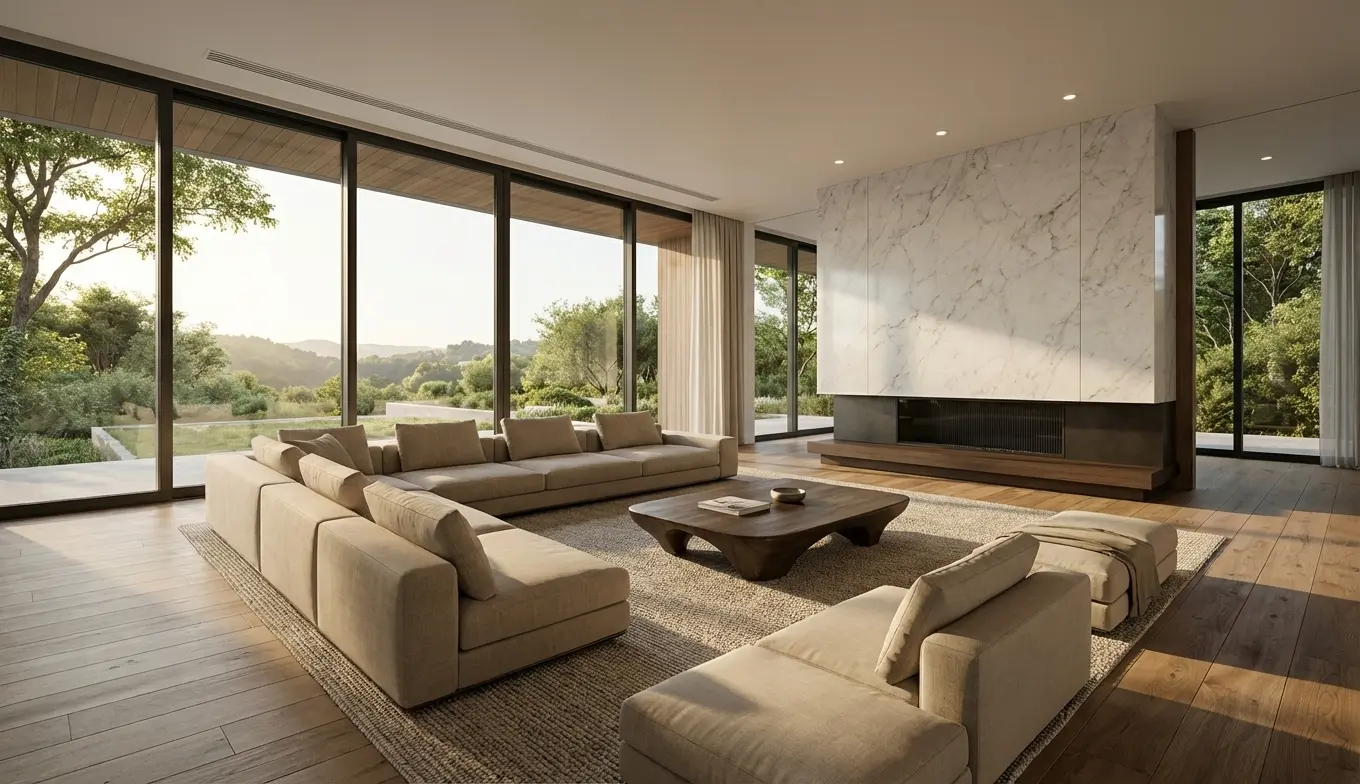 BeforeAfter
- level of sketching works
- Any Skill
- design styles to apply
- 35+
- from sketch to realistic design
- Seconds
- style variations per sketch
- Unlimited
How Sketch to Design Works
From doodle to design in three simple steps
- 1
Draw or Photograph
Create a sketch on paper, tablet, or any medium.
- 2
Upload & Choose Style
Upload your sketch and select a design aesthetic.
- 3
Get Realistic Design
AI transforms your sketch into a photorealistic room.
Works with Any Sketch
From napkin doodles to detailed drawings—AI understands all
Paper Sketches
Hand-drawn on paper—just snap a photo.
Digital Drawings
Created on tablets or drawing software.
Concept Doodles
Quick ideation sketches and rough layouts.
Mood Boards
Collages with rough room layouts.
Apply Any Style to Your Sketch
Transform your sketch into 30+ different design aesthetics
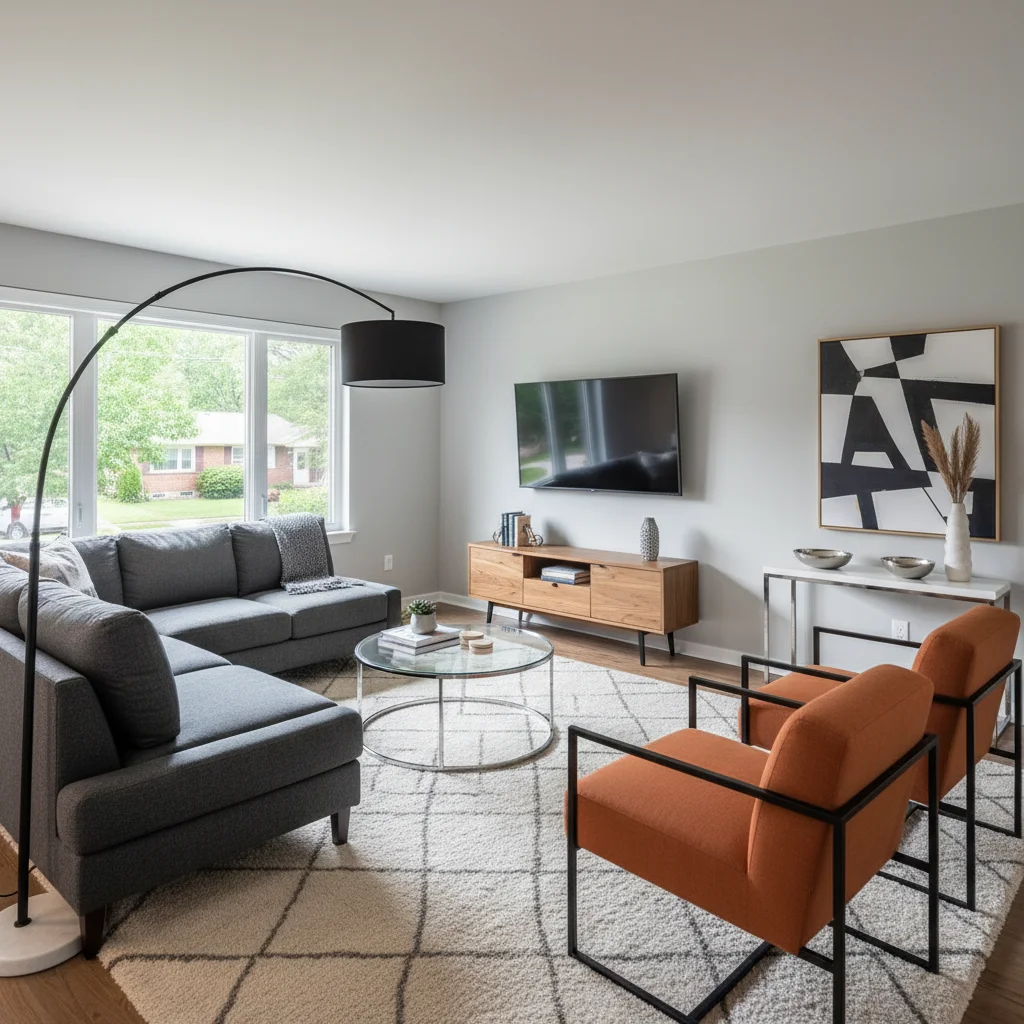
Modern
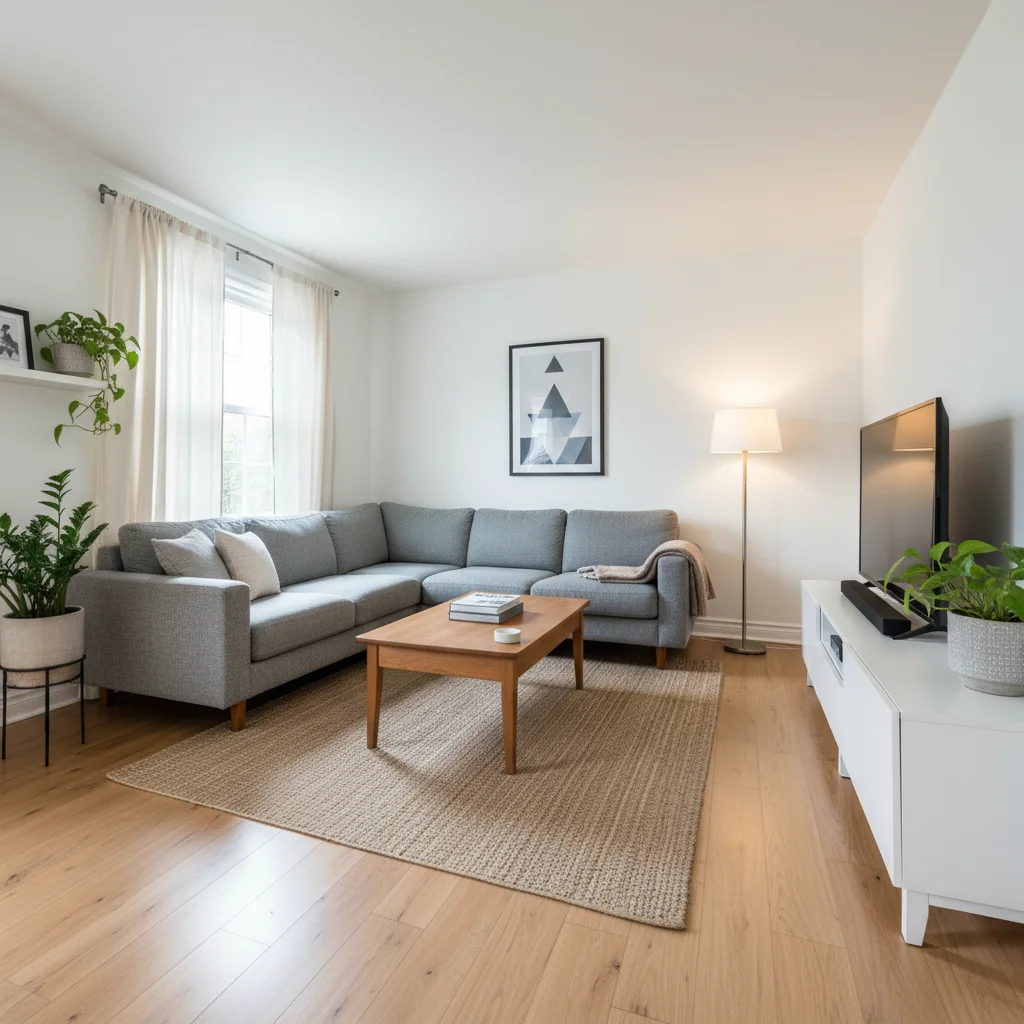
Minimalist
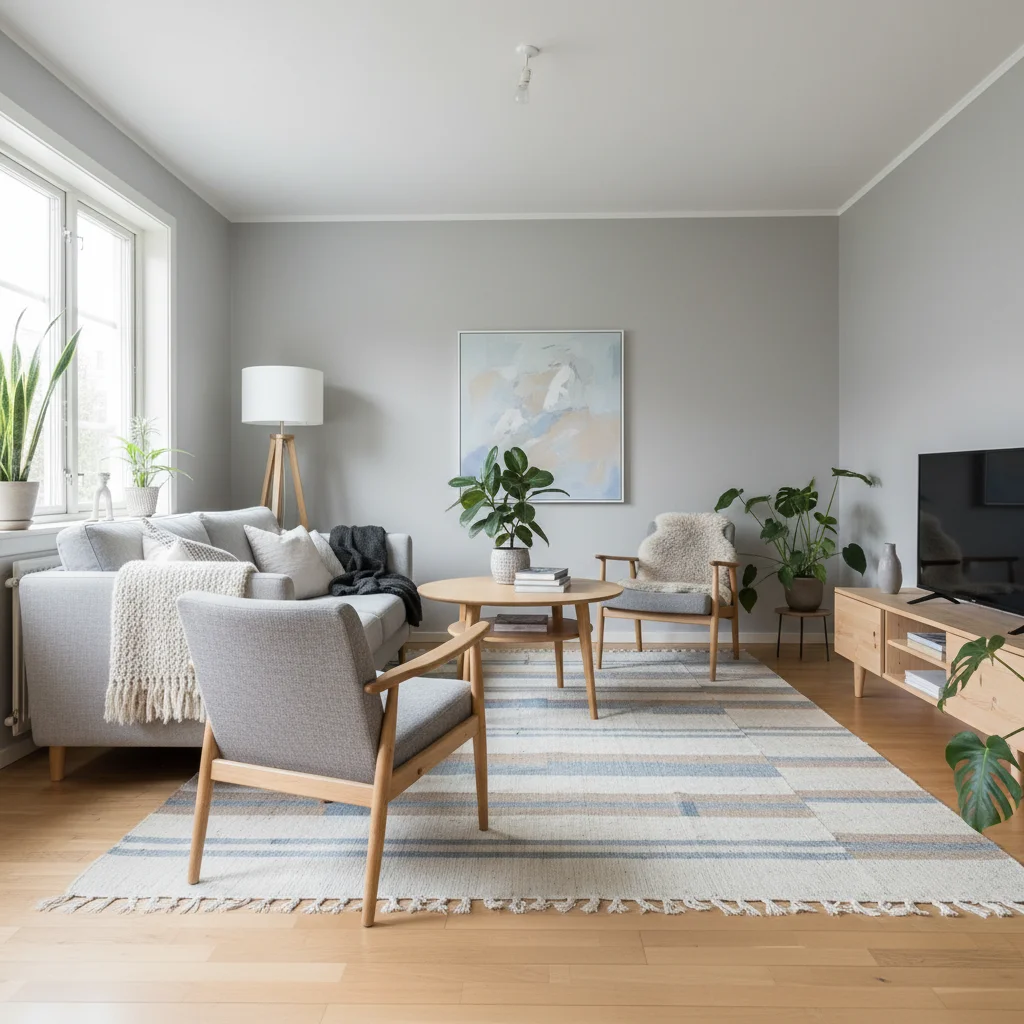
Scandinavian
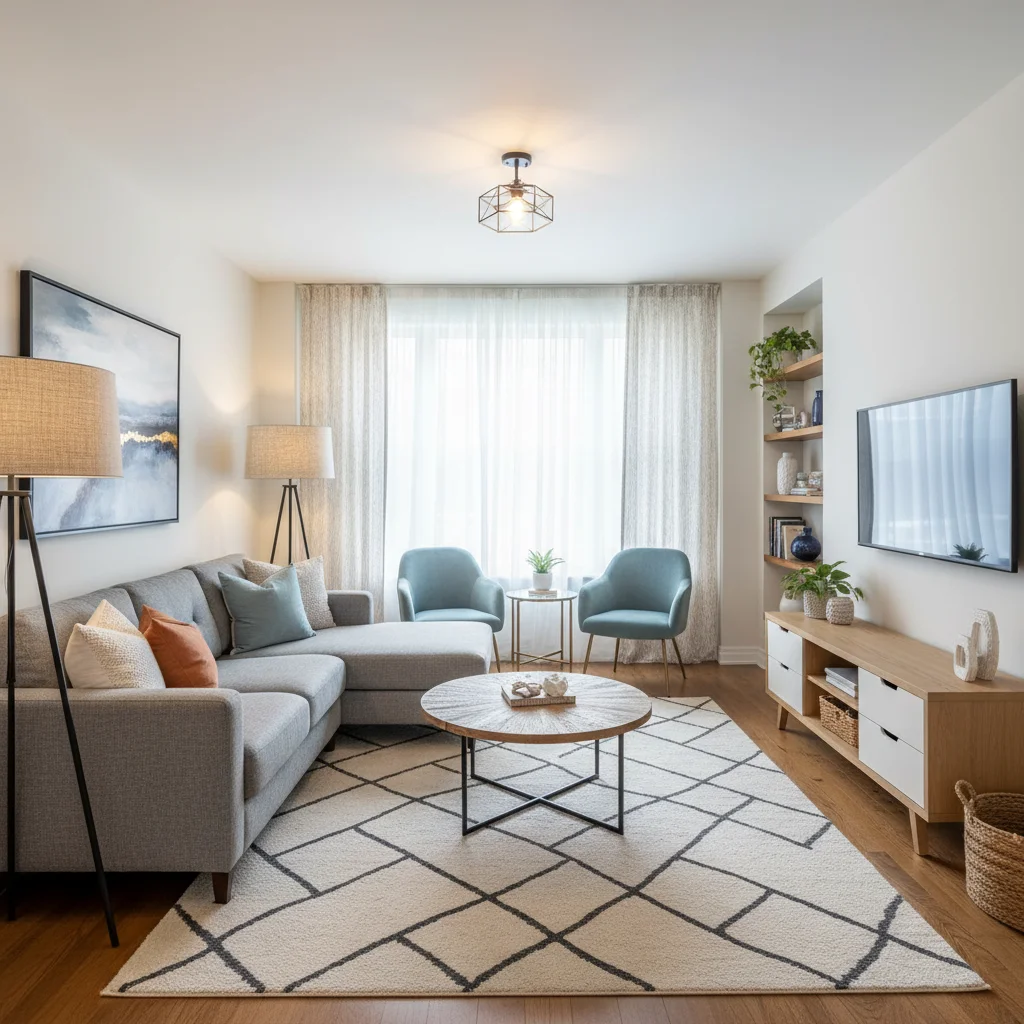
Contemporary
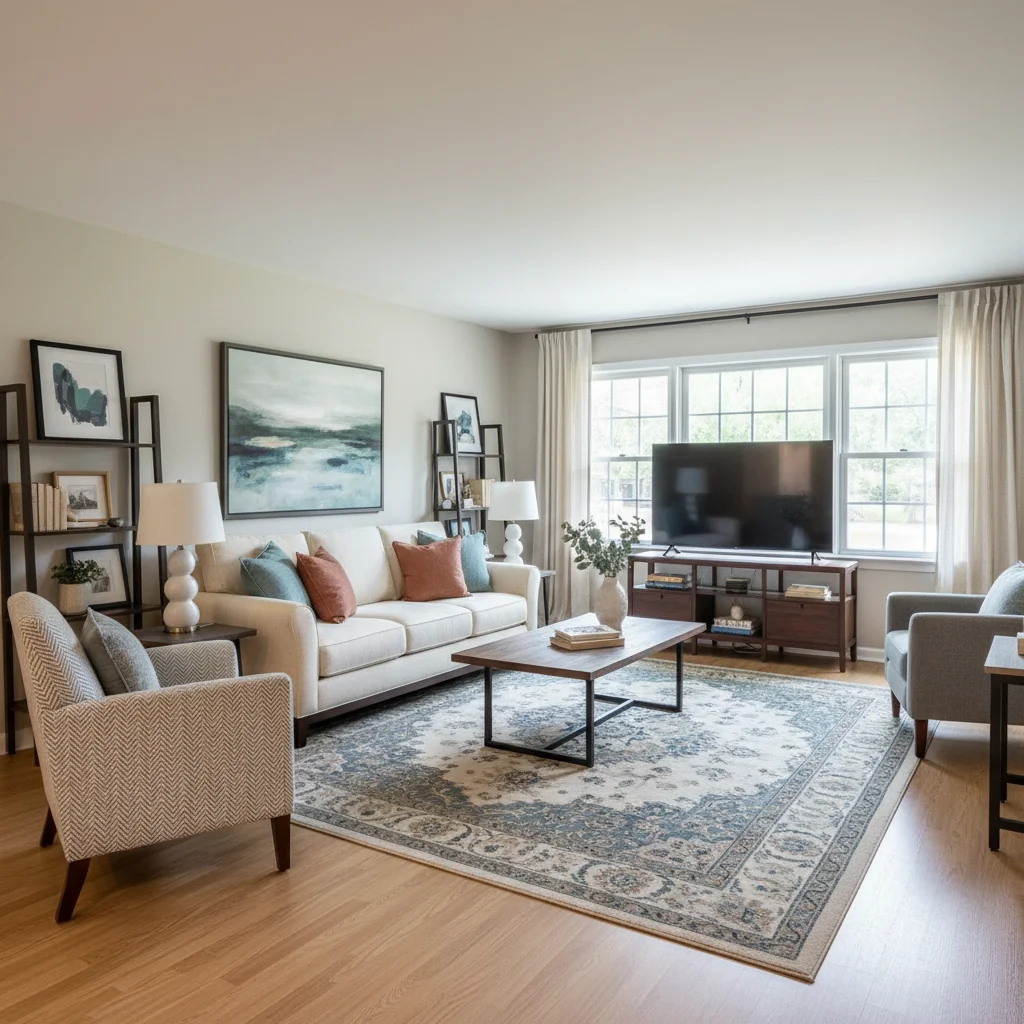
Transitional
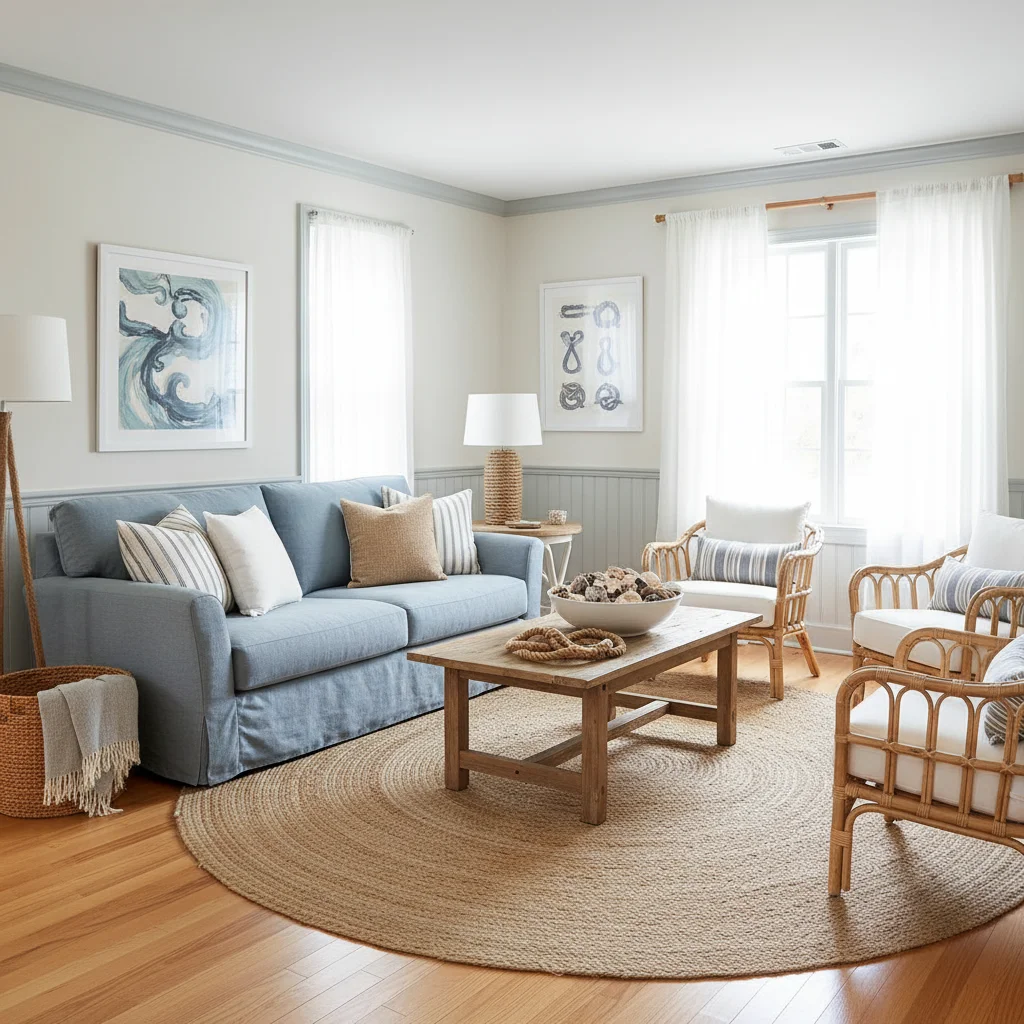
Coastal
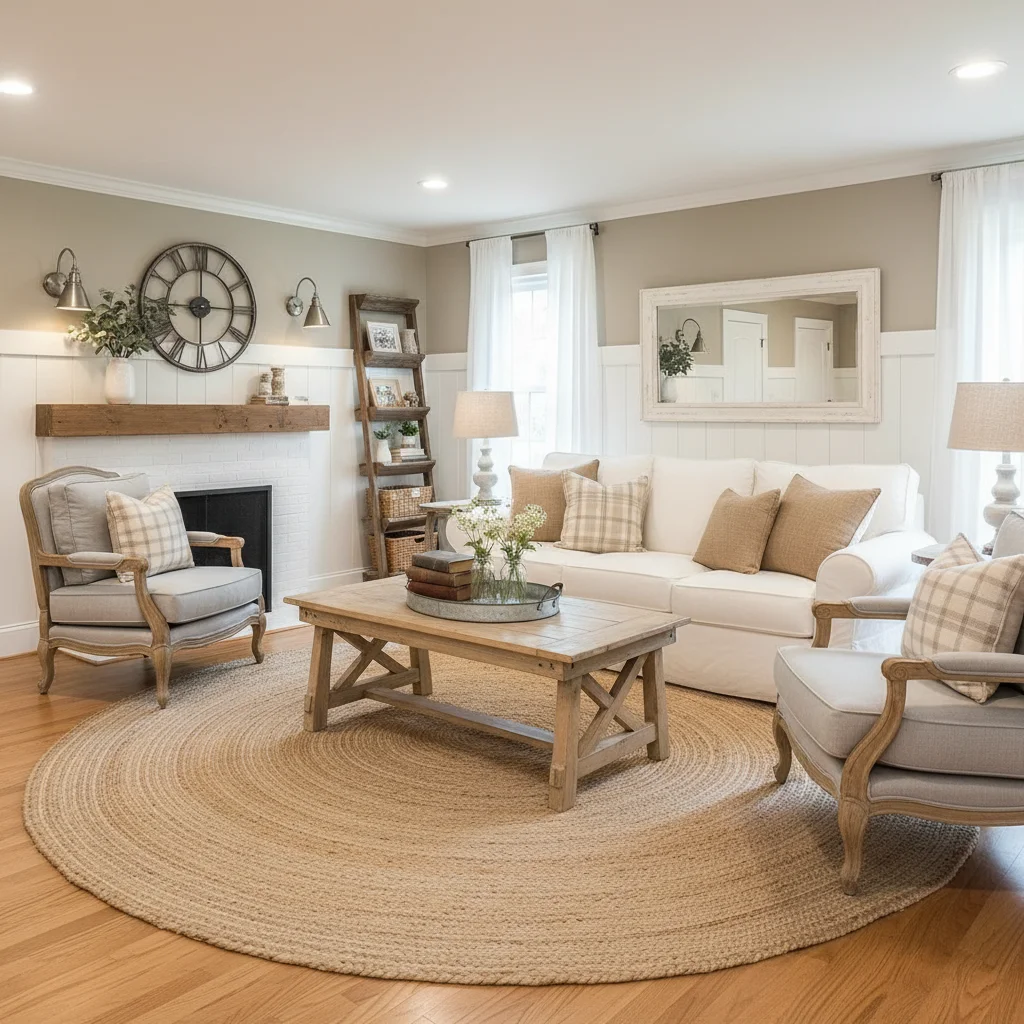
Farmhouse
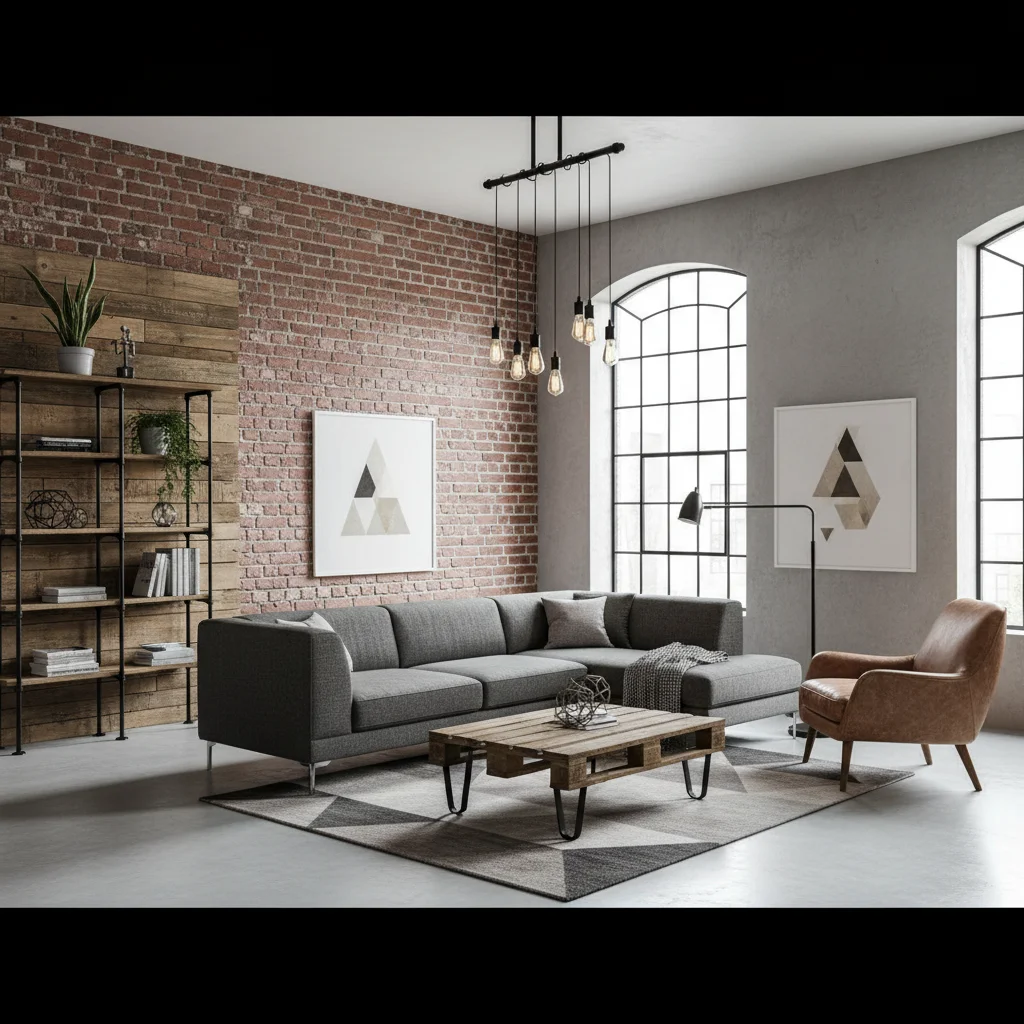
Industrial
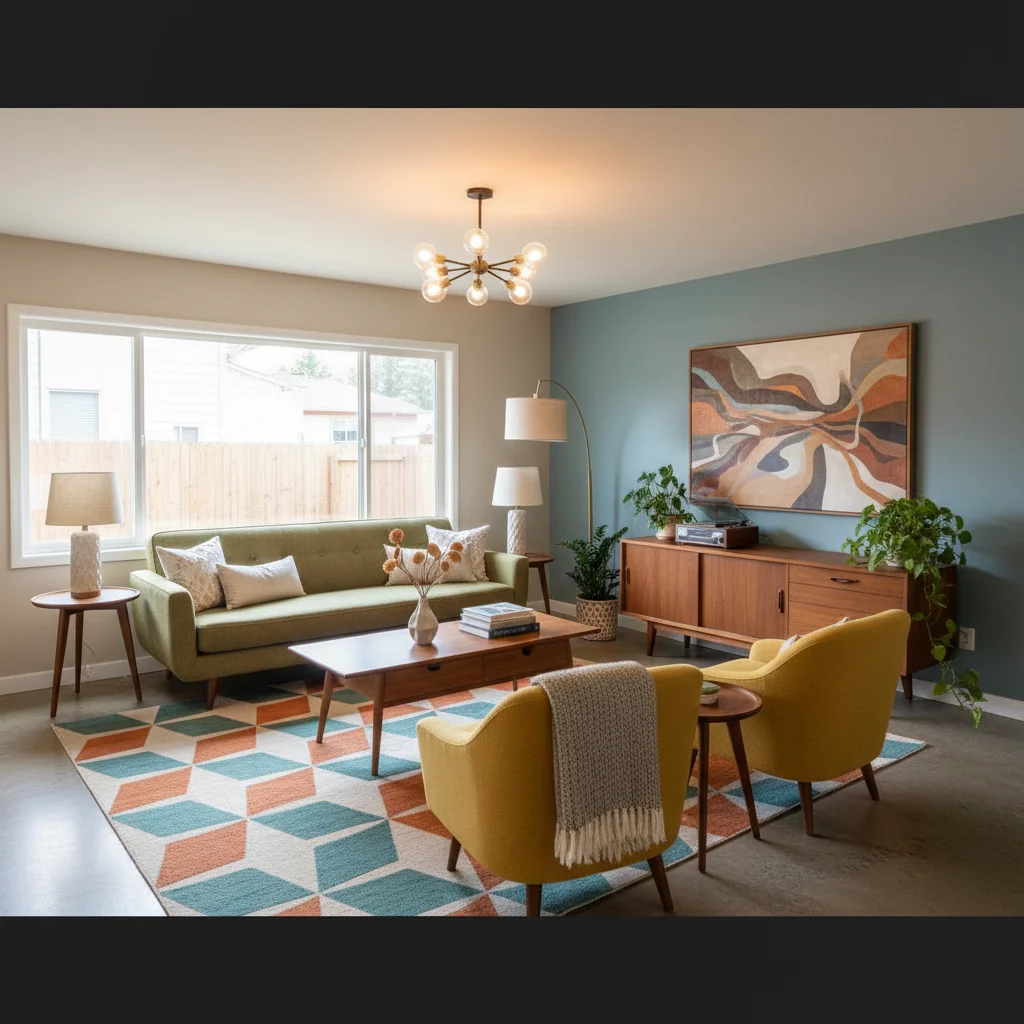
Mid-Century
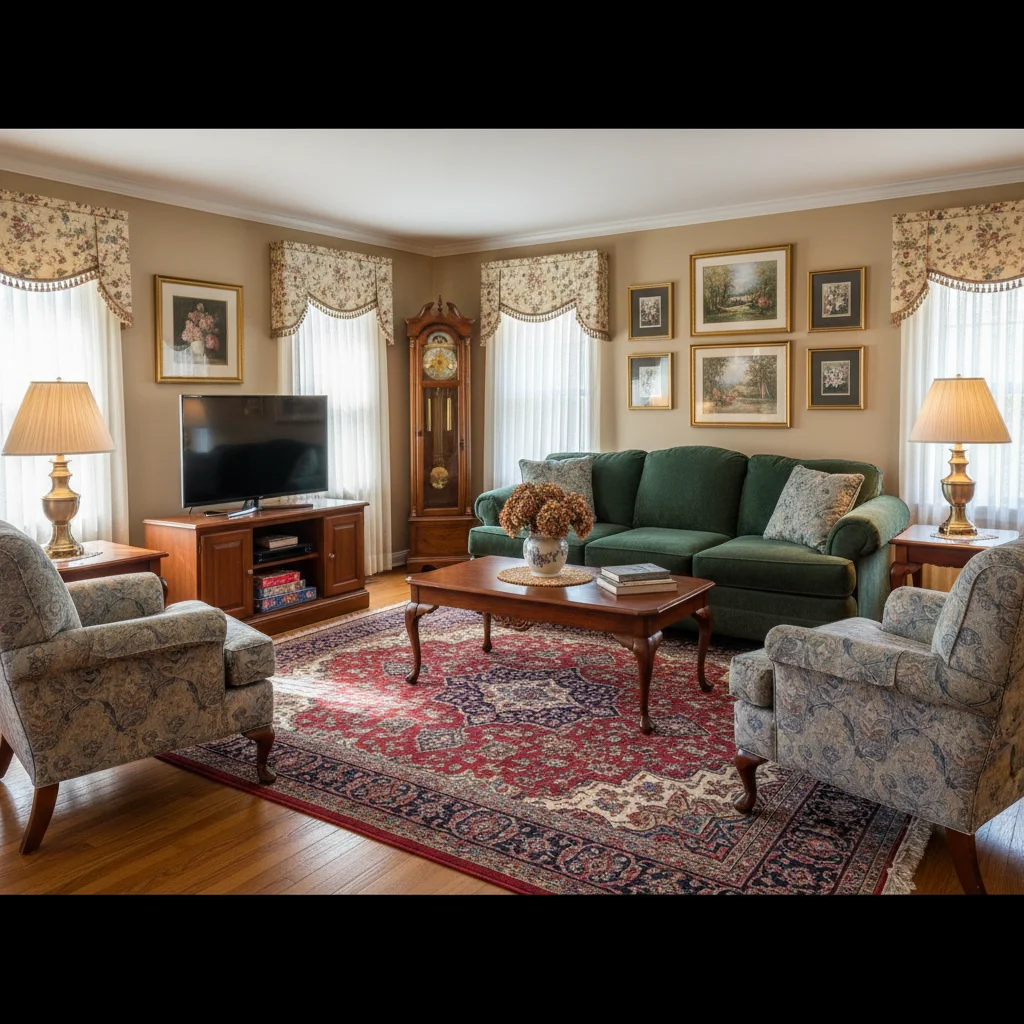
Traditional
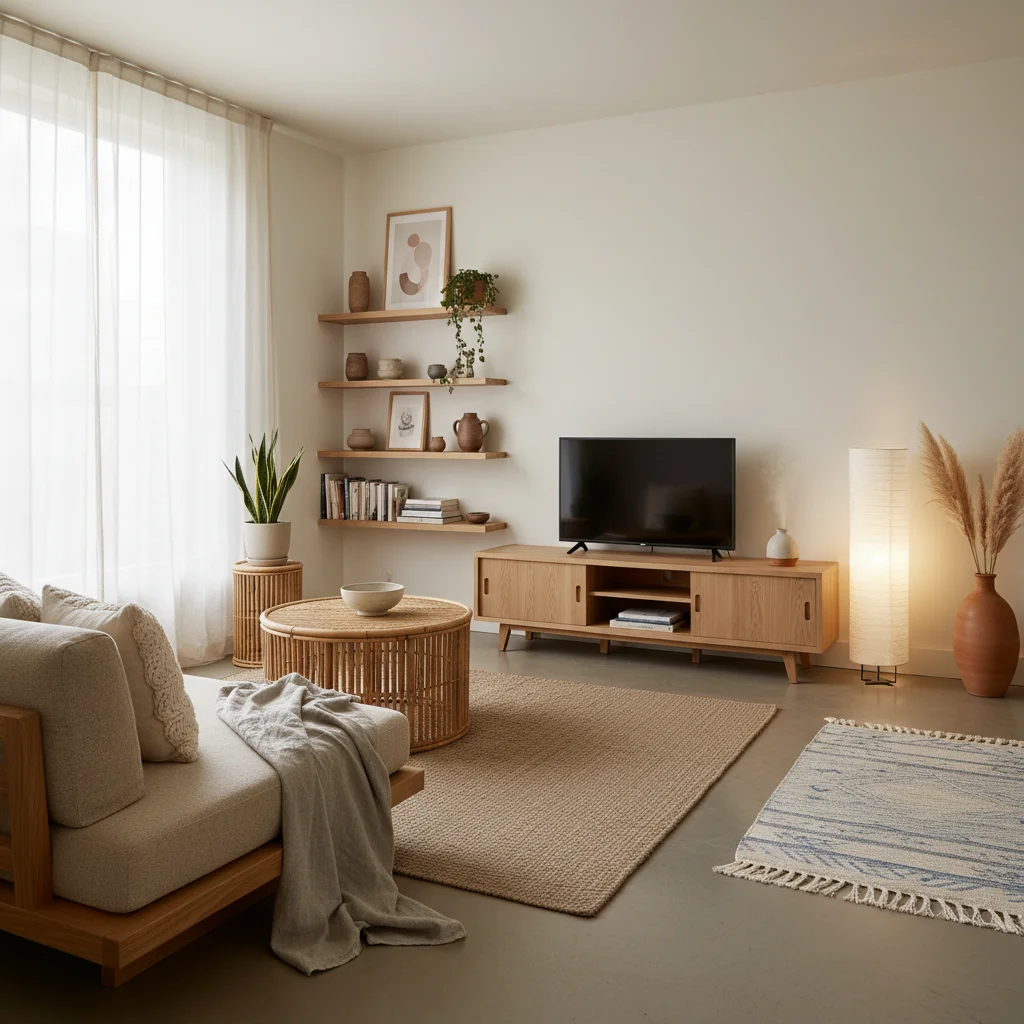
Japandi
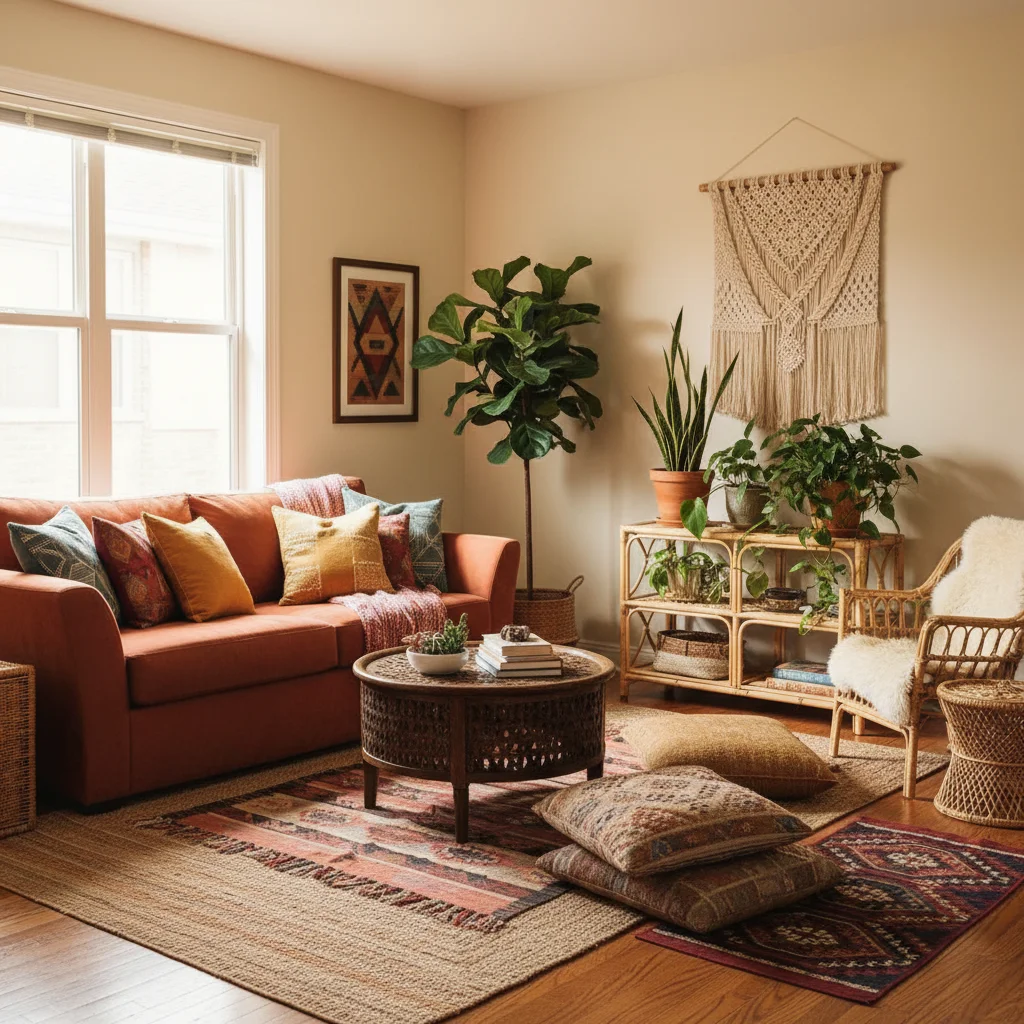
Bohemian
Who Uses Sketch to Design
Design Students
Turn class sketches into portfolio-ready visualizations.
DIY Enthusiasts
See your home improvement ideas come to life.
Interior Designers
Rapid concept exploration before detailed rendering.
Homeowners
Communicate design ideas to contractors and family.
Perfect for Design Students
Turn your class sketches and concept doodles into professional-quality visualizations. Create stunning portfolio pieces, impress in presentations, and develop your design eye by seeing ideas come to life instantly.
- Portfolio-ready results
- Class project visualizations
- Rapid concept iteration
Why Sketch to Design
Bring Ideas to Life
See what your rough ideas could actually look like.
No Art Skills Required
Even basic sketches transform into realistic rooms.
35+ Design Styles
Apply any aesthetic to your sketch concept.
Instant Results
Go from sketch to realistic visualization in seconds.
Powerful Features
No Artistic Skill Needed
Even basic stick-figure sketches transform into realistic room designs.
Paper or Digital
Works with photos of paper sketches, tablet drawings, or digital concepts.
Style Exploration
Apply different aesthetics to see your concept in various design directions.
Portfolio Ready
Perfect for design students creating professional-quality visualizations.
Frequently Asked Questions
What is Sketch to Design?
Our AI Sketch-to-Real mode transforms your hand-drawn room sketches, concept doodles, or rough layouts into photorealistic interior design visualizations. No artistic skill required—even basic stick-figure sketches work!
How detailed does my sketch need to be?
Your sketch can be as simple or detailed as you want. A basic rectangle with a window shape works, but adding more detail (furniture shapes, room features) helps the AI understand your vision better. The AI fills in realistic details either way.
What tools can I use to create sketches?
Anything works! Use paper and pencil (just take a photo), tablet drawing apps, simple digital tools, or even whiteboard sketches. The AI interprets various sketch styles and quality levels.
Can I apply different design styles to my sketch?
Absolutely! Choose from 35+ design styles (Modern, Bohemian, Scandinavian, etc.) to see your sketch transformed into different aesthetics. Generate multiple versions to explore different directions.
Is this useful for design students?
Yes! Design students use Sketch-to-Real to quickly visualize concepts for class projects, develop their design eye by seeing ideas come to life, and create portfolio-worthy presentations from rough concepts.
Can professional designers use this?
Many professional designers use Sketch-to-Real for rapid concept exploration during the early ideation phase. It helps communicate ideas to clients before investing in detailed CAD or 3D rendering.
Ready to Bring Your Sketches to Life?
Transform any sketch into a stunning design in seconds.